> ## Documentation Index
> Fetch the complete documentation index at: https://fillout.com/help/llms.txt
> Use this file to discover all available pages before exploring further.
# Use AI to create surveys
> Fillout lets you make any type of survey using a prompt or by importing an existing one with the AI Survey Maker for free.
## How it works
On Fillout, scroll to the bottom of the page, and click [**AI Survey Maker**](https://www.fillout.com/ai-survey-maker).
Enter the type of survey you need, add your questions, or start from an existing one.
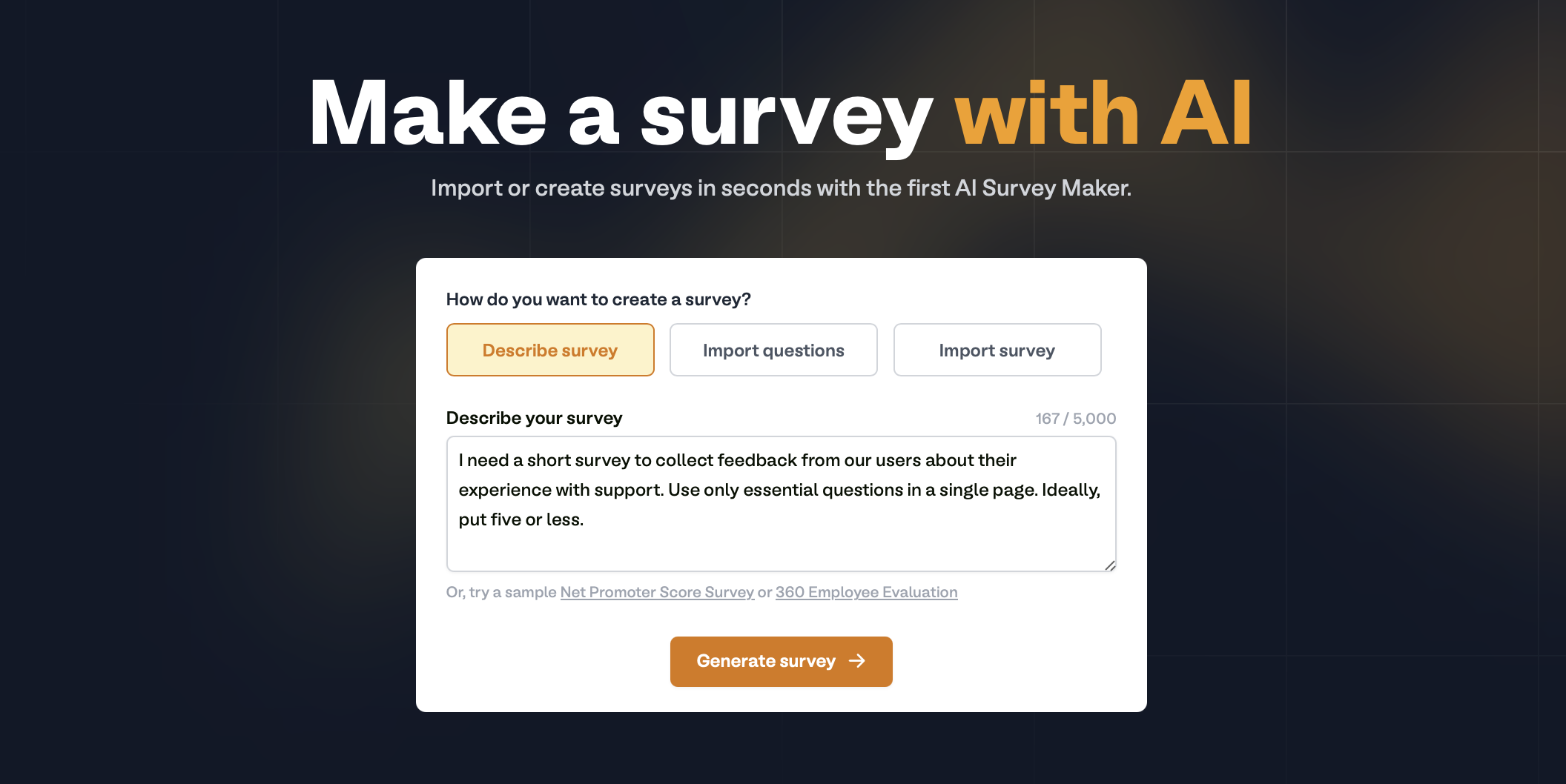
**Describe survey**
Type your survey description or use a sample, then click `Generate survey`.
 **Import questions**
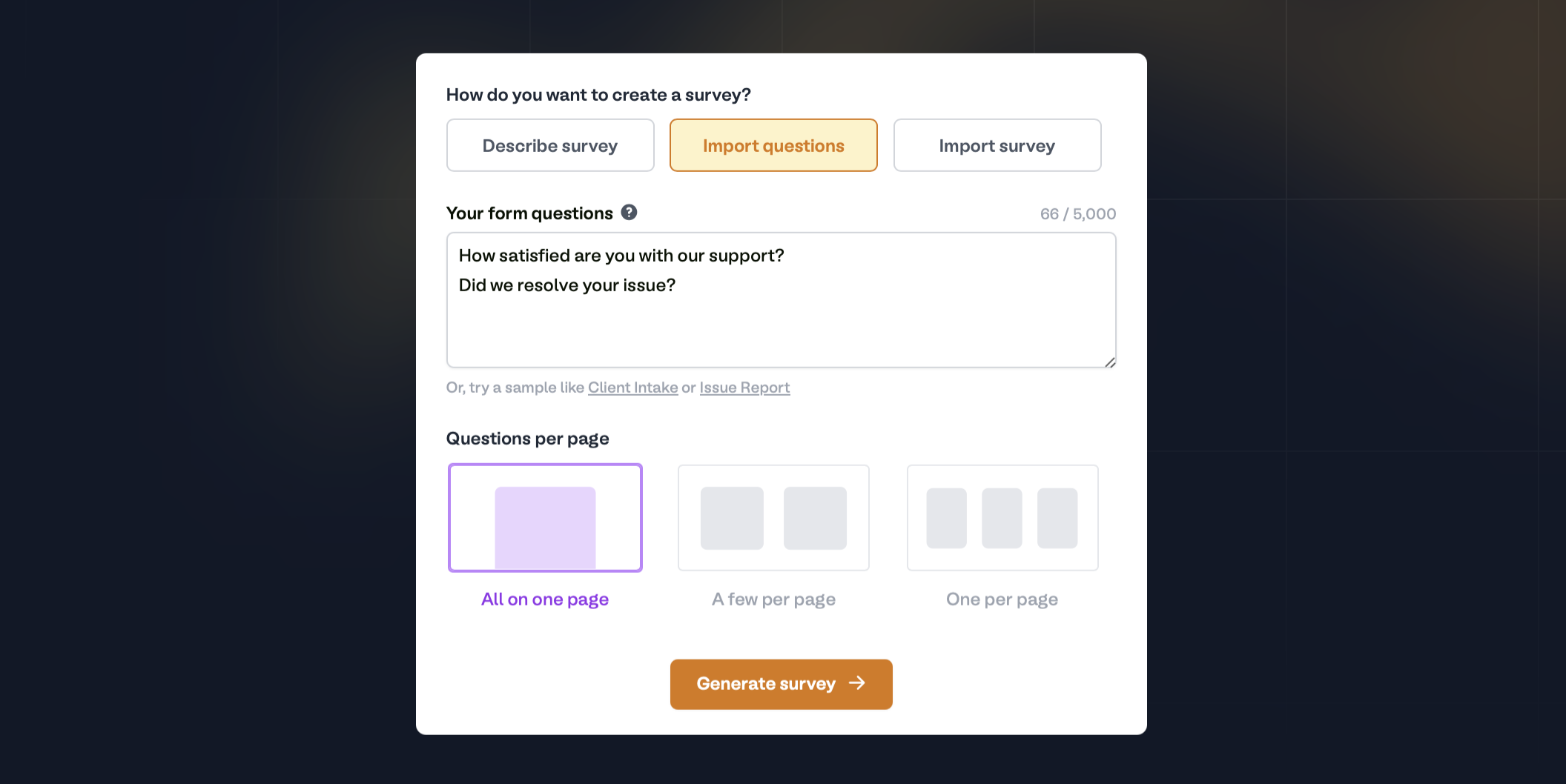
List your questions vertically — one line equals one question or field. At the bottom, select how you want the **Questions per page** to be displayed.
**Import questions**
List your questions vertically — one line equals one question or field. At the bottom, select how you want the **Questions per page** to be displayed.
 **Import survey**
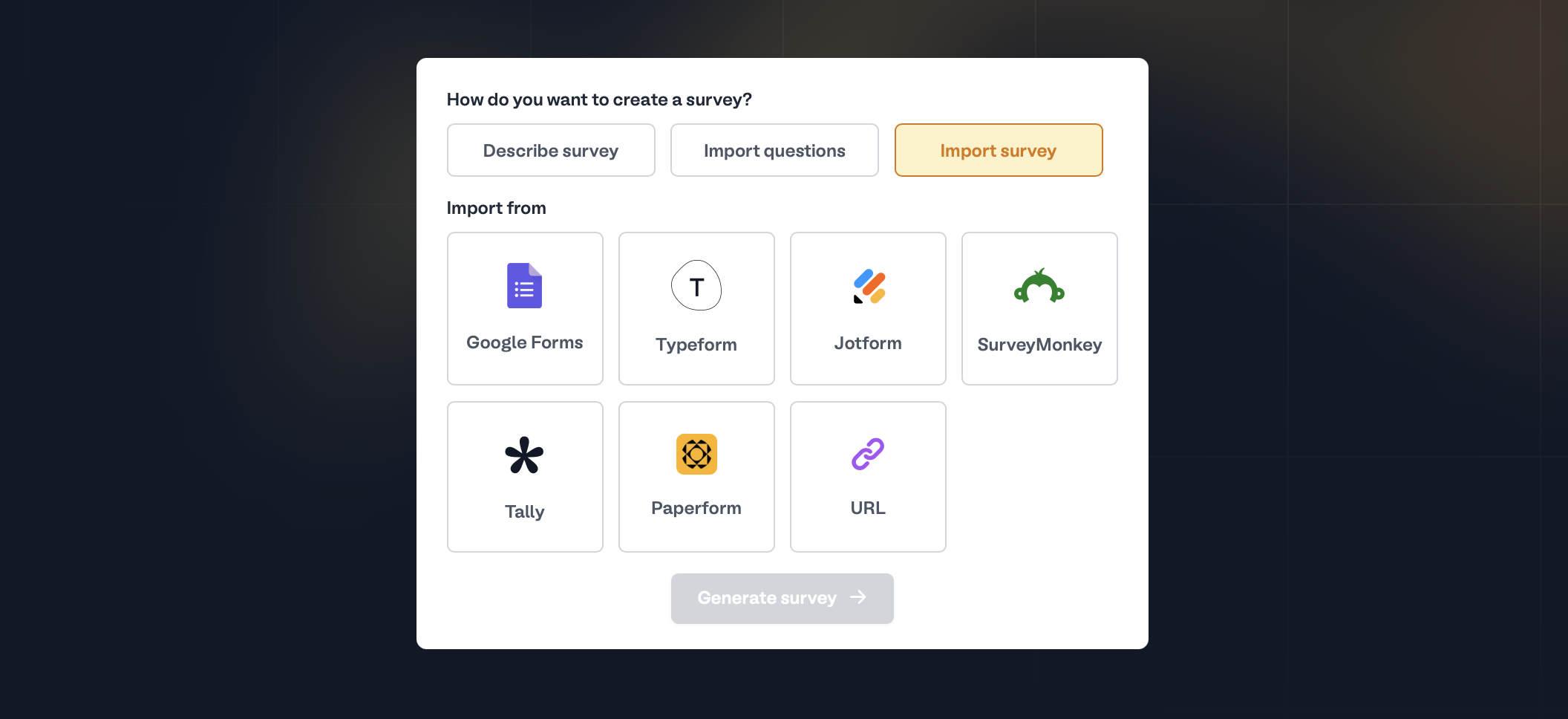
You can use surveys you've already created outside Fillout. Choose between these survey builders or enter a survey URL.
**Import survey**
You can use surveys you've already created outside Fillout. Choose between these survey builders or enter a survey URL.
 You can bulk import forms, including their responses.
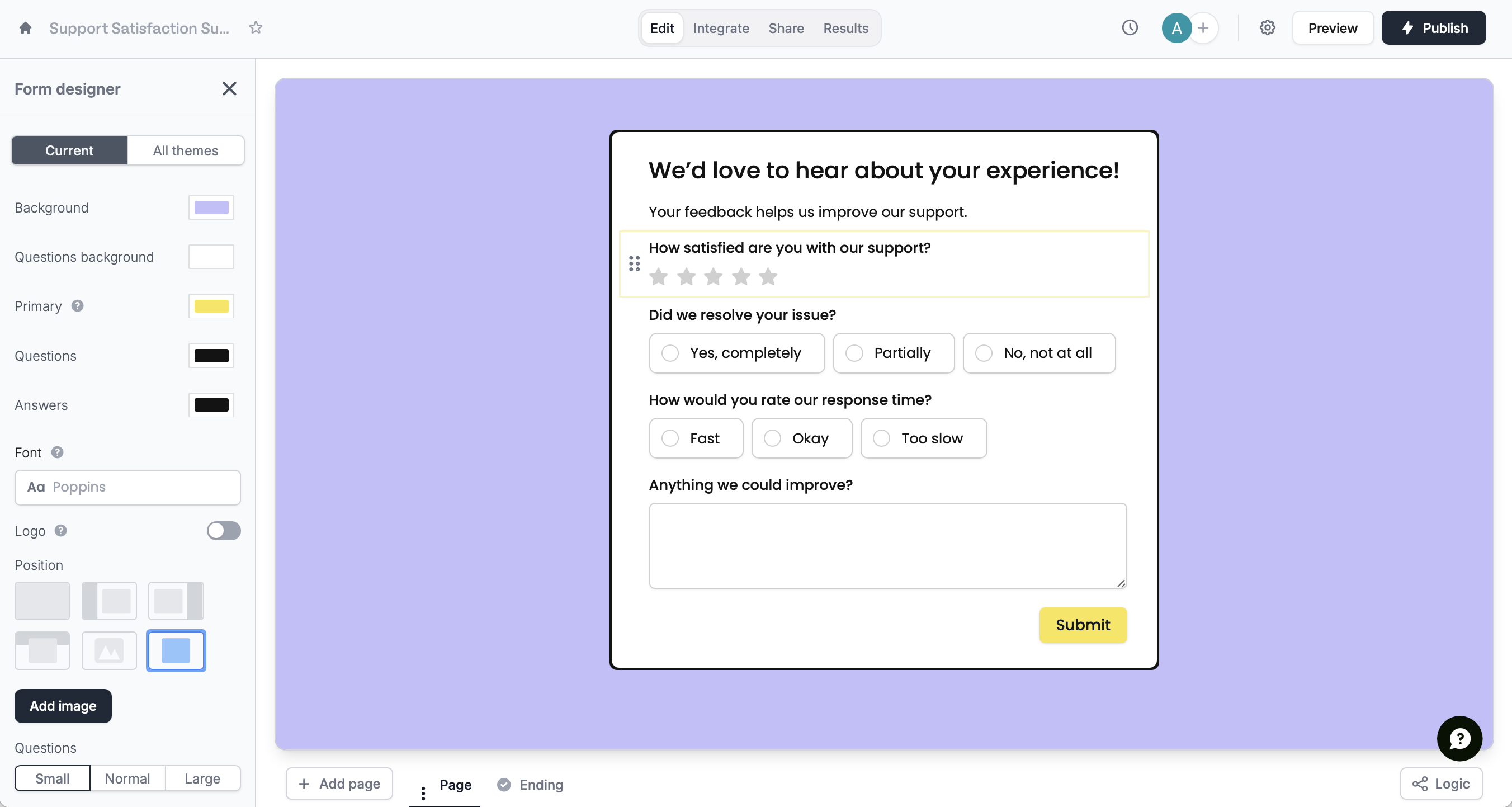
[Style](/themes) your survey, require and [reorder questions](/reorder-with-drag-and-drop), add [logic](/logic), and more. Then, click `Publish` in the upper right corner to share your form via link or embed.
You can bulk import forms, including their responses.
[Style](/themes) your survey, require and [reorder questions](/reorder-with-drag-and-drop), add [logic](/logic), and more. Then, click `Publish` in the upper right corner to share your form via link or embed.
 ## Related articles
Select from hundreds of themes or create your own.
Easily arrange pages and field options.
Hide or show pages or custom endings based on respondent input.
## Related articles
Select from hundreds of themes or create your own.
Easily arrange pages and field options.
Hide or show pages or custom endings based on respondent input.