> ## Documentation Index
> Fetch the complete documentation index at: https://fillout.com/help/llms.txt
> Use this file to discover all available pages before exploring further.
# Collective scheduling
> Set up collective meetings with multiple hosts and one invitee through Fillout Scheduling for free. Hosts can set up their preferred availability.
## What is collective scheduling
Collective scheduling allows a user to book meetings or appointments with two or more hosts at the same time. Fillout Scheduling pools the availability of all hosts to find a suitable meeting time.
## How to set up
From your dashboard `Create` the form. Follow the quick steps [here](/fillout-scheduling-intro).
Each team member must link their calendar to Fillout in order to be added as a host.
Choose `Collective meeting`, then select an organizer and other team members who would like to host.
On the left-hand panel, edit the details as you see fit. You can also [customize avatars](https://www.fillout.com/help/customize-fillout-scheduling#change-your-avatar) to maintain brand consistency by clicking `Booking page` on top.
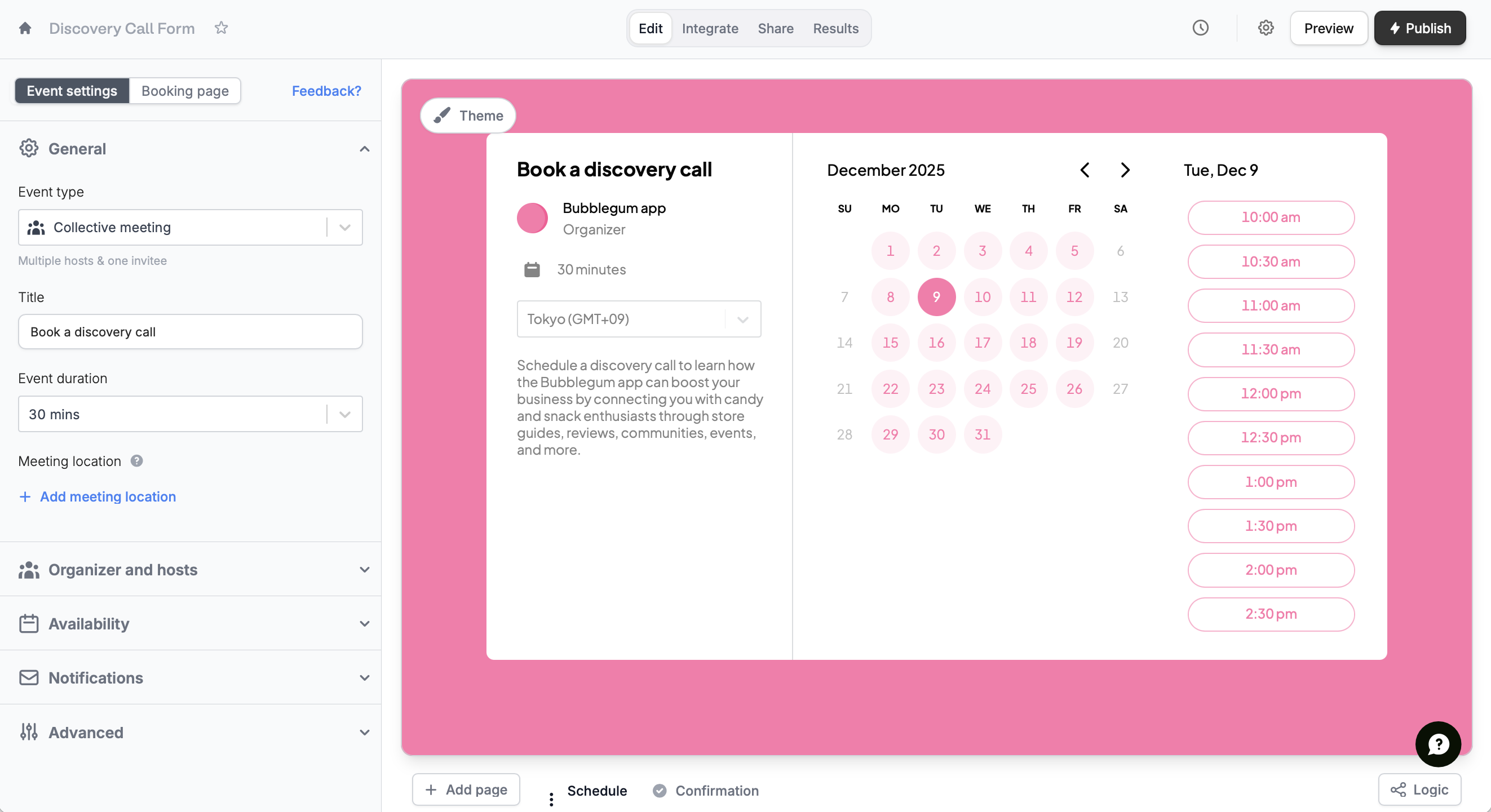 That's it! `Publish` your form and share the link or embed it anywhere.
## Related articles
Tweak your form’s design, link, and avatar to match your brand.
Specify your available hours and buffer times through forms.
Distribute calls across hosts based on availability and priority.
That's it! `Publish` your form and share the link or embed it anywhere.
## Related articles
Tweak your form’s design, link, and avatar to match your brand.
Specify your available hours and buffer times through forms.
Distribute calls across hosts based on availability and priority.