> ## Documentation Index
> Fetch the complete documentation index at: https://fillout.com/help/llms.txt
> Use this file to discover all available pages before exploring further.
# Display a cookie banner with Fillout
> Show a cookie consent message on your forms.
## Overview
By default, Fillout uses cookies to keep respondents logged in and save their form progress if they exit the form. We recommend enabling this setting to meet minimum legal requirements.
## How to enable cookie consent
Open your form settings by clicking on the upper right area.
 Navigate to `Form behavior` on the left and toggle the `Cookie consent` switch.
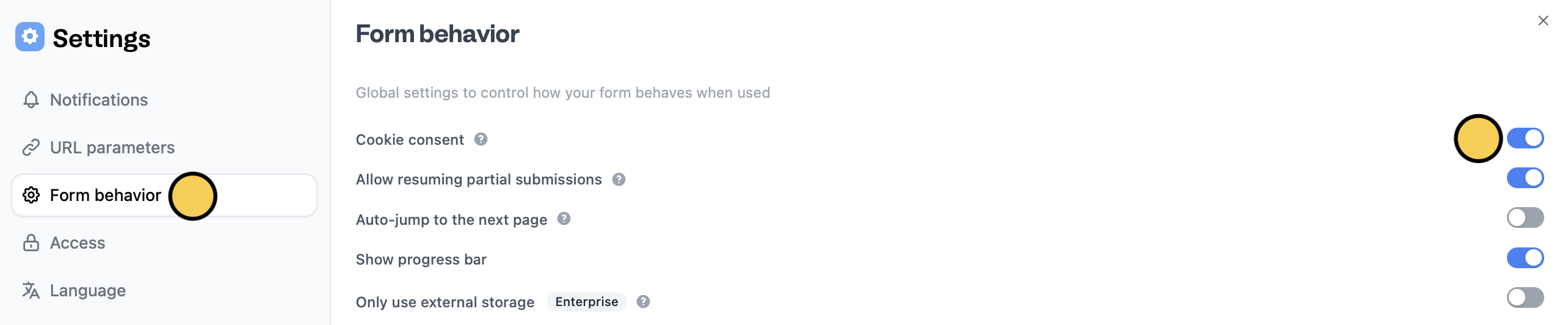 That's it! Remember to `Publish` your form to reflect the change.