> ## Documentation Index
> Fetch the complete documentation index at: https://fillout.com/help/llms.txt
> Use this file to discover all available pages before exploring further.
# Customize form share link
> Customize Meta information of your form link, like the image and text that appear when you share your form on other sites. Remove the Fillout branding on the share image.
export const SupportBanner = () => {
const titleId = React.useId();
return ;
};
## Overview
Customizing your form’s **link preview text** and **image** is an important way to optimize the shareability of your form. When you share your form on other sites or social media platforms, the **Meta information** such as the title, description, and thumbnail play a crucial role in attracting users to click on your link.
 This feature is available to **Pro** users and above. For more details on pricing, click [**here**](https://www.fillout.com/pricing).
## How to edit share preview
By default, your form's share preview shows the name of your form and a general description. To change this, click `Share` on top.
This feature is available to **Pro** users and above. For more details on pricing, click [**here**](https://www.fillout.com/pricing).
## How to edit share preview
By default, your form's share preview shows the name of your form and a general description. To change this, click `Share` on top.
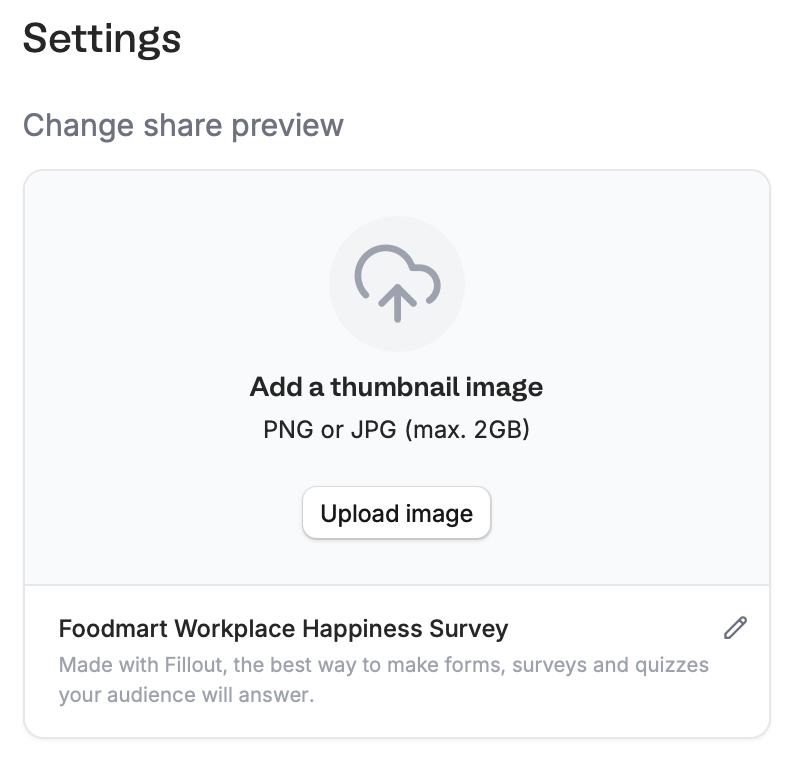 On the lower right area, edit the details as you see fit and `Upload image` to change the default **Thumbnail**.
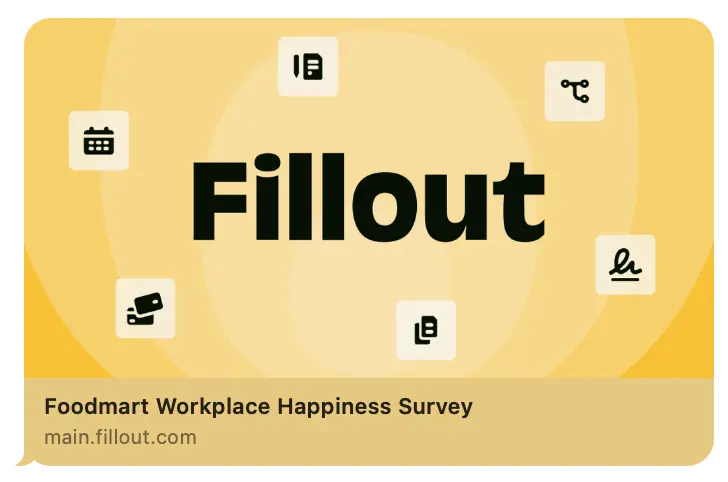
`Copy` your form link and paste it anywhere you'd like, such as a messaging app or website. Here's how our example looks like when sent in iMessage.
On the lower right area, edit the details as you see fit and `Upload image` to change the default **Thumbnail**.
`Copy` your form link and paste it anywhere you'd like, such as a messaging app or website. Here's how our example looks like when sent in iMessage.
 Remember to `Publish` your form to make the latest changes reflect.
Preview images are cached by platforms, so it may take time for the updated thumbnail to show. Test your preview [here](https://www.opengraph.xyz).
## Related articles
Customize your form's share link, subdomain and URL ending.
Add a professional touch and create strong brand identity.
Customize form URLs to enhance your branding.
Remember to `Publish` your form to make the latest changes reflect.
Preview images are cached by platforms, so it may take time for the updated thumbnail to show. Test your preview [here](https://www.opengraph.xyz).
## Related articles
Customize your form's share link, subdomain and URL ending.
Add a professional touch and create strong brand identity.
Customize form URLs to enhance your branding.