> ## Documentation Index
> Fetch the complete documentation index at: https://fillout.com/help/llms.txt
> Use this file to discover all available pages before exploring further.
# Duplicate existing questions
> Build forms faster by duplicating existing fields in your form or transferring them to a different form.
## How to duplicate a field or question
Click the question followed by .
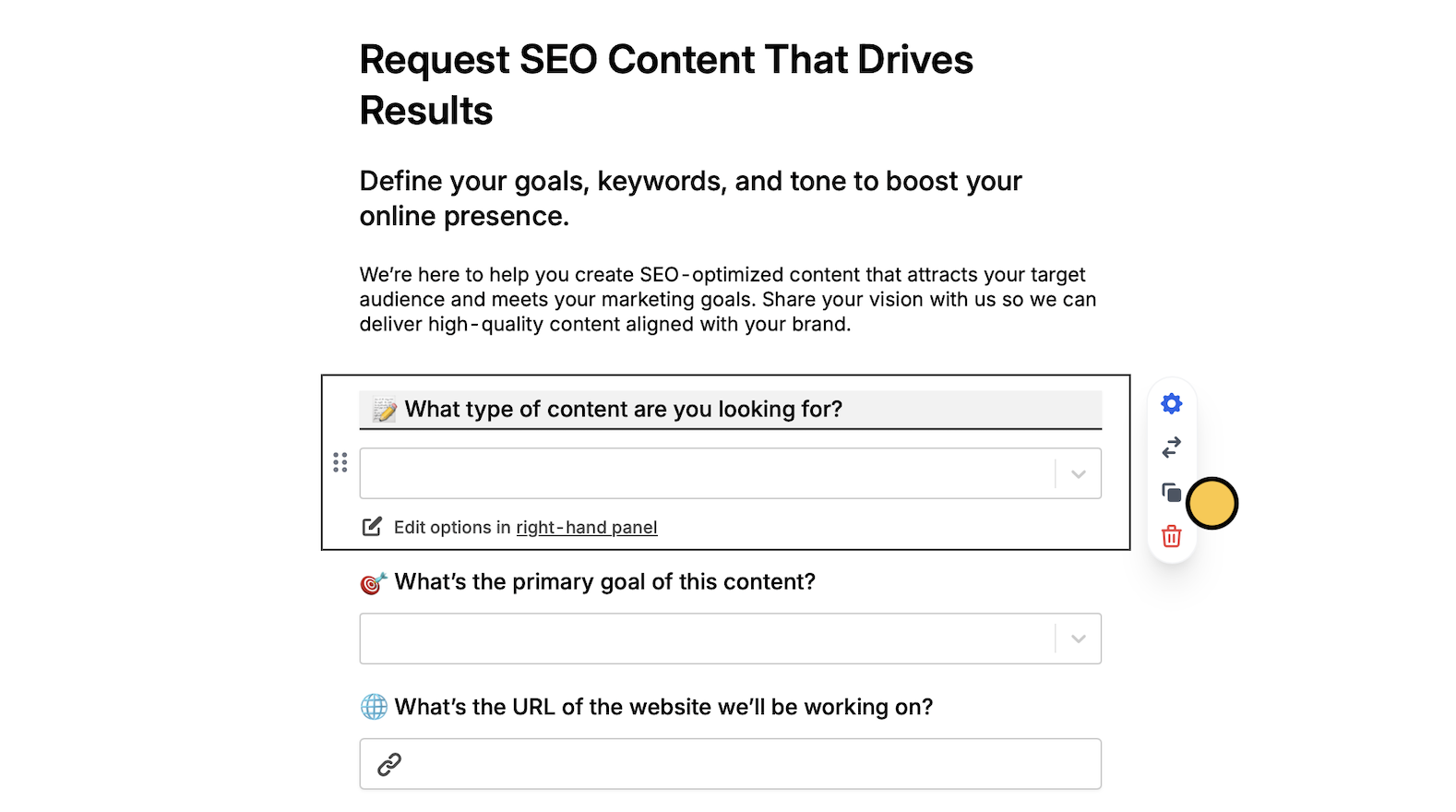 Your question will now have a copy in the same page.
## Copy fields in bulk
Click and drag to select the fields you want to copy. Alternatively, you can hold `Shift` on your keyboard, and click the fields you'd like to copy.
Your question will now have a copy in the same page.
## Copy fields in bulk
Click and drag to select the fields you want to copy. Alternatively, you can hold `Shift` on your keyboard, and click the fields you'd like to copy.
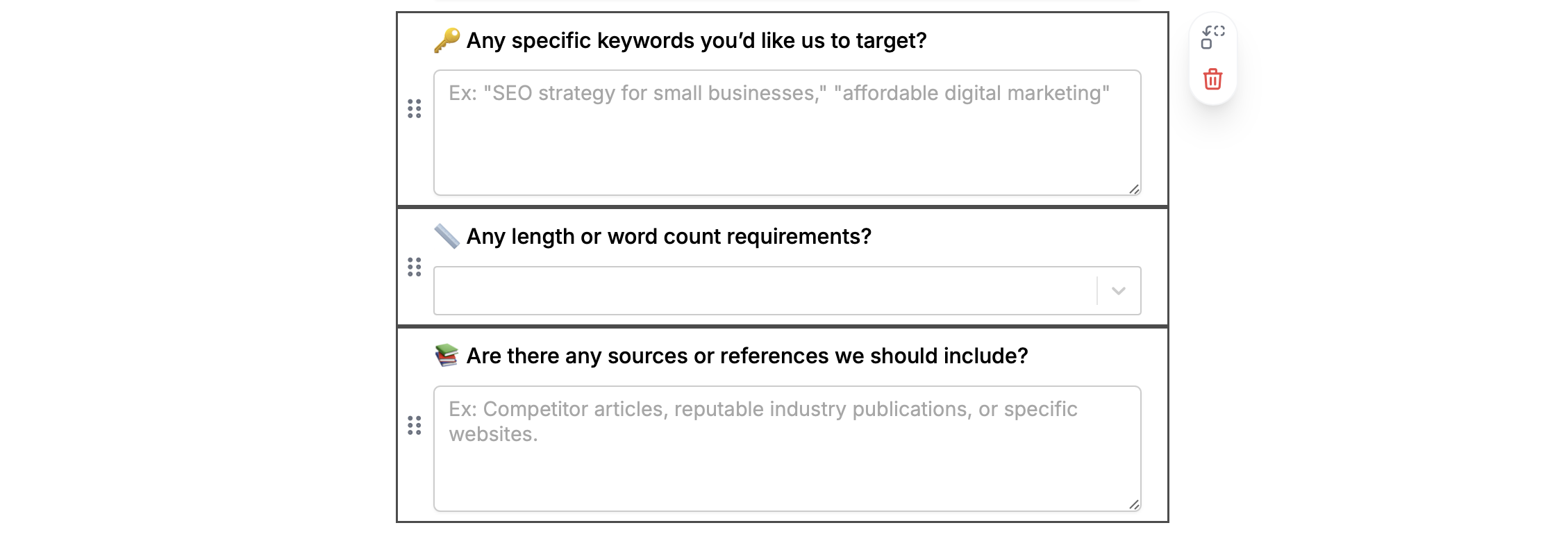 Then, press `⌘ + C` or `Ctrl + C` to copy followed by `⌘ + V` or `Ctrl + V` to paste them on a different page.
You can also copy buttons, header, section dividers, PDF viewers, and other advanced fields.
## Move fields or questions to a different page
Click and drag to highlight the fields you want to copy. Alternatively, you can hold `Shift` and click the fields you'd like to move. Then, click and select a page to move them to.
Then, press `⌘ + C` or `Ctrl + C` to copy followed by `⌘ + V` or `Ctrl + V` to paste them on a different page.
You can also copy buttons, header, section dividers, PDF viewers, and other advanced fields.
## Move fields or questions to a different page
Click and drag to highlight the fields you want to copy. Alternatively, you can hold `Shift` and click the fields you'd like to move. Then, click and select a page to move them to.
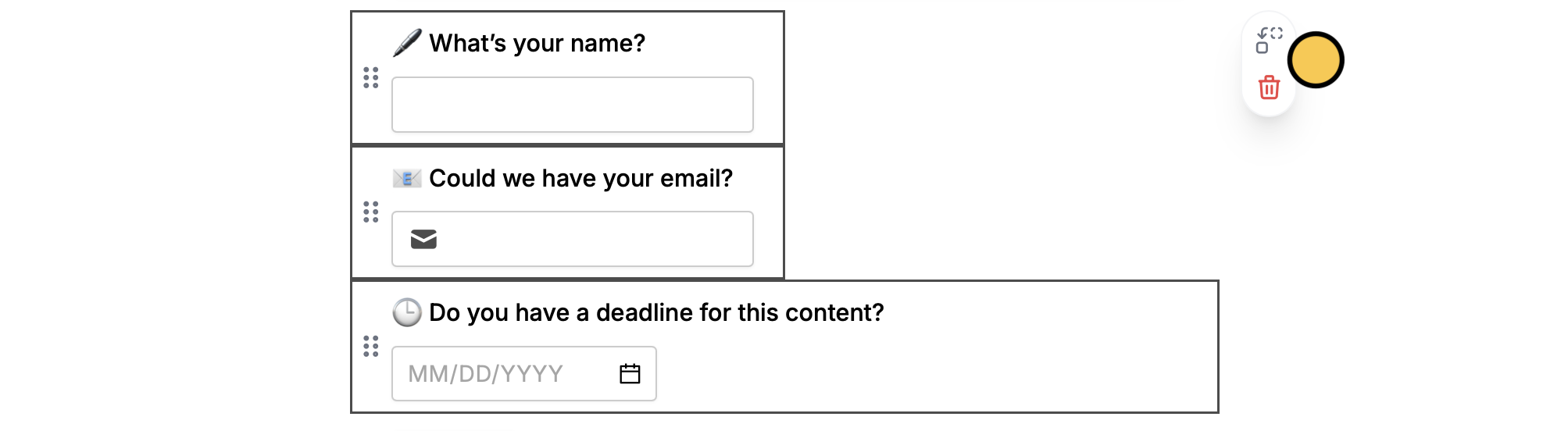 Moving these fields will delete any answers already collected.
## Connect duplicated questions to an integration
If you’re using an integration like [Airtable](/airtable) or [Notion](/notion), you’ll notice that your new question is **Not connected** to a field yet.
Select a question followed by to choose a `field` you'd like to connect it to from the dropdown.
Moving these fields will delete any answers already collected.
## Connect duplicated questions to an integration
If you’re using an integration like [Airtable](/airtable) or [Notion](/notion), you’ll notice that your new question is **Not connected** to a field yet.
Select a question followed by to choose a `field` you'd like to connect it to from the dropdown.
 ## Related articles
Copy and paste fields across pages.
Transfer between different accounts.
Use an existing form as a starting point for a new form.
## Related articles
Copy and paste fields across pages.
Transfer between different accounts.
Use an existing form as a starting point for a new form.