> ## Documentation Index
> Fetch the complete documentation index at: https://fillout.com/help/llms.txt
> Use this file to discover all available pages before exploring further.
# Form page
> Ask any type of question, collect signatures, display PDFs, and more through this most commonly used page type.
## Add a new form page
All newly created forms have a **Form** page labelled as **Page** where you can add any type of [field](/question-types) from the left-hand panel. Simply click or drag & drop your chosen field.
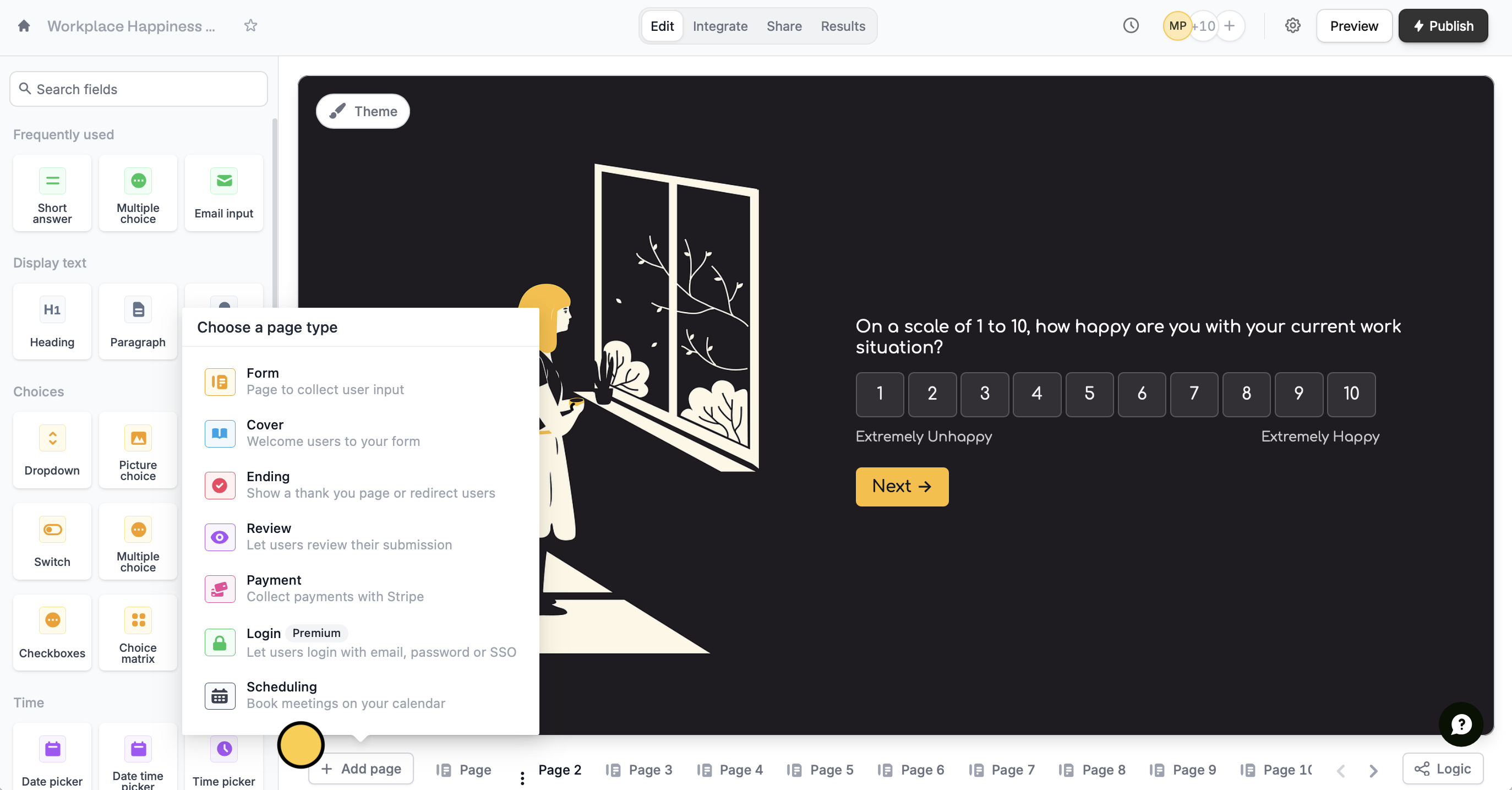 You can add more form pages by clicking `+ Add page` followed by **Form**.
## **Related articles**
Customize or change over 50 field types, add captions, and more.
Hide or show fields based on answers, URL parameters or data.
Hide or show pages or custom endings based on respondent input.
You can add more form pages by clicking `+ Add page` followed by **Form**.
## **Related articles**
Customize or change over 50 field types, add captions, and more.
Hide or show fields based on answers, URL parameters or data.
Hide or show pages or custom endings based on respondent input.