> ## Documentation Index
> Fetch the complete documentation index at: https://fillout.com/help/llms.txt
> Use this file to discover all available pages before exploring further.
# Add content to a Notion page with a form
> Use a Fillout form to add styled content to the body of a Notion page.
## Overview
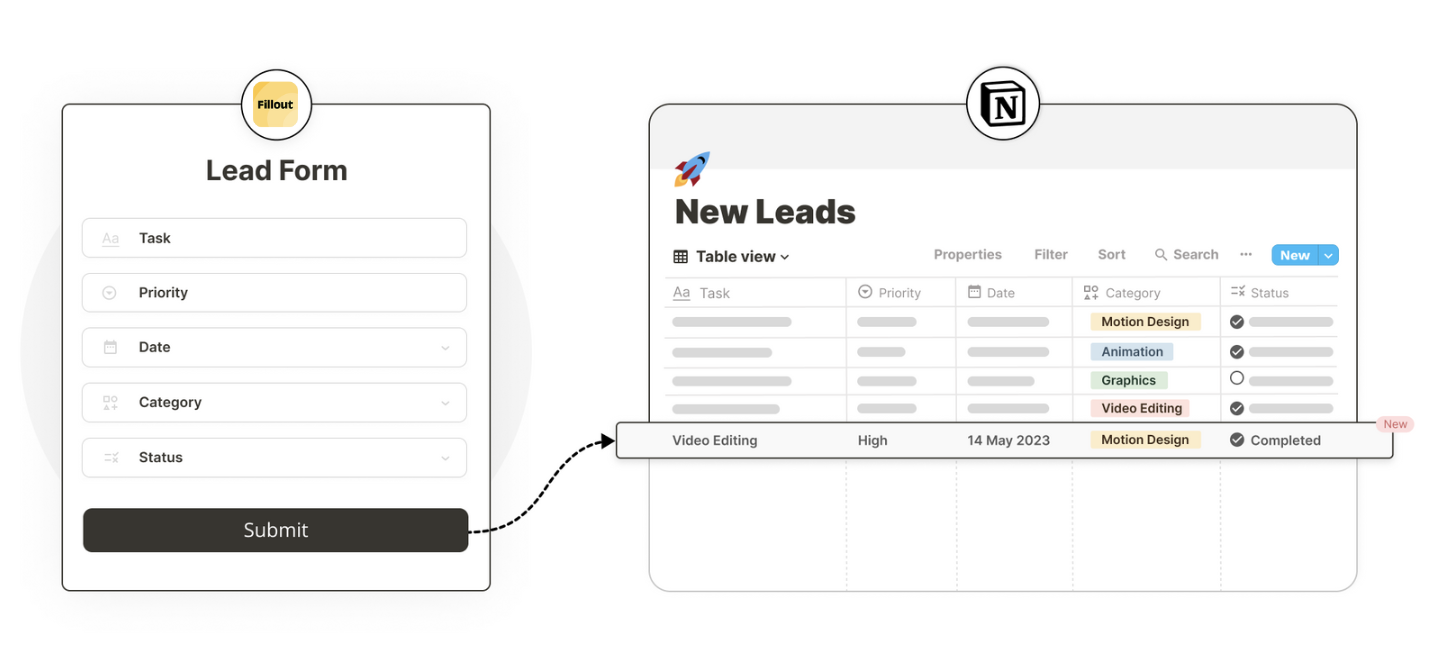
Fillout lets you [add or update pages](/notion) in your Notion databases with modern forms, quizzes, or surveys. Typically, this means creating new entries in each column of your Notion database for every form submission. However, you can also add content to the body of a Notion page.
## How it works
If you haven’t yet created your form, follow the steps in [this article](/notion) to connect a Fillout form to Notion to create or edit pages.
 Click `Integrate` in the top menu and choose `Notion`. Here, you’ll find the option to reference information in your form, to create personalized content for your Notion page.
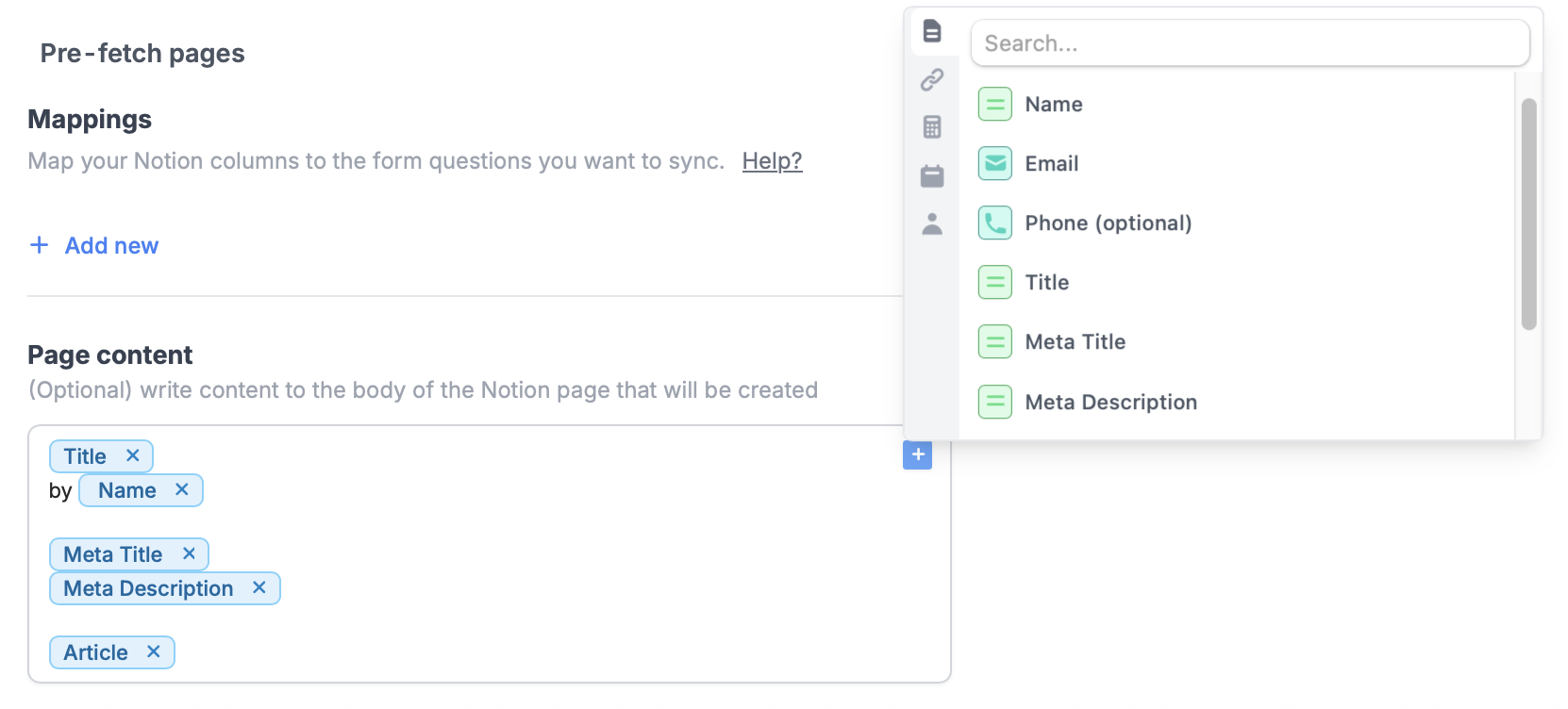 In our example, we'll create new Notion pages for every article entry. Simply click or type **@** to insert answers to your form fields. More info [here](/answer-piping).
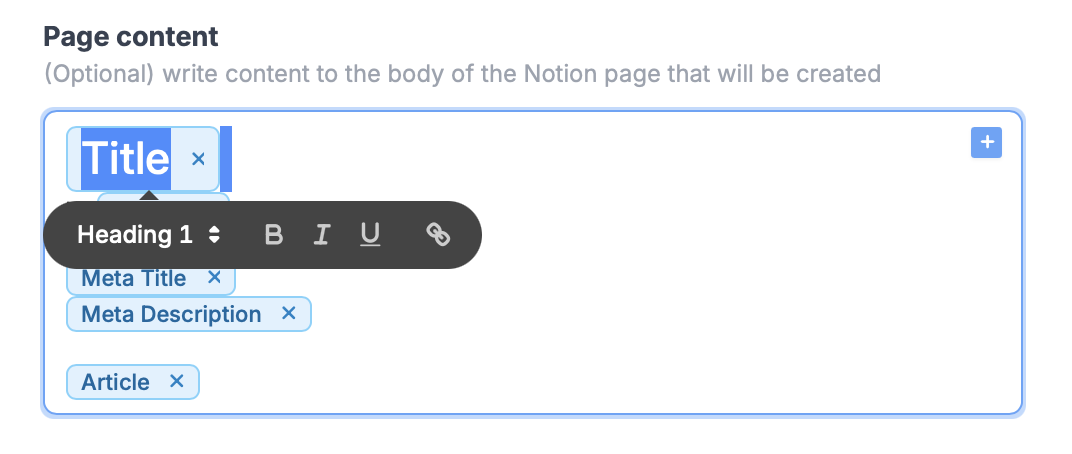
You can **highlight any text** in this section to style it before you’re ready to add it to your Notion page.
In our example, we'll create new Notion pages for every article entry. Simply click or type **@** to insert answers to your form fields. More info [here](/answer-piping).
You can **highlight any text** in this section to style it before you’re ready to add it to your Notion page.
 That’s it! `Finish setup` and `Publish` your form, then share the link directly or embed it on your site.
## Notion specific guides
Create or update existing Notion databases.
Edit existing pages and pre-fill fields.
Include surveys, quizzes, and more.
That’s it! `Finish setup` and `Publish` your form, then share the link directly or embed it on your site.
## Notion specific guides
Create or update existing Notion databases.
Edit existing pages and pre-fill fields.
Include surveys, quizzes, and more.