> ## Documentation Index
> Fetch the complete documentation index at: https://fillout.com/help/llms.txt
> Use this file to discover all available pages before exploring further.
# Embed Fillout forms on Notion
> Embed a Fillout form on Notion to include surveys, questionnaires, quizzes and other forms within your workspace.
## How to embed forms to your Notion page
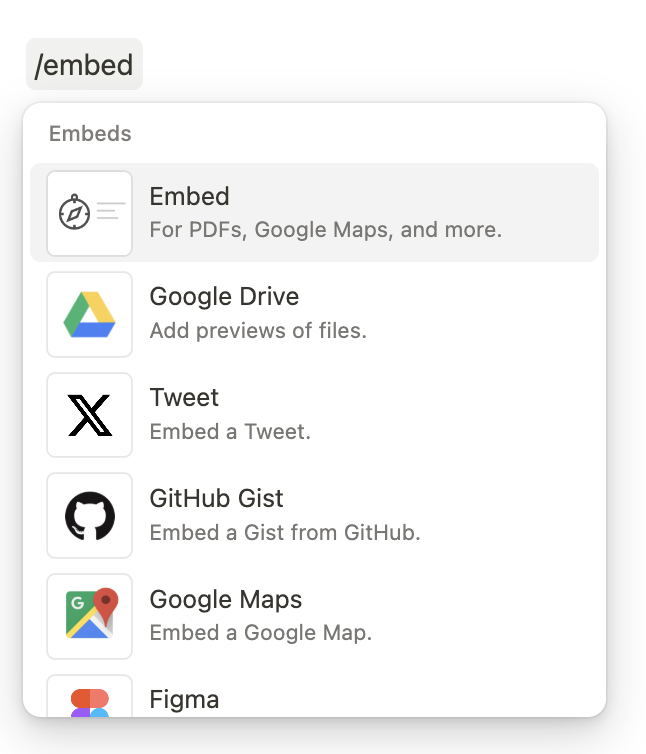
On your Notion page, type `/embed`, then press `enter` or `return` on your keyboard.
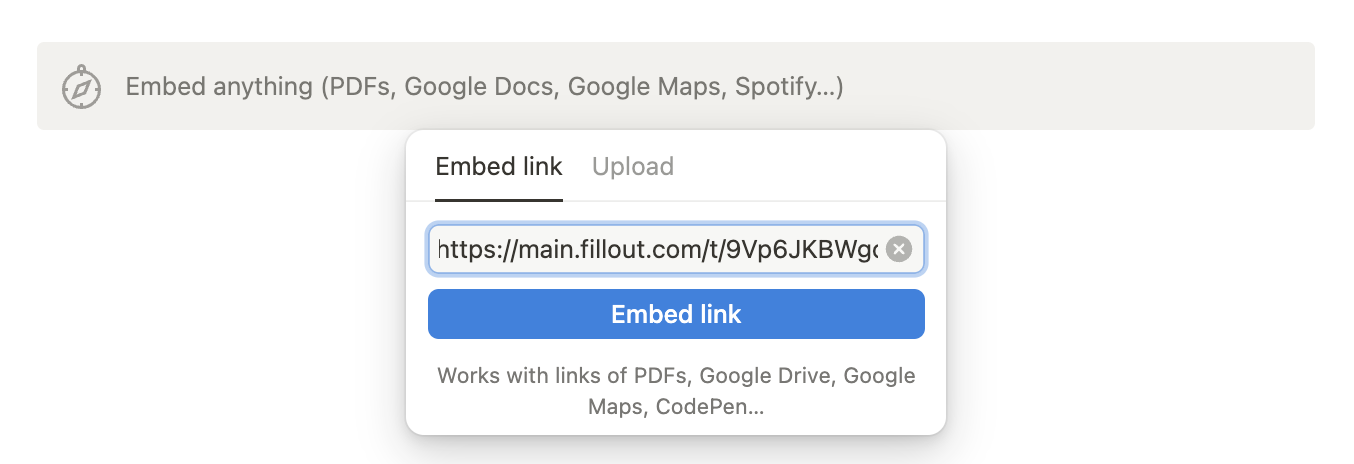
 In your Fillout form, click `Share` from the top menu to copy your **link**. Then, paste this to your Notion page.
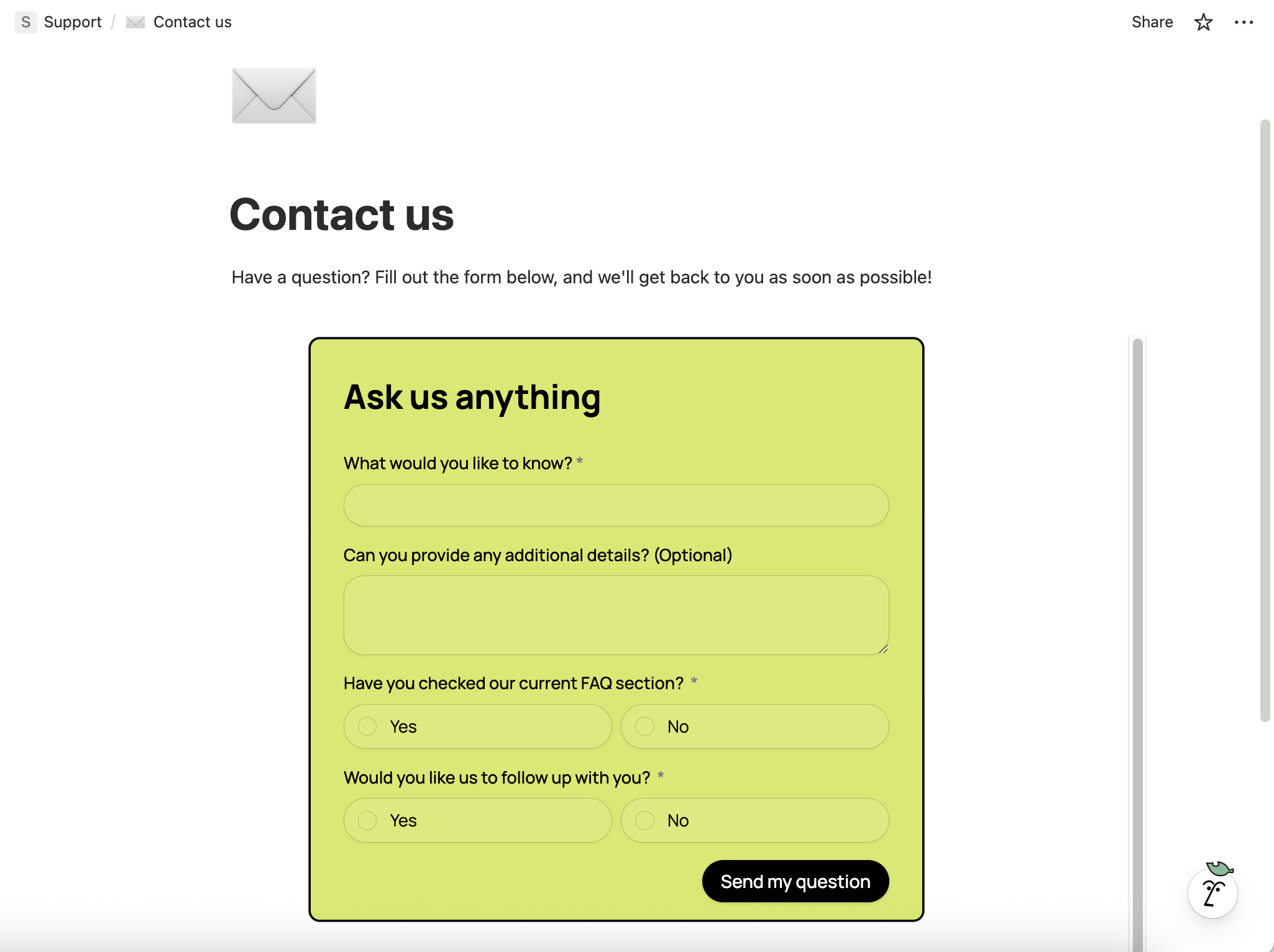
 That’s it! Your form is now embedded in your Notion page.
 You can also make a **Fillout** form to update your Notion databases. View the guide [here](https://www.fillout.com/notion).
## Notion specific guides
Create or update existing Notion databases.
Edit existing pages and pre-fill fields.
Use a Fillout form to add styled content.
You can also make a **Fillout** form to update your Notion databases. View the guide [here](https://www.fillout.com/notion).
## Notion specific guides
Create or update existing Notion databases.
Edit existing pages and pre-fill fields.
Use a Fillout form to add styled content.