> ## Documentation Index
> Fetch the complete documentation index at: https://fillout.com/help/llms.txt
> Use this file to discover all available pages before exploring further.
# Pre-fill dates
> Set the default value of your date fields to today, tomorrow, a specific number of days from now, and more in your form or survey
## How to pre-fill dates in your form
Click your date field field followed by its to open the right-hand panel. Under **Default value**, click to add a reference.
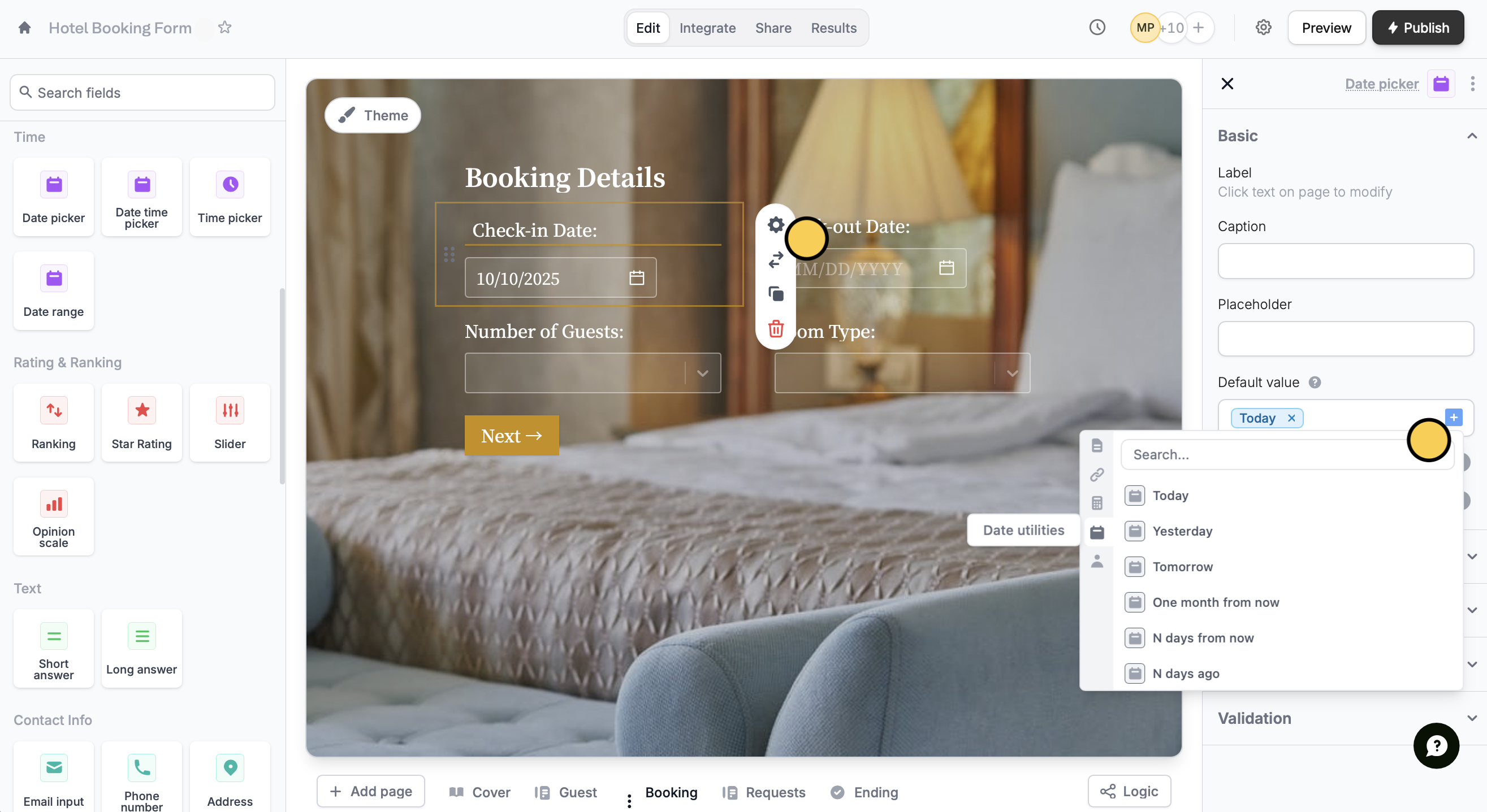 Click followed by your chosen option. That's it! Respondents will now see the current date automatically, based on when they fill out the form.
Respondents will still be able to change the date even if you have set a default value.
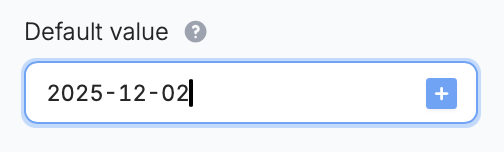
You can also type a certain date using the format YYYY-MM-DD.
Click followed by your chosen option. That's it! Respondents will now see the current date automatically, based on when they fill out the form.
Respondents will still be able to change the date even if you have set a default value.
You can also type a certain date using the format YYYY-MM-DD.
 ## Related articles
Pre-populate fields based on previous inputs and more.
Insert previous answers into upcoming questions or fields.
## Related articles
Pre-populate fields based on previous inputs and more.
Insert previous answers into upcoming questions or fields.