> ## Documentation Index
> Fetch the complete documentation index at: https://fillout.com/help/llms.txt
> Use this file to discover all available pages before exploring further.
# Remove Fillout branding
> Remove Fillout branding from your forms.
export const SupportBanner = () => {
const titleId = React.useId();
return ;
};
## Overview
Out of the box, our forms have a subtle **Made with Fillout** button on each page. This helps us offer most of the Fillout features on the affordable Free and Starter plans. By enabling branding, you’re also helping to spread the word about us.
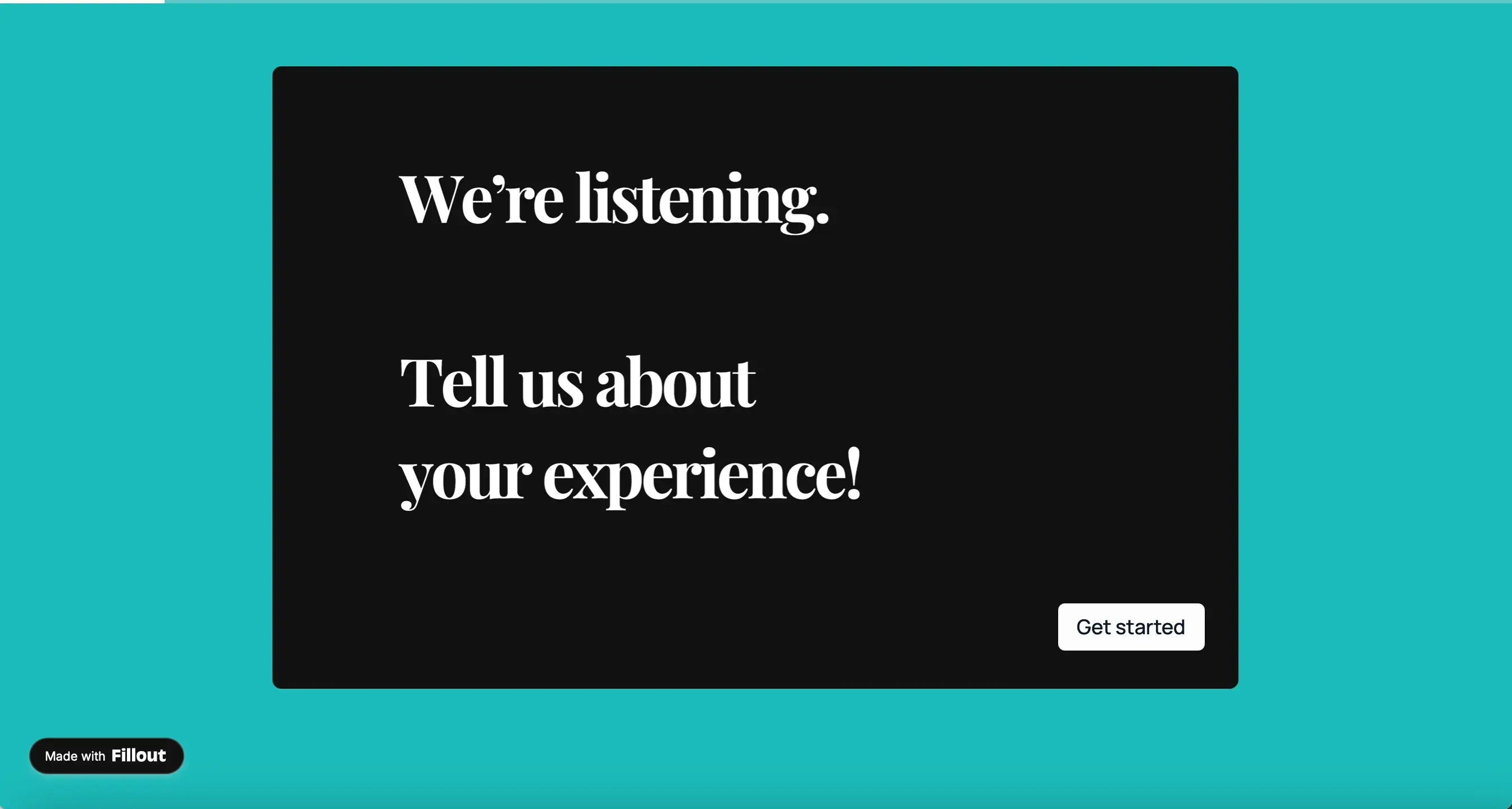 Our [**pricing plans**](https://www.fillout.com/pricing) enable different levels of customization.
| | **Free** | **Starter** | **Pro/Business/ Enterprise** |
| ------------------------------------------------------- | ------------------------------------------------------ | ------------------------------------------------------ | ------------------------------------------------------ |
| Remove **Make your own Fillout** button on ending pages | | | |
| Remove **Made with Fillout** button all pages | | Light branding | |
| Remove **Fillout** in email notifications | | | |
## How to remove branding from ending pages
On your form's **Ending page**, click the `text` followed by its .
Our [**pricing plans**](https://www.fillout.com/pricing) enable different levels of customization.
| | **Free** | **Starter** | **Pro/Business/ Enterprise** |
| ------------------------------------------------------- | ------------------------------------------------------ | ------------------------------------------------------ | ------------------------------------------------------ |
| Remove **Make your own Fillout** button on ending pages | | | |
| Remove **Made with Fillout** button all pages | | Light branding | |
| Remove **Fillout** in email notifications | | | |
## How to remove branding from ending pages
On your form's **Ending page**, click the `text` followed by its .
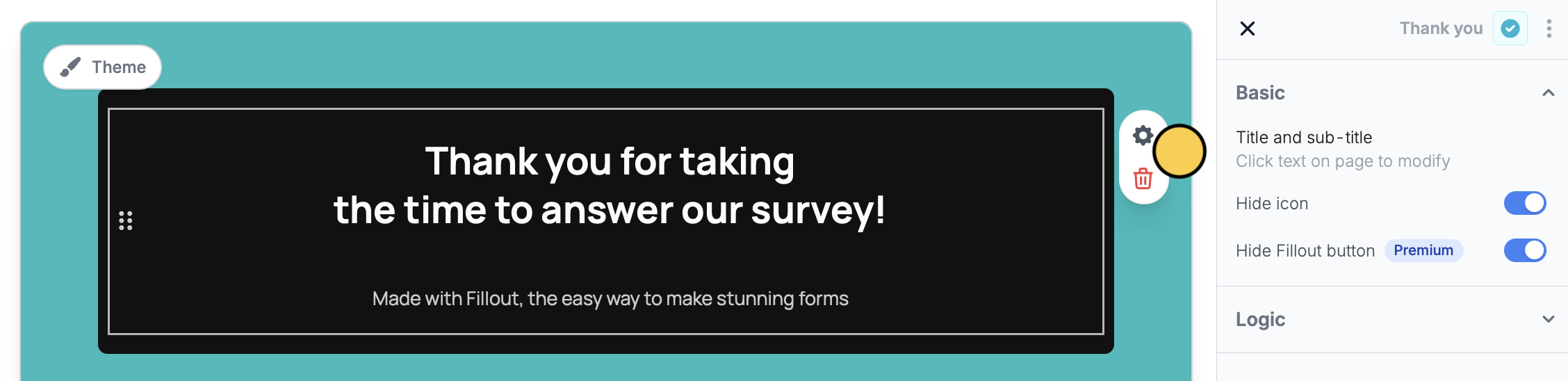 On the right-hand panel, toggle the `Hide Fillout button` switch to remove it. You can also toggle the `Hide icon` switch to remove the tick mark icon.
## Remove branding on all pages
Branding is **automatically removed** from all pages on the **Pro**, **Business**, and **Enterprise** plans.
## Related articles
Add a professional touch and create strong brand identity.
Customize form URLs to enhance your branding.
Add your logo or icon to a browser tab and in link previews.
On the right-hand panel, toggle the `Hide Fillout button` switch to remove it. You can also toggle the `Hide icon` switch to remove the tick mark icon.
## Remove branding on all pages
Branding is **automatically removed** from all pages on the **Pro**, **Business**, and **Enterprise** plans.
## Related articles
Add a professional touch and create strong brand identity.
Customize form URLs to enhance your branding.
Add your logo or icon to a browser tab and in link previews.