> ## Documentation Index
> Fetch the complete documentation index at: https://fillout.com/help/llms.txt
> Use this file to discover all available pages before exploring further.
# Reset your password
> Change your password for security or to recover your account if you've forgotten it.
## Overview
Sometimes you may need to reset your password for various reasons, including forgetting it, security concerns, or as a precautionary measure after potential unauthorized access to your account. It's also recommended to update passwords regularly for better online security.
## How to reset your password
On [Fillout's homepage](https://www.fillout.com), click `Log in` on the upper right corner. Enter your email or sign in with Google or Microsoft. Then, click `Forgot password?`.
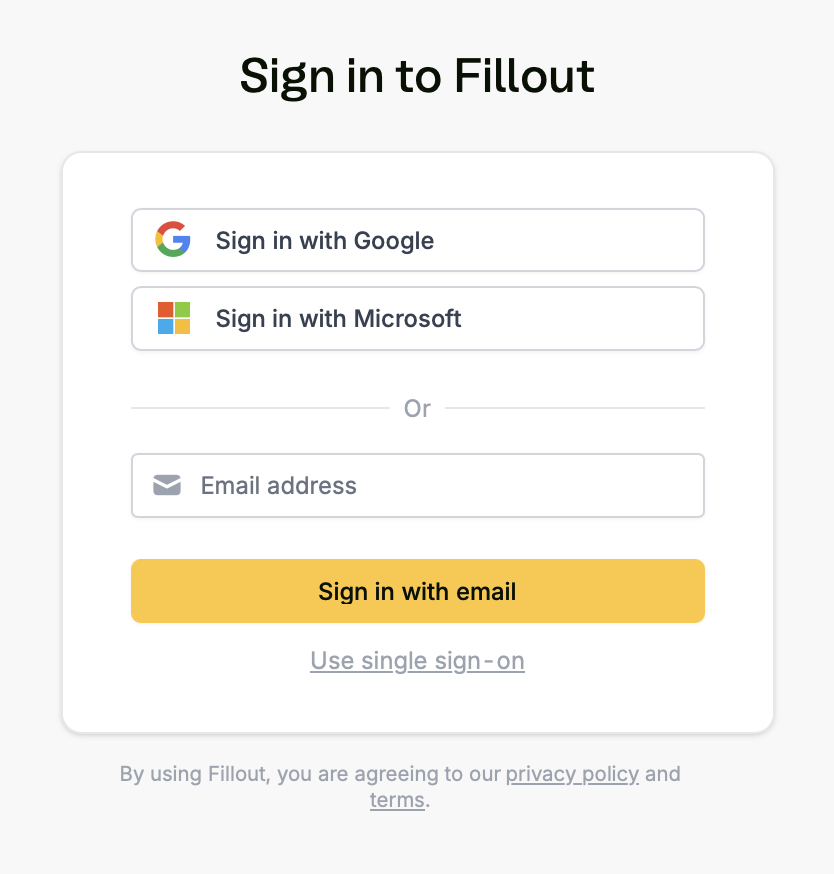 Then, go to your email inbox, and click the **reset link**.
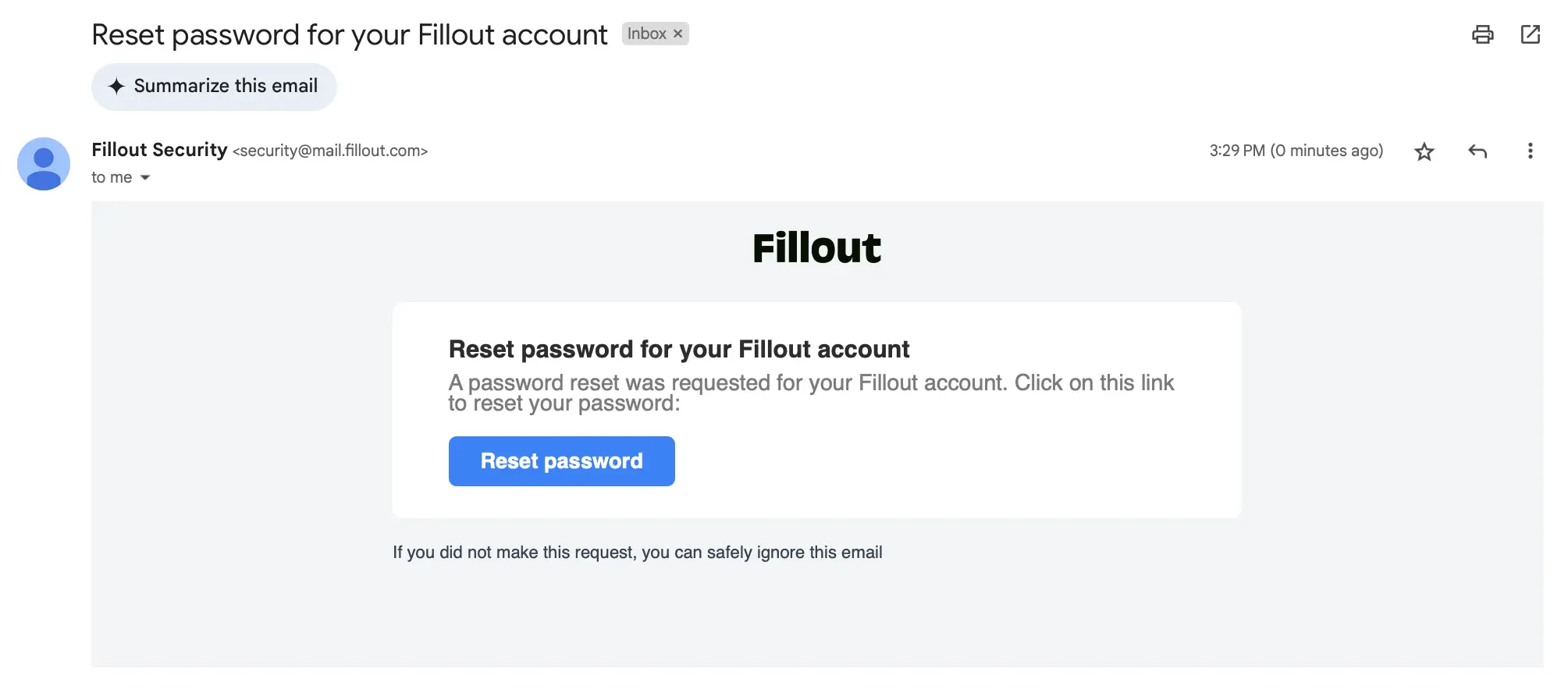 A new tab will open where you will be asked to `Change password`. That's it! You'll now be logged in to your account.
## Related articles
Remove all forms including responses, and unsubscribe.
Organize forms in folders and manage user access.
Create organizations for different companies with the same email.
A new tab will open where you will be asked to `Change password`. That's it! You'll now be logged in to your account.
## Related articles
Remove all forms including responses, and unsubscribe.
Organize forms in folders and manage user access.
Create organizations for different companies with the same email.