> ## Documentation Index
> Fetch the complete documentation index at: https://fillout.com/help/llms.txt
> Use this file to discover all available pages before exploring further.

# Restore previous form version

> View edit history and undo changes in bulk.

export const SupportBanner = () => {
  const titleId = React.useId();
  return <div className="support-banner" role="region" aria-labelledby={titleId}>
      <span className="support-banner__ring support-banner__ring--outer" aria-hidden="true" />
      <span className="support-banner__ring support-banner__ring--middle" aria-hidden="true" />
      <span className="support-banner__ring support-banner__ring--inner" aria-hidden="true" />
      <span className="support-banner__ring support-banner__ring--center" aria-hidden="true" />

      <div className="support-banner__content">
        <div className="support-banner__title" id={titleId} role="heading" aria-level="2">Still have questions?</div>

        <div className="support-banner__copy">
          <span className="support-banner__line">Our team is happy to help. Start a live chat using the</span>
          <span className="support-banner__line">
            chat bubble <span className="support-banner__chat-icon" aria-hidden="true" /> in the bottom right, or email us at
          </span>
          <span className="support-banner__line">
            <a href="mailto:support@fillout.com">support{'@'}fillout.com</a>
          </span>
        </div>

        <a className="support-banner__cta" href="mailto:support@fillout.com">Contact us</a>
      </div>
    </div>;
};

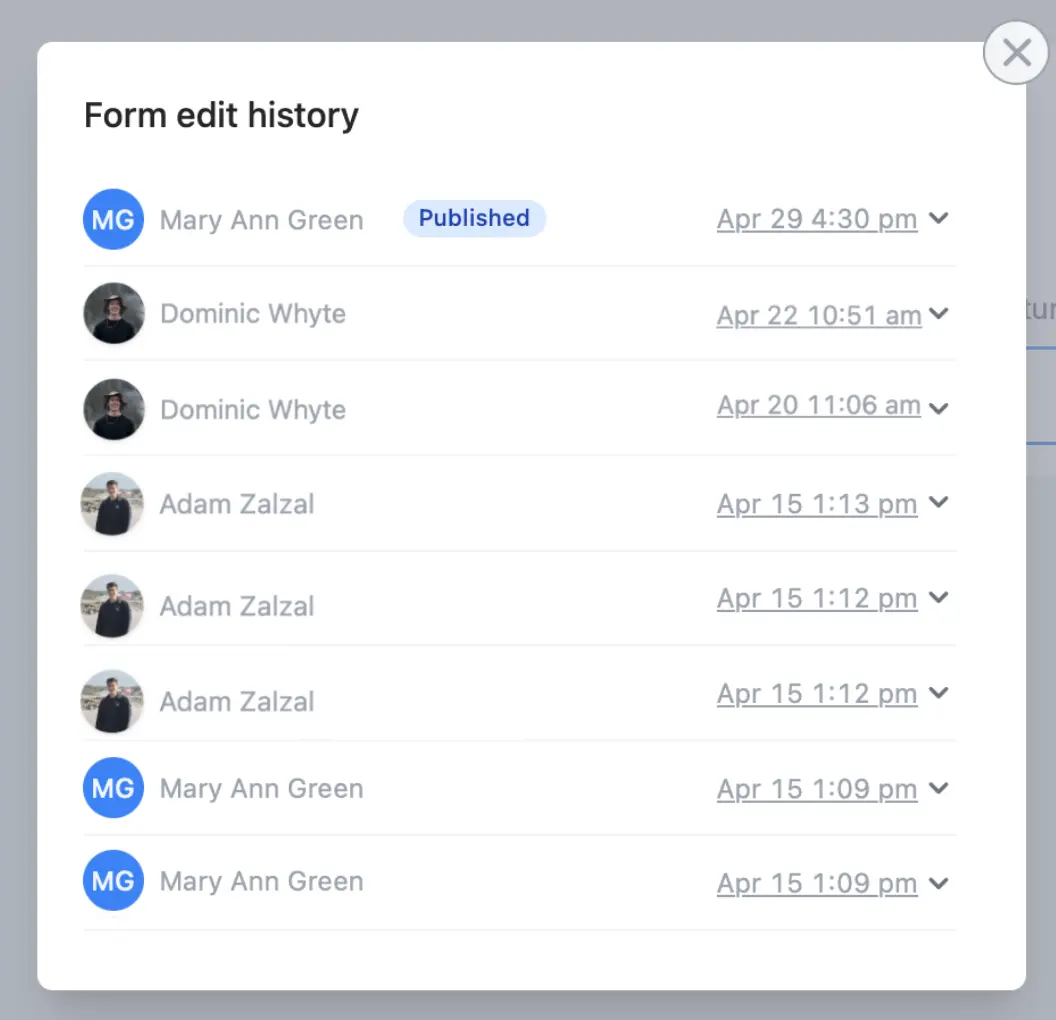
## How to view edit history

On the upper right area of your form editor, click <Icon icon="clock" />.

<img src="https://mintcdn.com/fillout-005a867b/SVULX_5c8yh6MT9m/images/guides/image-67.png?fit=max&auto=format&n=SVULX_5c8yh6MT9m&q=85&s=97d5daf4bfbeca32fcea4a62b52843a8" alt="Restore previous version" style={{ width:"90%" }} width="1056" height="1020" data-path="images/guides/image-67.png" />

## Restore past versions

Click the dropdown arrow <Icon icon="angle-down" /> to see changes made followed by `Restore`.
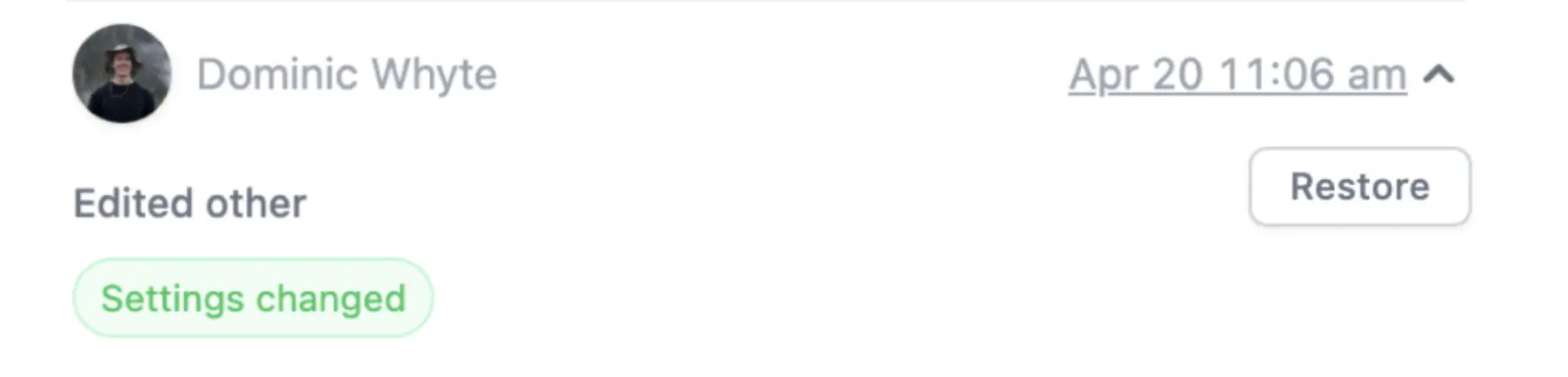
<img src="https://mintcdn.com/fillout-005a867b/SVULX_5c8yh6MT9m/images/guides/image-68.png?fit=max&auto=format&n=SVULX_5c8yh6MT9m&q=85&s=04fb21cae9e2f5d192c9d7c948fccea9" alt="Restore previous version" style={{ width:"93%" }} width="1804" height="434" data-path="images/guides/image-68.png" />

## Related articles

<CardGroup cols={3}>
  <Card color="#FFC738" icon="user-plus" iconType="regular" href="/help/invite-collaborators" title="Invite team members to your forms">
    View results and edit forms with free seats.
  </Card>

  <Card color="#FFC738" icon="copy" iconType="regular" href="/help/duplicate-a-form" title="Duplicate a form">
    Use an existing form as a starting point for a new form with Fillout.
  </Card>

  <Card color="#FFC738" icon="clone" iconType="regular" href="/help/duplicate-fields" title="Duplicate questions">
    Build forms faster by duplicating questions or fields.
  </Card>
</CardGroup>

<SupportBanner />