
Table of Contents
- The 6 top alternatives to Google Forms
- A quick overview
- Why consider an alternative to Google Forms
- 1 Microsoft Forms - Best for forms within their ecosystem
- Microsoft Forms pricing
- 2 Fillout - Best for intuitive, custom branded forms
- Fillout pricing
- 3 Paperform - Best for design-driven forms
- Papeform pricing
- 4 forms.app - Best for AI-powered forms
- forms.app pricing
- 5 Typeform - Best for conversational forms
- Typeform pricing
- 6 Jotform - Best for feature-rich forms
- Jotform pricing
- What’s the best alternative to Google Forms?
Do not index
Author Status
Last Edited Time
Sep 17, 2026 09:04 AM
Hide CTA
Hide cover
Hide cover
When it comes to creating surveys and forms, Google Forms is the go-to tool for most. It lets you collect contact information, gather feedback, receive RSVPs, and do other basic tasks. However, Google Forms lacks advanced features that are commonly used by businesses like collecting signatures, ranking options, requiring CAPTCHA, and more. In this article, we’ll go through the 6 top alternatives for creating highly customizable forms that better fit your needs.
The 6 top alternatives to Google Forms
- Microsoft Forms for forms within their ecosystem
- Fillout for intuitive, custom branded forms
- Paperform for design-driven forms
- forms.app for AI-powered forms
- Typeform for conversational forms
- Jotform for feature rich forms
A quick overview
Alternative | Best for | Free Plan | Paid Plans |
Simple forms within the Microsoft ecosystem | Free with Microsoft account | 365 suite plan from $9.99 per month | |
Intuitive, branded forms for any purpose | Up to 1,000 responses per month | Starter plan from $15 per month | |
Design-driven forms with rich media | Up to 30 responses per month | Essentials plan from $24 per month | |
AI-powered forms with customization | Up to 100 responses per month | Paid plans from $15 per month | |
Multi-page conversational forms | Up to 10 responses per month | Basic tier from $25 per month | |
Feature-rich forms with extensive templates | Up to 100 responses per month | Bronze plan from $39 per month |
Why consider an alternative to Google Forms
Many forms today collect signatures, file uploads, payments, and more. Unfortunately, Google Forms doesn’t support these features. Users often use 3rd party tools to fill in the gaps. Here’s a list of functionalities that Google Forms lacks:
- Digital signatures
- File uploads
- Payments
- Conditional and branching logic
- Calculations
- Custom branding
- Calendar scheduling
- Automated workflows
- Language translation
- Rating scales
- GPS coordinates
- Matrix/grid questions
- Pre-filling of answers
- Web and QR code embeds
- Integration with other 3rd party apps
- Collaboration features
- Lead enrichment
- CAPTCHA field
- Login and other security features
- Quiz scoring
1 Microsoft Forms - Best for forms within their ecosystem
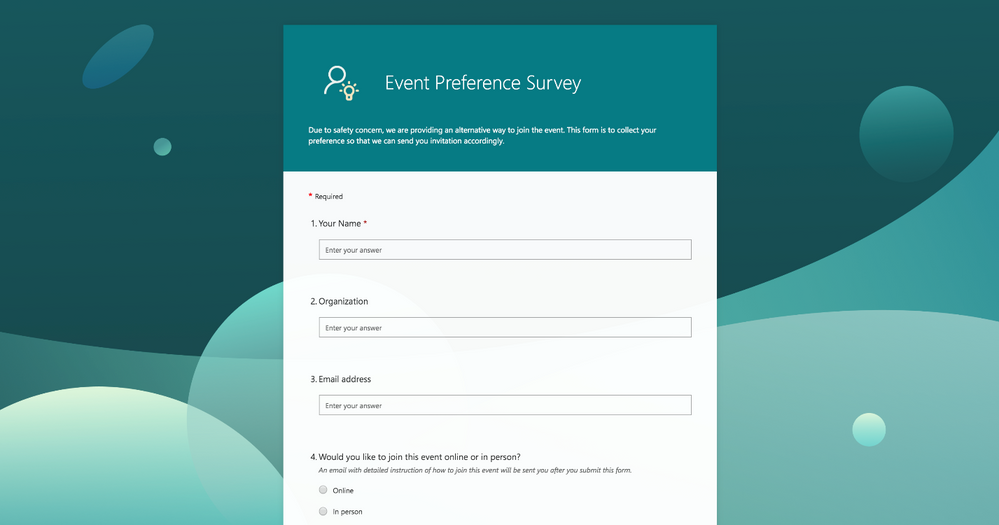
As part of the Microsoft 365 suite, Microsoft Forms integrates seamlessly with other Microsoft tools. It offers an easy-to-use interface for creating surveys, quizzes, and polls. Microsoft Forms supports branching logic, allowing users to create more personalized forms. It also provides robust data analysis features, including integration with Excel for deeper insights.
Key Features
- Seamless integration with Microsoft 365 tools
- Built-in AI and smart recommendations
- Enterprise-grade security and compliance
- Advanced branching logic
- Robust data analysis with Excel integration
Microsoft Forms pricing
Free trial for one month. Subscription is a part of the entire Microsoft 365 suite, which starts at $9.99 per month. Try it here.
2 Fillout - Best for intuitive, custom branded forms
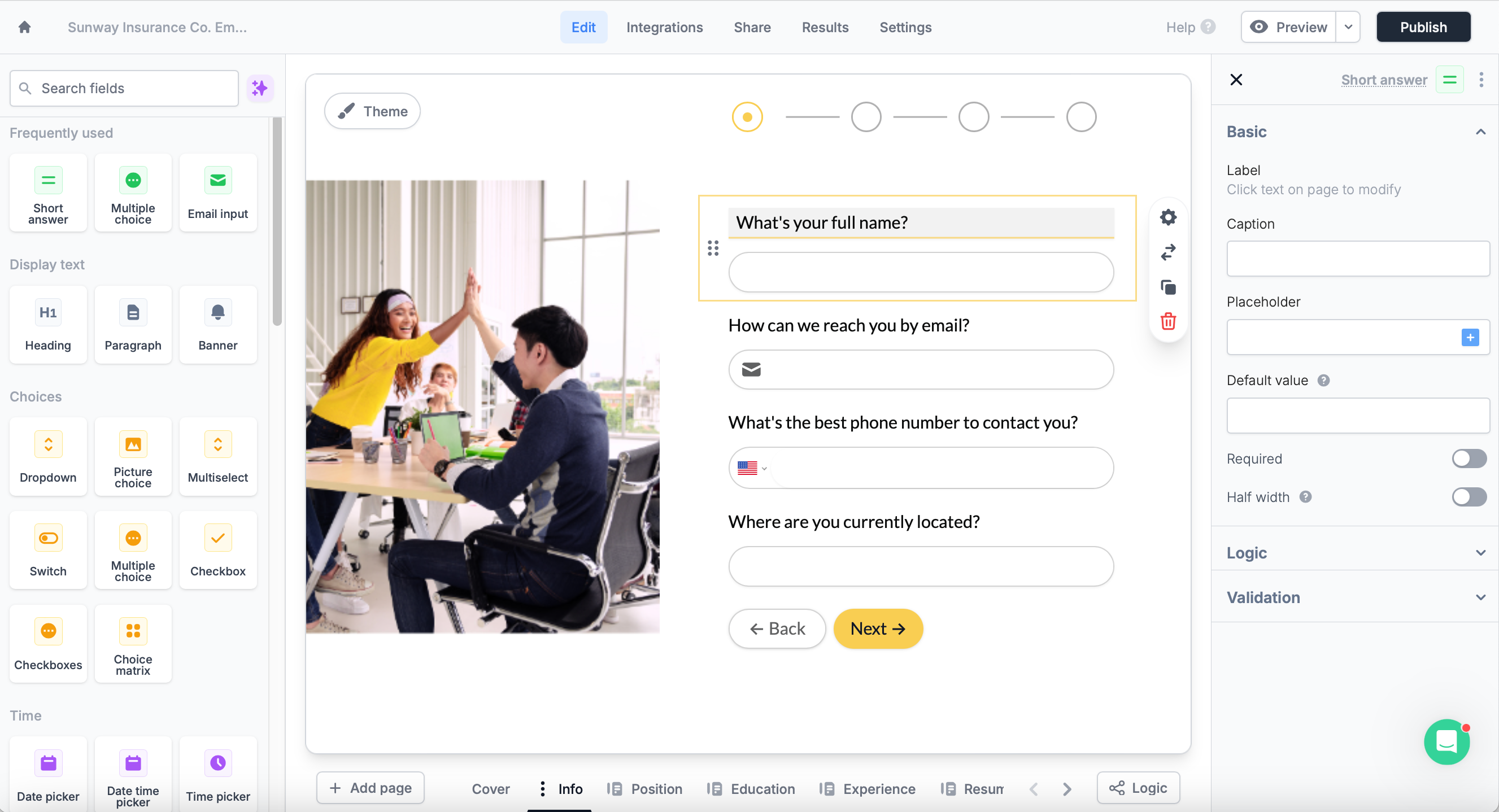
Fillout is an intuitive form builder that focuses on providing a smooth and easy user experience. Its interface is designed to make it easy for anyone to create a form for any type of purpose that will match their branding. With its mobile-friendly design, forms created on Fillout look great on any device. Its AI Form Generator will allow you to create structured forms based on a prompt.
Key Features
- Advanced and customizable fields
- Powerful conditional and branching logic
- Real-time collaboration capabilities
- Built-in payment and scheduling tools
- Integration with thousands of popular 3rd party apps
Fillout pricing
Price: Free for up to 1,000 responses per month. Starter tier is at $15 per month with 2,000 monthly responses. Try it here.
3 Paperform - Best for design-driven forms
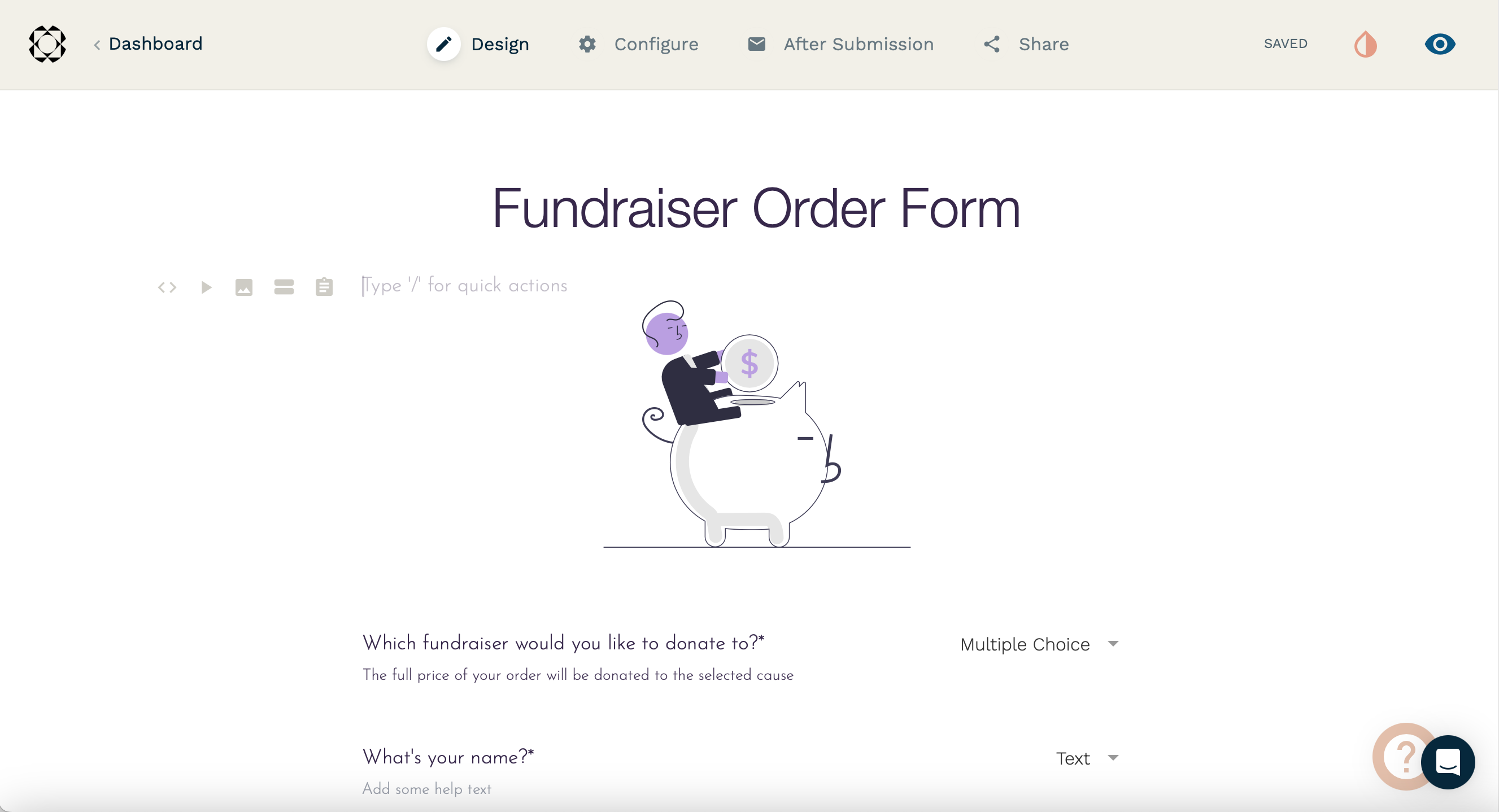
Paperform stands out with its ability to create forms that look like landing pages. It allows users to add rich media, including images and videos, directly into the form. The platform supports custom branding, enabling businesses to maintain a consistent look and feel. Paperform also offers automation tools to streamline workflows.
Key Features
- Rich media integration
- Custom branding options
- Advanced workflows
- Built-in payment integration
- Connects with thousands of web apps
Papeform pricing
Free for up to 30 responses per month. Essentials plan starts at $24 per month with up to 100 monthly submissions. Try it here.
4 forms.app - Best for AI-powered forms
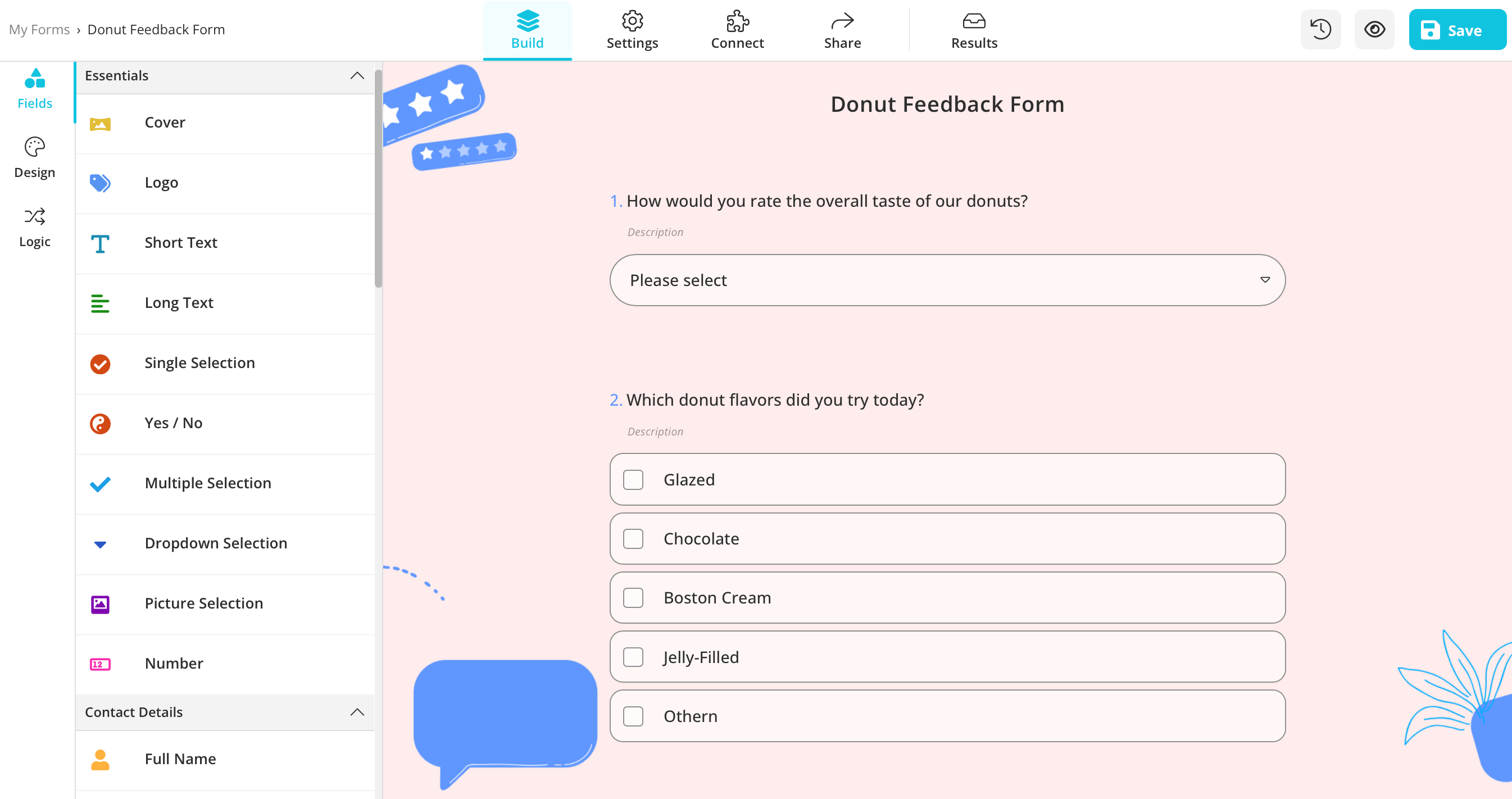
forms.app's AI form generator and AI insights feature set the app apart from its competitors. They offer 5,000 ready-made templates in various languages for users to create forms, surveys, and quizzes quickly. It is a great alternative to Google Forms due to its advanced customization options and features such as payment collection and conditional logic.
Key Features
- Various field layouts
- AI-assistance
- 500+ third-party integrations
- Online payments via Stripe and PayPal
- Various ways to export your data
forms.app pricing
Free for up to 100 responses per month. Paid subscriptions start from $15 per month when billed yearly. Try it here.
5 Typeform - Best for conversational forms
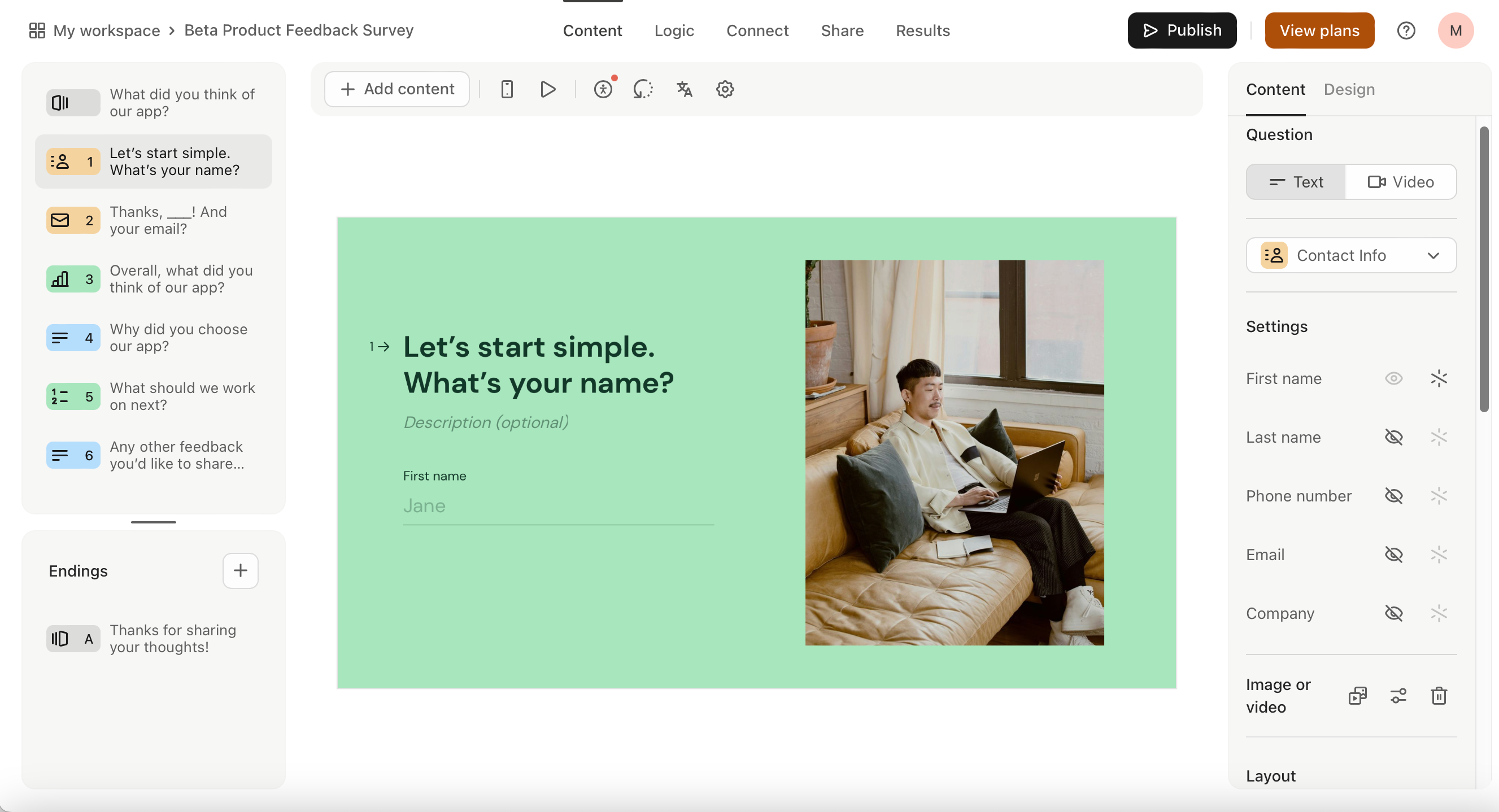
Known for its conversational design, Typeform makes form-filling engaging and interactive. It offers a wide range of customization options to match your brand’s identity. Typeform supports conditional logic to personalize the user experience. It also provides detailed analytics to help users understand form performance and improve it.
Key Features
- Conversational form design
- Extensive customization options
- Conditional logic for personalized forms
- Integration with various tools and services
- Detailed analytics for form performance
Typeform pricing
Free for up to 10 responses per month. Basic tier costs $25 a month with 100 monthly responses. Try it here.
6 Jotform - Best for feature-rich forms
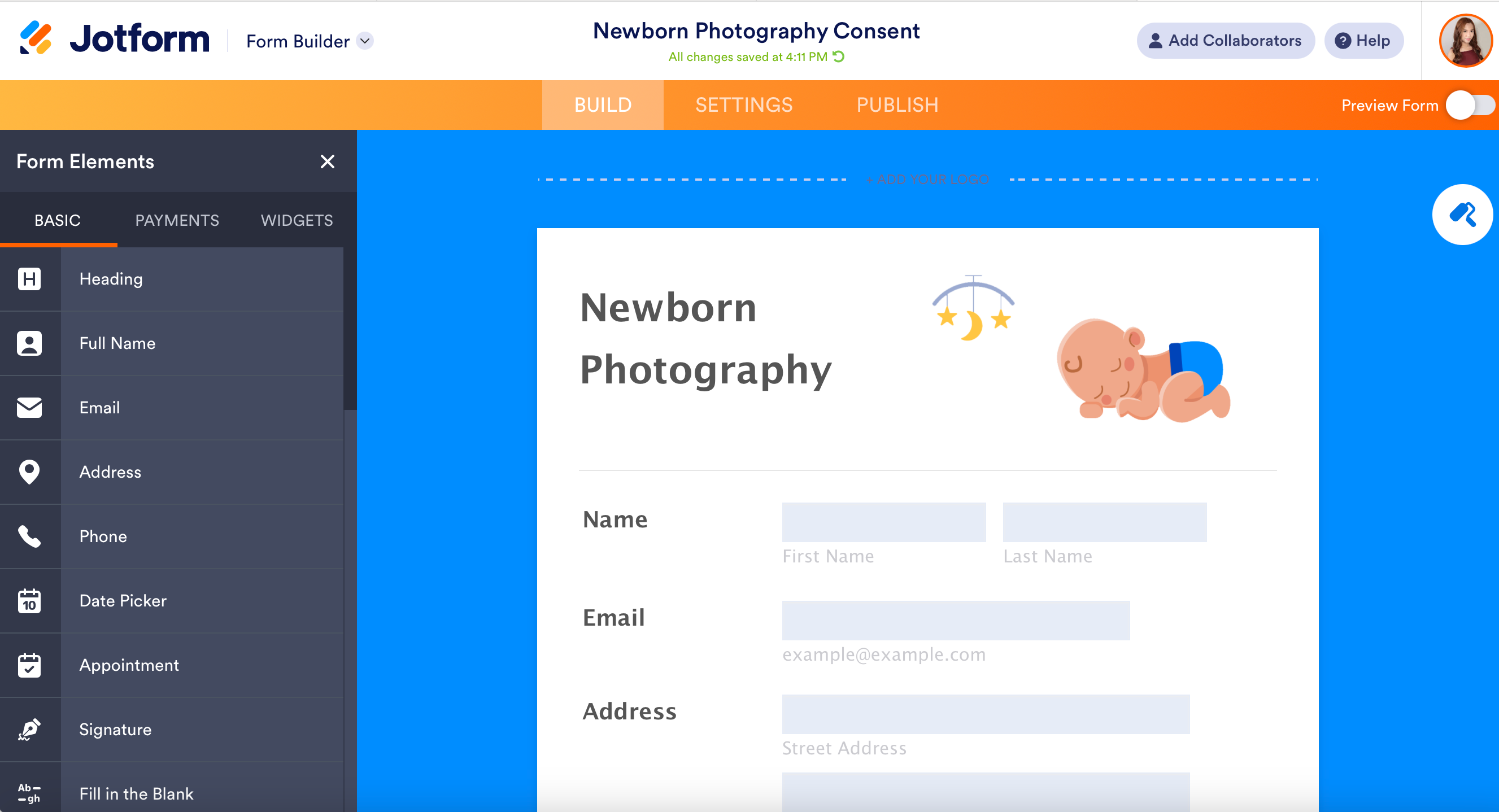
Jotform is a user-friendly form builder designed to simplify the creation of online forms. It offers a wide range of customizable templates, making it easy to create forms for any purpose. It can also translate your form into over 130 languages. Additionally, Jotform integrates with numerous third-party applications such as Flipsnack, Canva and Wordpress, enhancing its functionality.
Key Features
- Advanced conditional logic
- Built-in payment processing
- Multilingual forms and translation
- Offline data collection
- Vast template library
Jotform pricing
Free for up to 100 responses per month. Bronze plan costs $39 per month with 1,000 monthly submissions. Try it here.
What’s the best alternative to Google Forms?
Google Forms lets users create forms that use basic fields like short answer, multiple choice, checkboxes, and paragraphs. However, as your needs grow, you might require features like payment processing, scheduling, branching logic, signatures, and more.
Each alternative offers something different: Microsoft Forms fits naturally into the Microsoft ecosystem, Fillout offers intuitive forms with custom branding, Paperform gives you more control over design, forms.app adds AI-powered features, Typeform focuses on conversational experiences, and Jotform offers a broad range of form features.
If you’re looking for a more customizable alternative to Google Forms, Fillout is worth considering. If you’re deciding between the two, check out our detailed Google Forms vs. Fillout comparison to see how their features differ.

Written by
Mikhaela Presillas is the Marketing Manager at Fillout. She lives in Manila where you can often find her trying out new restaurants and cafes in the city or exploring new destinations.