
Table of Contents
- The top 6 alternatives to Notion Forms
- A quick overview
- Why consider an alternative to Notion Forms
- 1 Fillout - Best for flexible custom forms
- Fillout pricing
- 2 Tally - Best for simple Notion-style forms
- Tally pricing
- 3 NoteForms - Best for Notion-native forms
- Note Forms pricing
- 4 SurveyMonkey - Best for data-driven surveys
- SurveyMonkey pricing
- 5 Typeform - Best for conversational forms
- Typeform pricing
- 6 Paperform - Best for design-rich forms
- Paperform pricing
Do not index
Author Status
Last Edited Time
Jun 8, 2026 08:05 AM
Hide CTA
Hide cover
Notion Forms is a newly introduced form builder created to help users collect reports, feedback, RSVPs, and more — all within the Notion ecosystem. Launched in August, this modern and simple tool offers features like customizable fields, automation triggers, and anonymous submissions, making it a natural fit for Notion users. That said, its novelty means it falls short when it comes to advanced features for building more effective forms. In this blog, we’ll go through the top 6 Notion Forms alternatives.
The top 6 alternatives to Notion Forms
- Fillout for flexible custom forms
- Tally Forms for simple Notion-style forms
- Note Forms for Notion-native forms
- SurveyMonkey for data-driven surveys
- Typeform for conversational forms
- Paperform for design-rich forms
A quick overview
Alternative | Best for | Free Plan | Paid Plans |
Flexible, custom branded forms | Up to 1,000 responses per month | Starter plan from $15 per month | |
Simple, flexible Notion-style forms | With unlimited responses | Pro plan from $29 per month | |
Notion-native forms with easy setup | With unlimited responses | Pro plan from $20 per month | |
Data-driven surveys with advanced analytics | Up to 25 responses per survey | Team plan from $25 per month per user | |
Conversational forms with engaging UX | Up to 10 responses per month | Basic tier from $25 per month | |
Design-focused forms with rich customization | Up to 30 responses per month | Essentials plan start at $24 per month |
Why consider an alternative to Notion Forms
While Notion Forms is a good tool for lightweight tasks, it may be limiting for users needing more advanced functionality or scalability. There are form builders that have been around the market for years that often provide richer features and better integrations. Here’s why you might want to explore alternatives to Notion Forms:
- Lacks advanced functionality: Missing essential features like conditional logic and payment integrations
- Limited design flexibility: Offers minimal options to customize forms, with templates that tend to stick to a single theme, and doesn’t allow creation of multi-page forms
- Basic response validation: Doesn’t support features like character limits or predefined criteria to ensure accurate data entry
- Few field types: Offers only 10 basic field types (ex: text, multiple choice, date, and email) and lacks other commonly used ones like ranking, rating, address, and choice matrices
- Ecosystem restrictions: Works exclusively within the Notion platform, limiting integrations with other tools
1 Fillout - Best for flexible custom forms
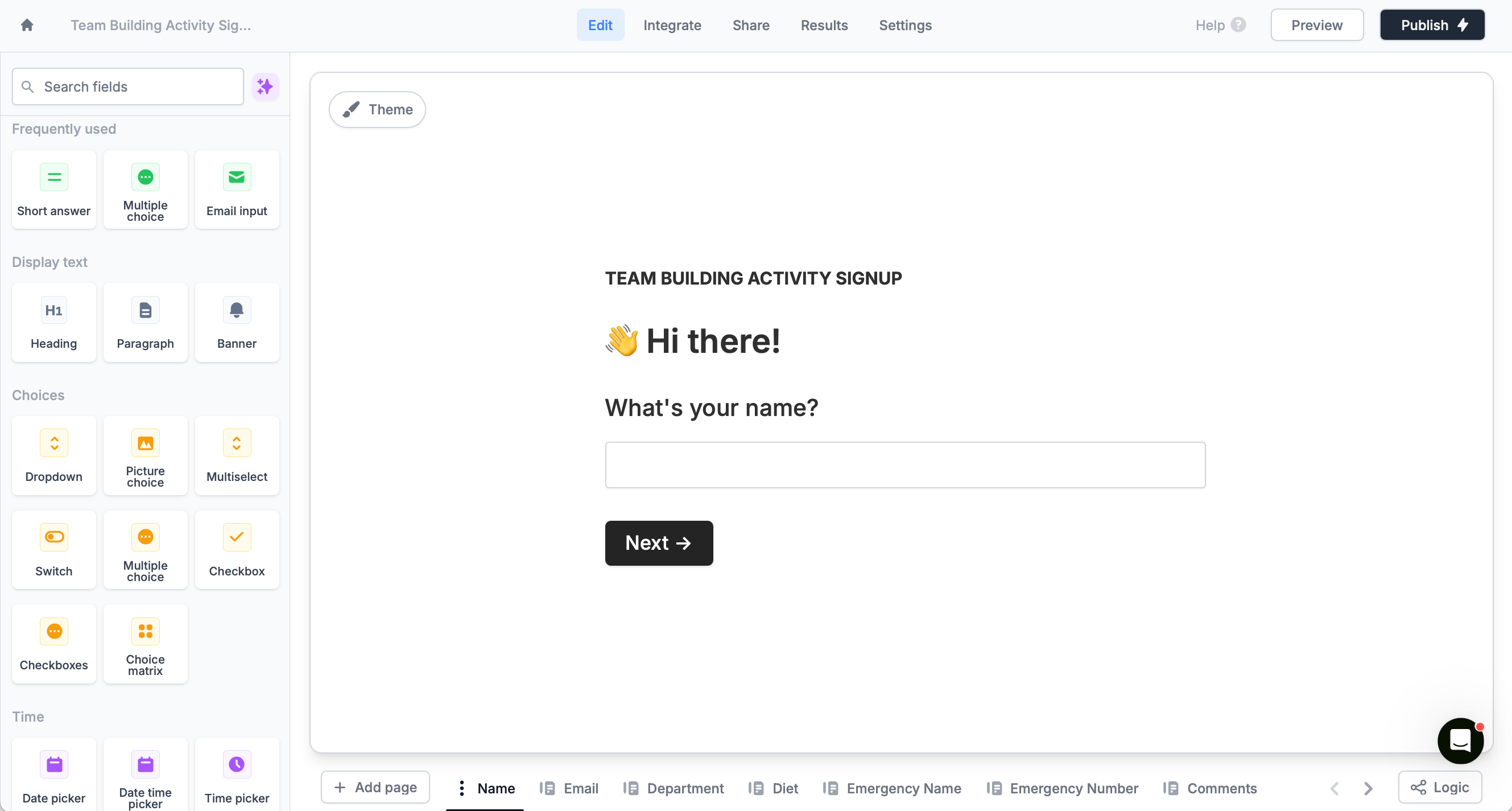
Fillout is a powerful yet easy-to-use form builder that goes beyond the basics. It lets you create fully customizable forms that match your branding, adapt to respondent input, and fit seamlessly into your workflow. The best part is Fillout forms integrate seamlessly with Notion, making it a perfect match for Notion users.
Key Features
- Advanced design customization with pre-made templates
- Automatic syncing of form answers to Notion databases with the option to select linked records
- Single or multi-page forms with conditional logic for a personalized experience
- Native automation tools to streamline workflows involving scheduling, payments, and more
- Seamless integrations with commonly used tools like databases, CRMs, and email platforms
Fillout pricing
Free for up to 1,000 responses per month. Paid plans start at $15 per month. Try it here.
2 Tally - Best for simple Notion-style forms
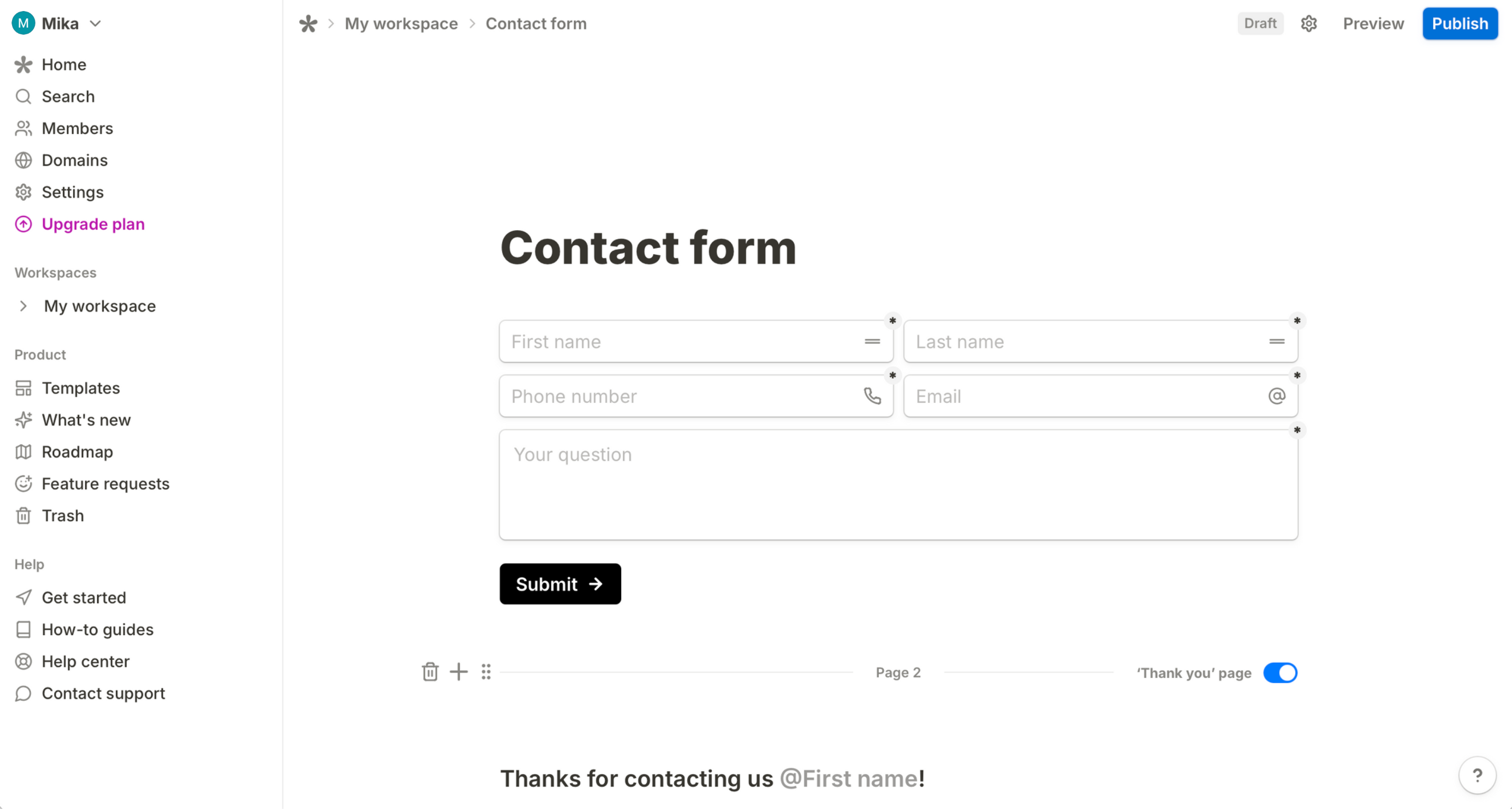
A simple yet capable form builder, Tally focuses on ease of use and customization. Its interface is inspired by Notion, so it feels like you’re building a form right within a Notion doc—clean and simple. It’s a great choice if you’re looking for a simple, hassle-free way to collect data without the complexity of other form builders.
Key Features
- Notion-inspired interface offers a more familiar building experience
- Multi-step forms with conditional logic for more structured data collection
- Direct integration with Notion to send form responses straight to a Notion database
- Data export options for easy analysis in spreadsheets
- Advanced response tracking to monitor form submissions
Tally pricing
Price: Free with unlimited responses. Paid plans start at $29 per month. Try it here.
3 NoteForms - Best for Notion-native forms
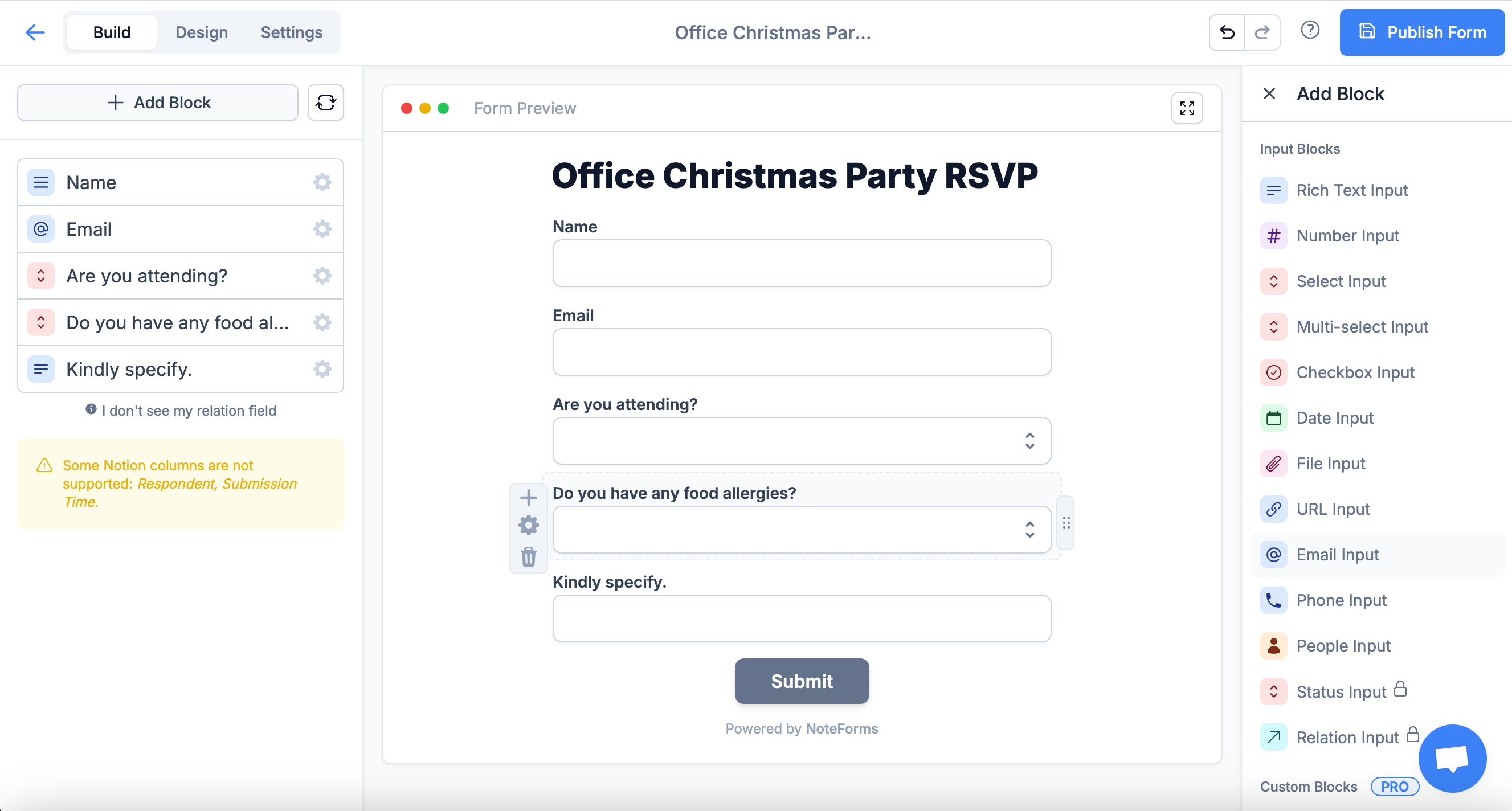
NoteForms is a simple and efficient form builder with an interface similar to Notion, making it easy to create forms that feel like Notion docs. It allows you to quickly gather responses and manage data without complexity. All form responses are stored in the Notion database of your choosing.
Key Features
- Easy form creation with a Notion-inspired interface
- Advanced logic to create dynamic forms with conditional visibility
- Automatic submission syncing directly to your Notion database
- Custom validation settings that allow you to define requirements for fields
- Real-time collaboration to work together with your team and manage responses efficiently
Note Forms pricing
Free for unlimited responses with 1 database view. Paid plans start at $20 per month. Try it here.
4 SurveyMonkey - Best for data-driven surveys
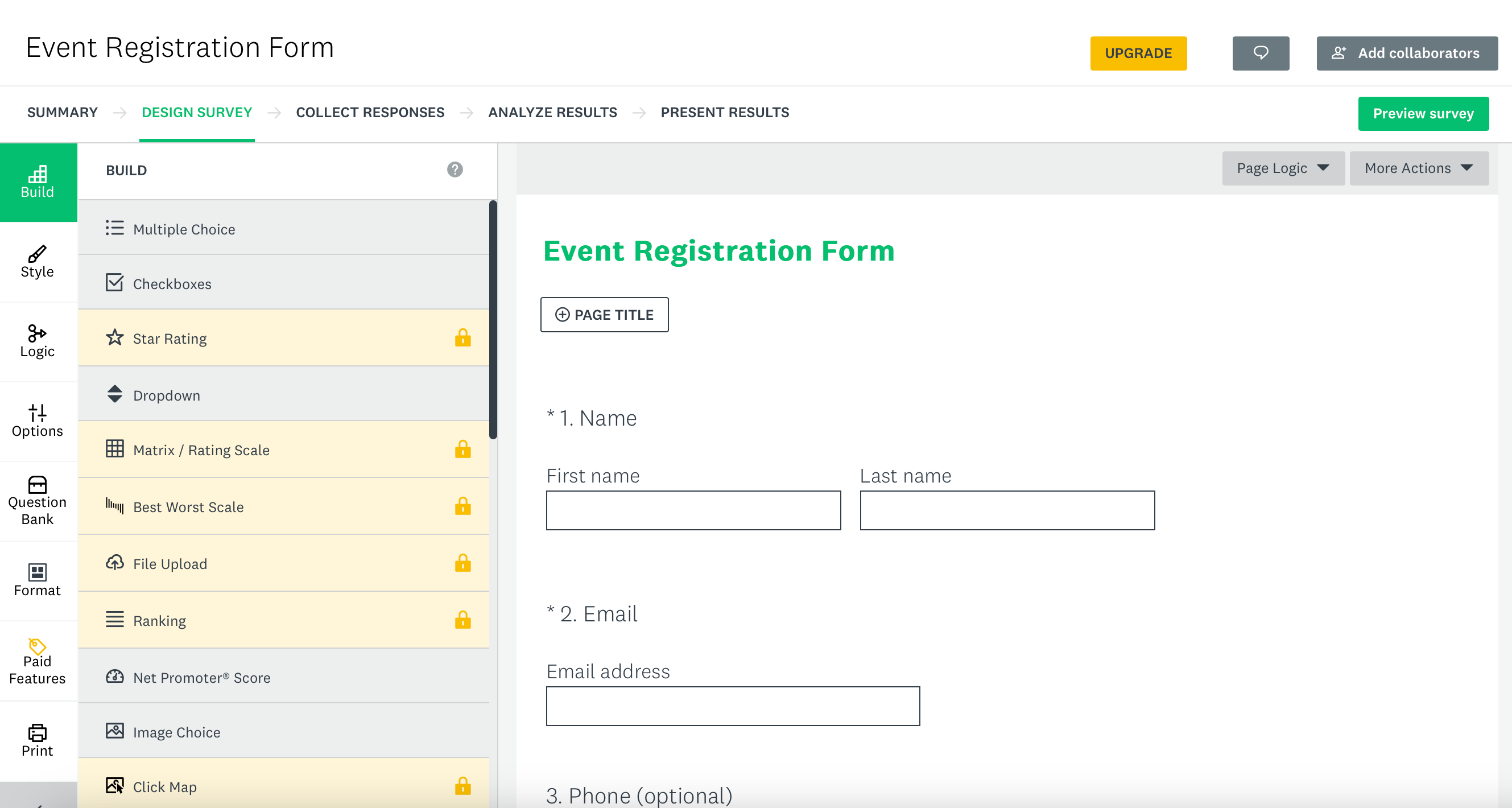
SurveyMonkey is a popular form platform that helps you collect feedback and insights with ease. It's built for businesses and organizations that need reliable survey tools paired with strong data analysis features. With its user-friendly interface, it makes it simple to create professional surveys and gather responses from a broad audience.
Key Features
- Customizable conditional logic to tailor the respondent experience
- Powerful data analysis to create reports with advanced filtering, multiple data views, and cross-tabulation
- Question randomization to improve response accuracy
- Anonymous response options for confidential feedback
- Seamless integrations with popular tools like CRMs, databases, and messaging apps
SurveyMonkey pricing
Free for up to 25 responses per form. Paid plans start at $25 per month. Try it here.
5 Typeform - Best for conversational forms
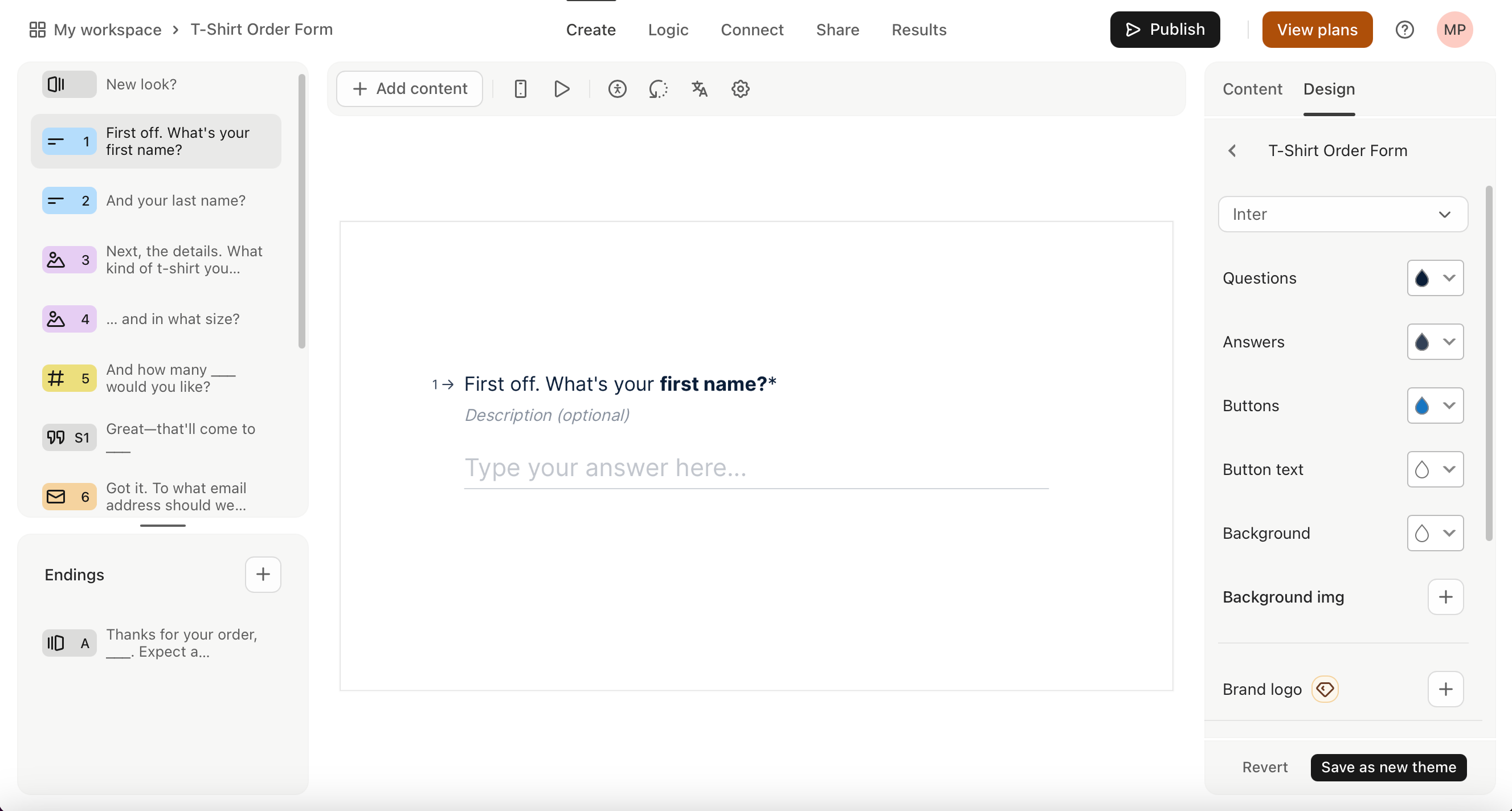
Known for its engaging design, Typeform focuses on providing a conversational experience for respondents, helping increase completion rates. Its easy-to-use platform lets you create personalized forms and surveys that look great on any device, making it a good choice for businesses looking to connect with their audience in a more dynamic way.
Key Features
- Conversational forms for a more engaging and personalized respondent experience
- Advanced logic jumps for dynamic forms
- Real-time syncing of form responses to a Notion database
- Branding customization to match your company’s look and feel
- Direct integration with work tools for lead generation, CMS, productivity, and more
Typeform pricing
Free for up to 10 responses per month. Basic tier costs $25 a month. Try it here.
6 Paperform - Best for design-rich forms
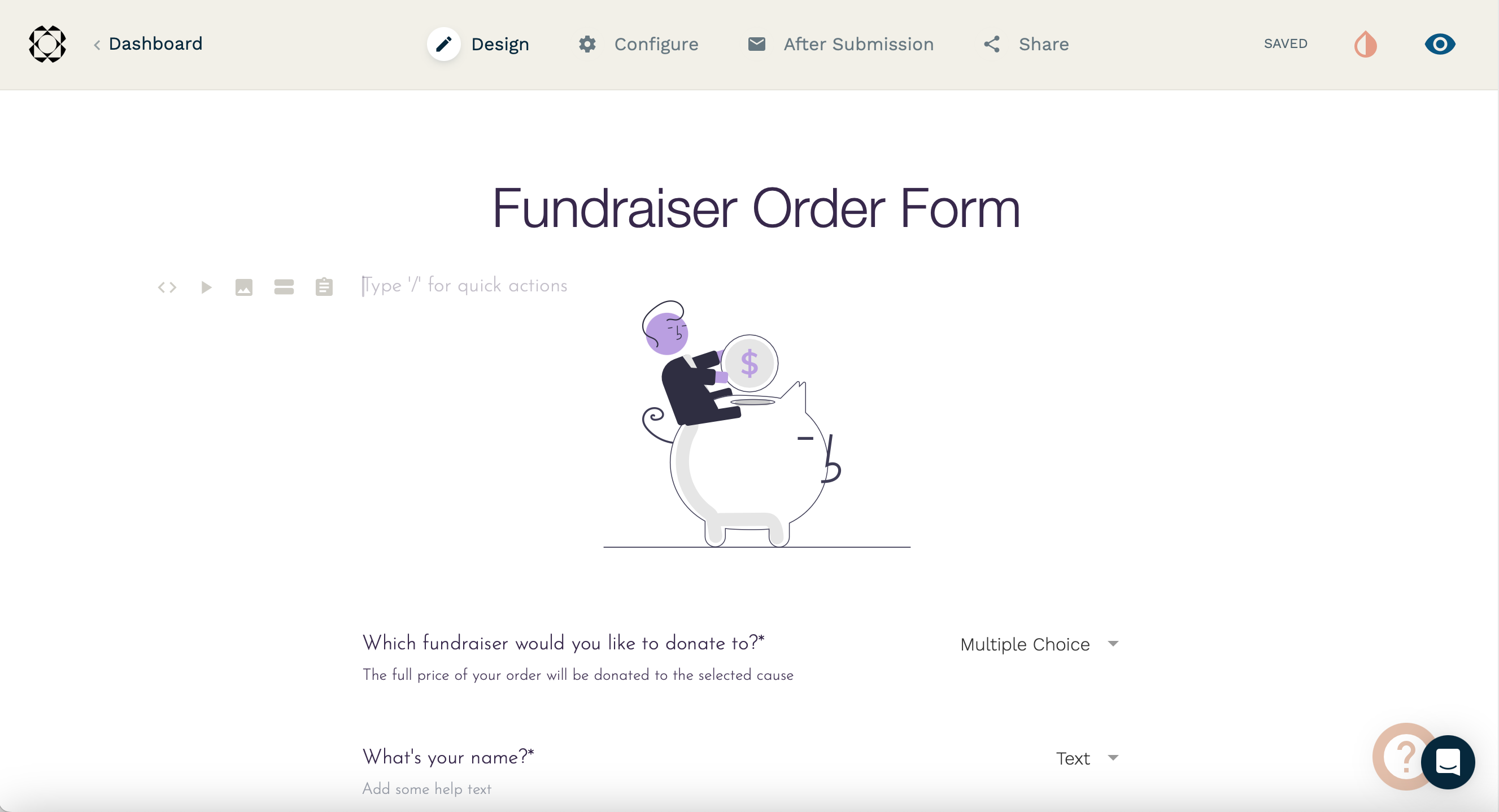
Paperform lets you create beautifully designed forms with minimal effort. Its user-friendly interface lets you build forms that feel like interactive experiences, not just standard surveys, that can be linked with Notion. With its flexibility, you can design simple questionnaires to booking forms, all within an intuitive setup.
Key Features
- Customizable templates to create forms with ease
- Rich media support for adding images, videos, and more
- Automatic submission of form answers that can be stored to a Notion database
- Conditional logic for dynamic, personalized forms
- Direct integrations with various apps like spreadsheets, time tracking, and CRMs.
Paperform pricing
Free for up to 30 responses per month. Essentials plan starts at $24 per month with up to 100 monthly submissions. Try it here.
Notion Forms is great for quick, short, and simple forms, like RSVPs, time off requests, and contact information forms. However, it won’t be helpful in creating forms that require robust features commonly used by businesses like payments, calendar scheduling, and other advanced tools that streamline workflows. To create powerful, customizable forms in minutes that can fully integrate with Notion, check out Fillout.

Written by
Mikhaela Presillas is the Marketing Manager at Fillout. She lives in Manila where you can often find her trying out new restaurants and cafes in the city or exploring new destinations.
