

Overview
Every Zite app is internal by default — only members of your organization can access it. When you’re ready, you can share your app to the web so people outside your organization can use it too. Who can access internal apps- Admins — always have full access to all apps in the organization
- Invited collaborators — organization members who have been specifically invited to the app
Invite collaborators
Open Access settings
Click 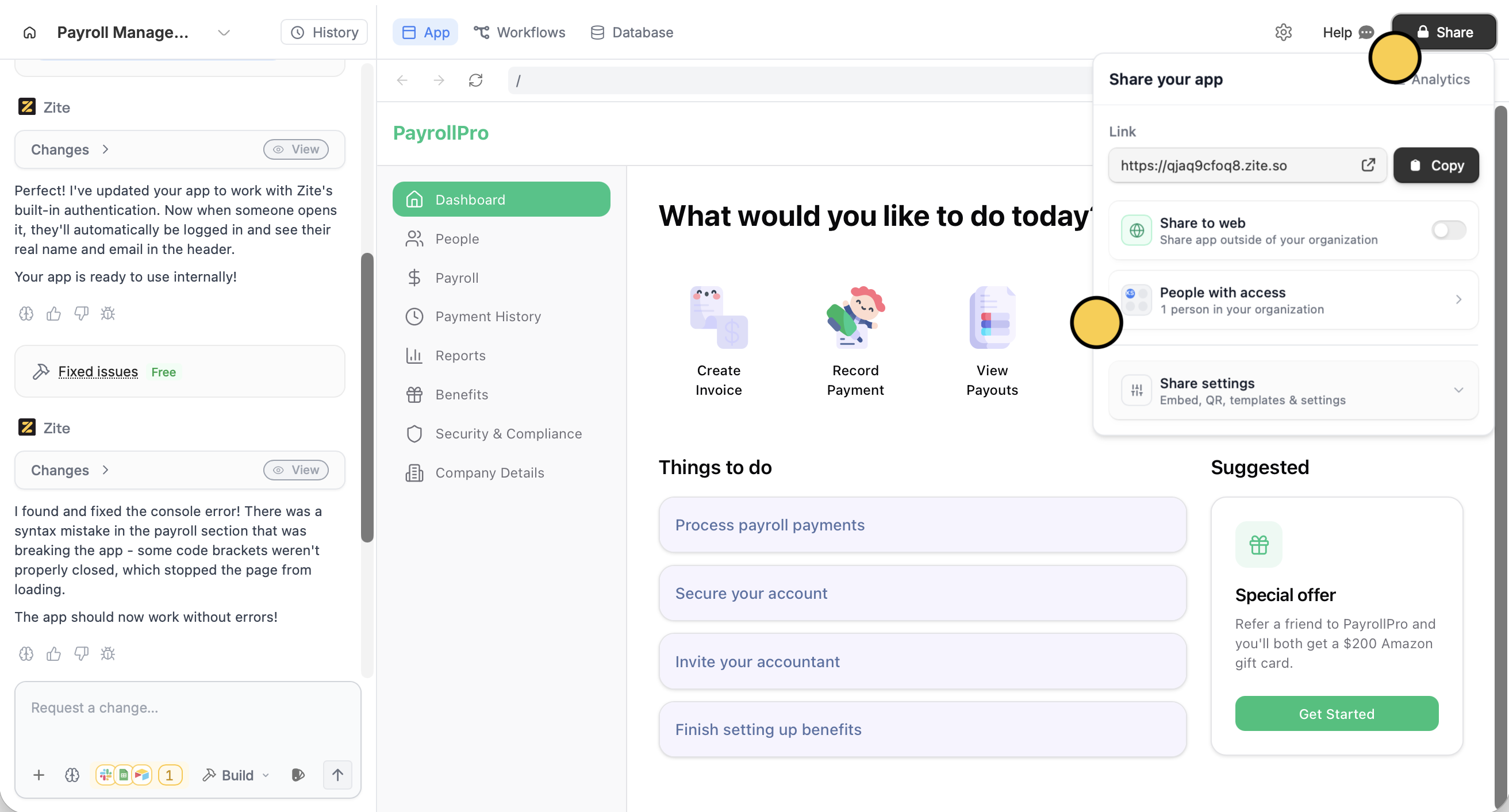
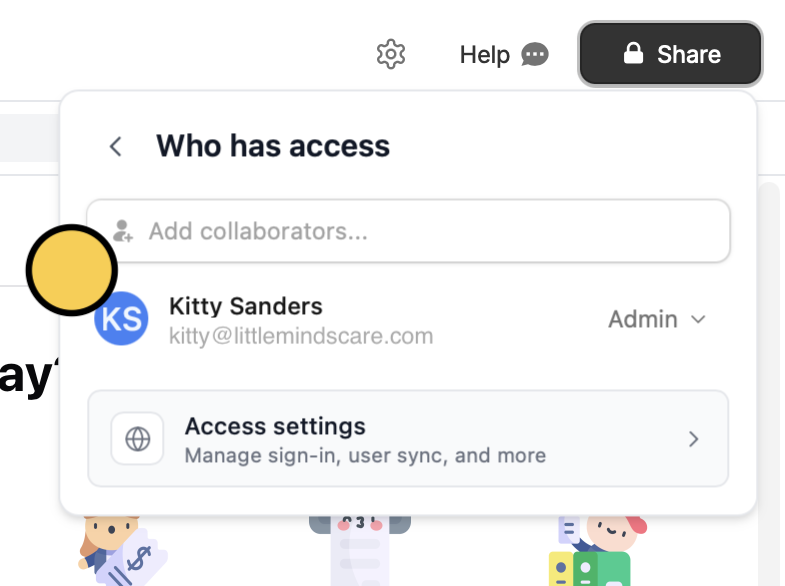
Share followed by People with access.Add collaborators.... Access in the popup.Set up access
Enter one or more email addresses in the popup. Then, choose an access level for the collaborators: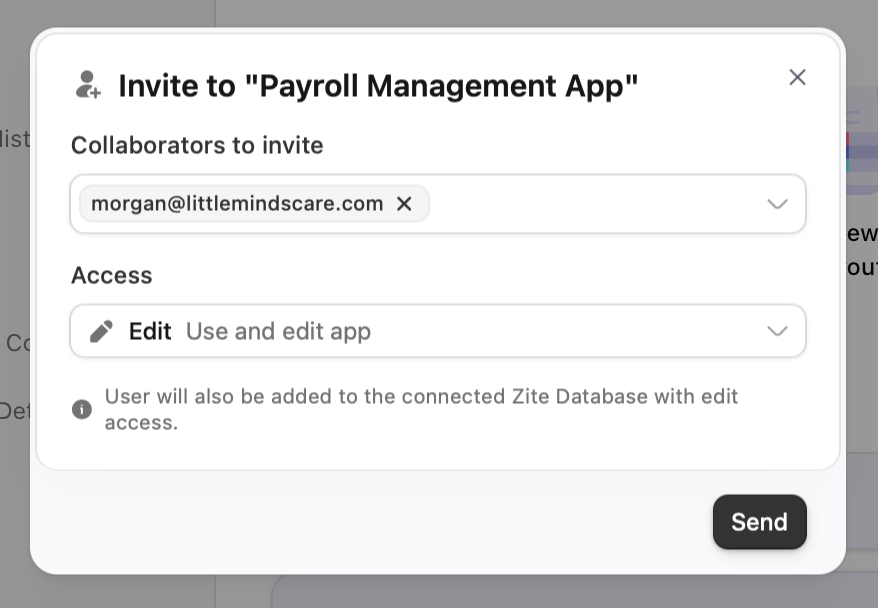
- Edit (default) - can edit the app in the editor
- Use only - cannot edit the app
If you invite someone with Edit access to an app that has a connected Zite Database, they will also be invited to the underlying database.
Manage collaborator access
In the People with access section, click the access dropdown next to a user’s name to:- Change access level — Switch between Edit and Use only
- Remove access — Remove the collaborator (you’ll be asked to confirm)
- Revoke pending invites — Cancel invites that haven’t been accepted
Related articles
Share to web
Make your app accessible to the public.
Authentication
Add sign-in to your shared app with magic links, Google, or SSO.
User sync
Sync app users to a database table automatically.