

Overview
When you share your Zite app to the web, anyone with the link can access it — even people outside your organization. This is ideal for customer-facing portals, public-facing tools, directories and websites. You can still require sign-in while still sharing your app to the web, through Authentication.Enable public sharing
ClickShare to enable Share to web.
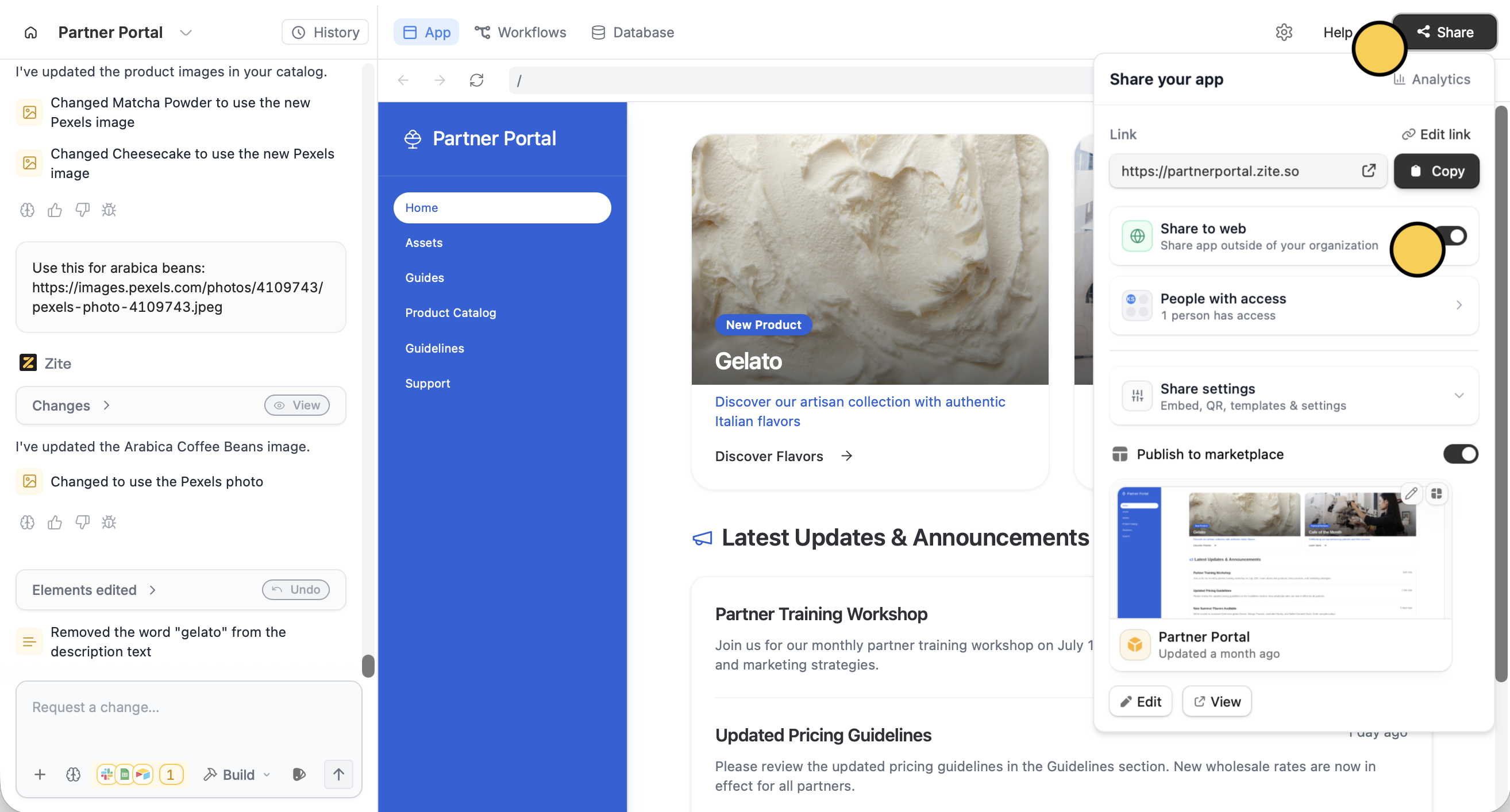
Copy your app’s link or click to open it in a new tab.
Alternatively, you can click (beside Help) followed by Access in the popup.
If your app uses authentication, you’ll be prompted to choose who can sign up. See Authentication for details.
Share a QR code
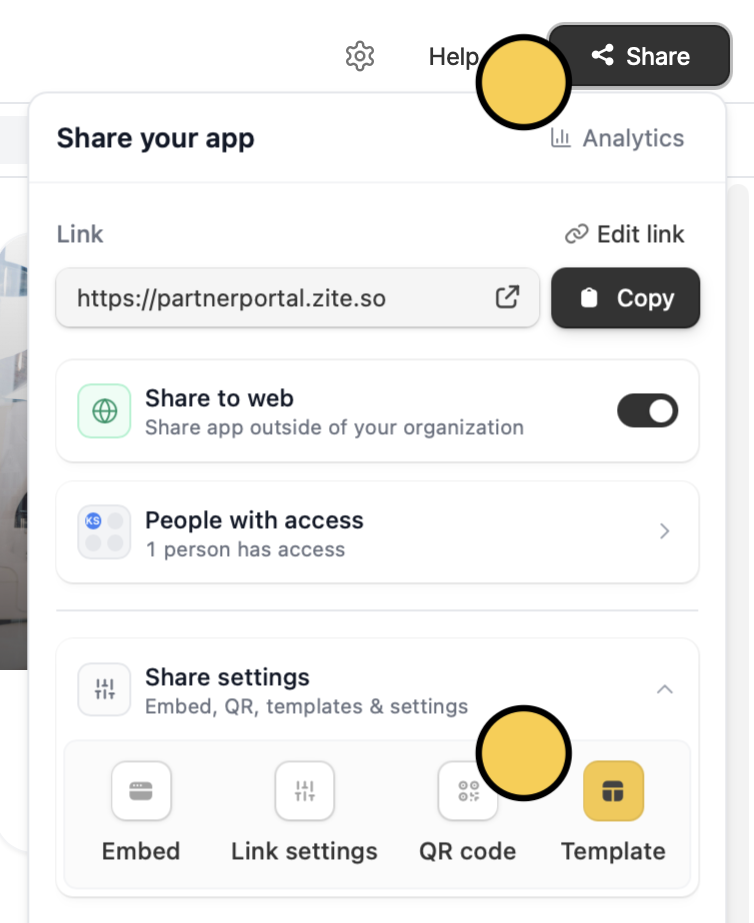
In theShare menu, click Sharing settings and choose QR code.
Related articles
Access & Sharing
Overview of internal apps and managing access levels.
Authentication
Add sign-in to your shared app with magic links, Google, or SSO.
Customize links
Set up a custom domain and link preview.