How it works
You’ll get a unique referral link to share. When new users sign up for a paid Fillout plan through it, you’ll receive commissions.
- 30% recurring commission for up to one year
- 50% extra signup Zite AI credits given to your referrals
- Referrals must be new users
How to join
Create a Fillout account (if you haven’t already). Join directly through our Affiliate Program page to Start earning today. Alternatively, you can click Refer and earn on the bottom left of your dashboard.
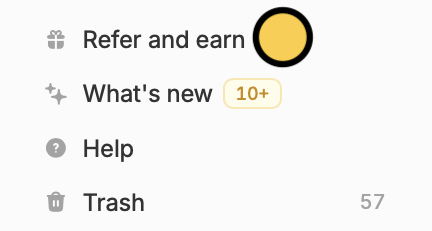 In the pop-up window, click
 Become an affiliate. Then, enter your preferred referral identifier.
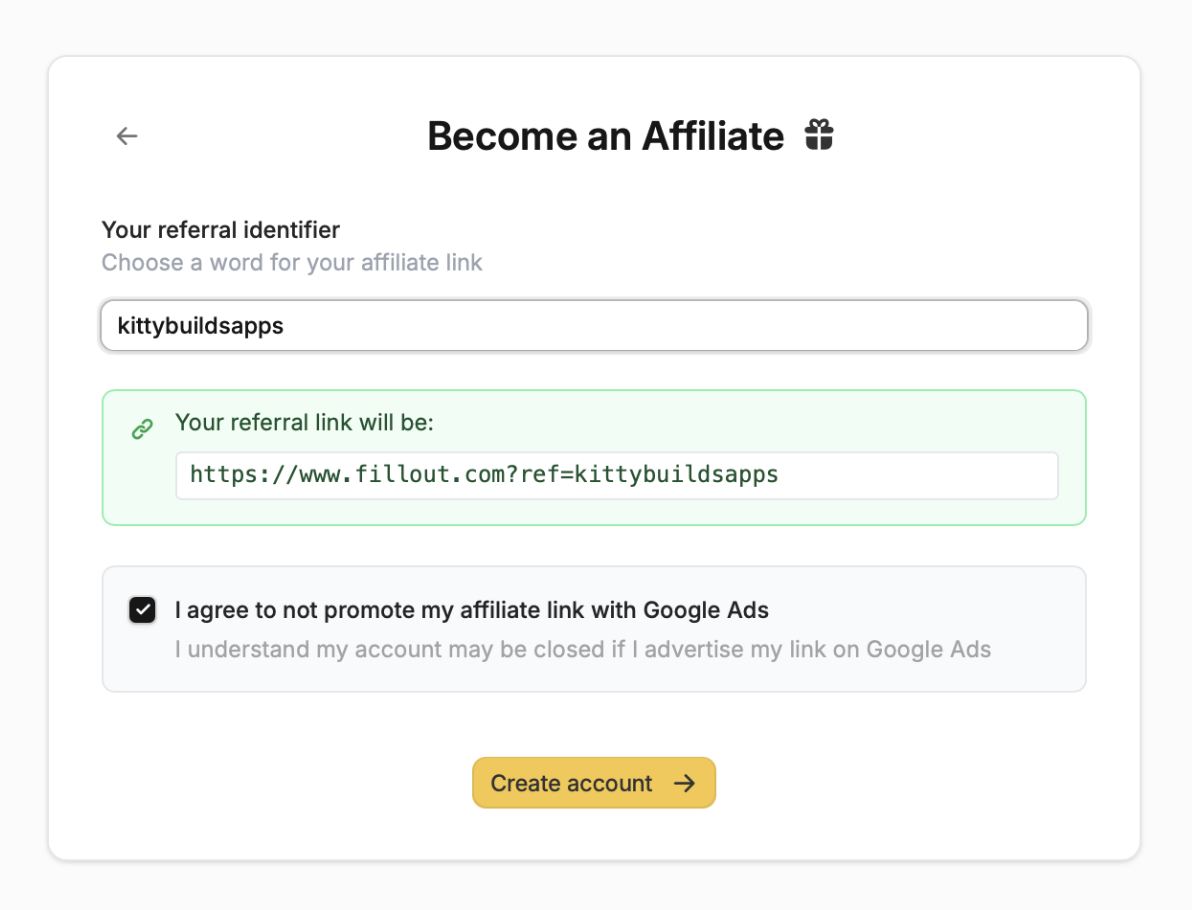 That’s it! Now you can share your unique referral link and track conversions in your affiliate dashboard.
When you sign up for an affiliate account, you agree not to promote your affiliate link with Google Ads. Please keep in mind that your account will be closed if you advertise your link on Google Ads.
Managing your links
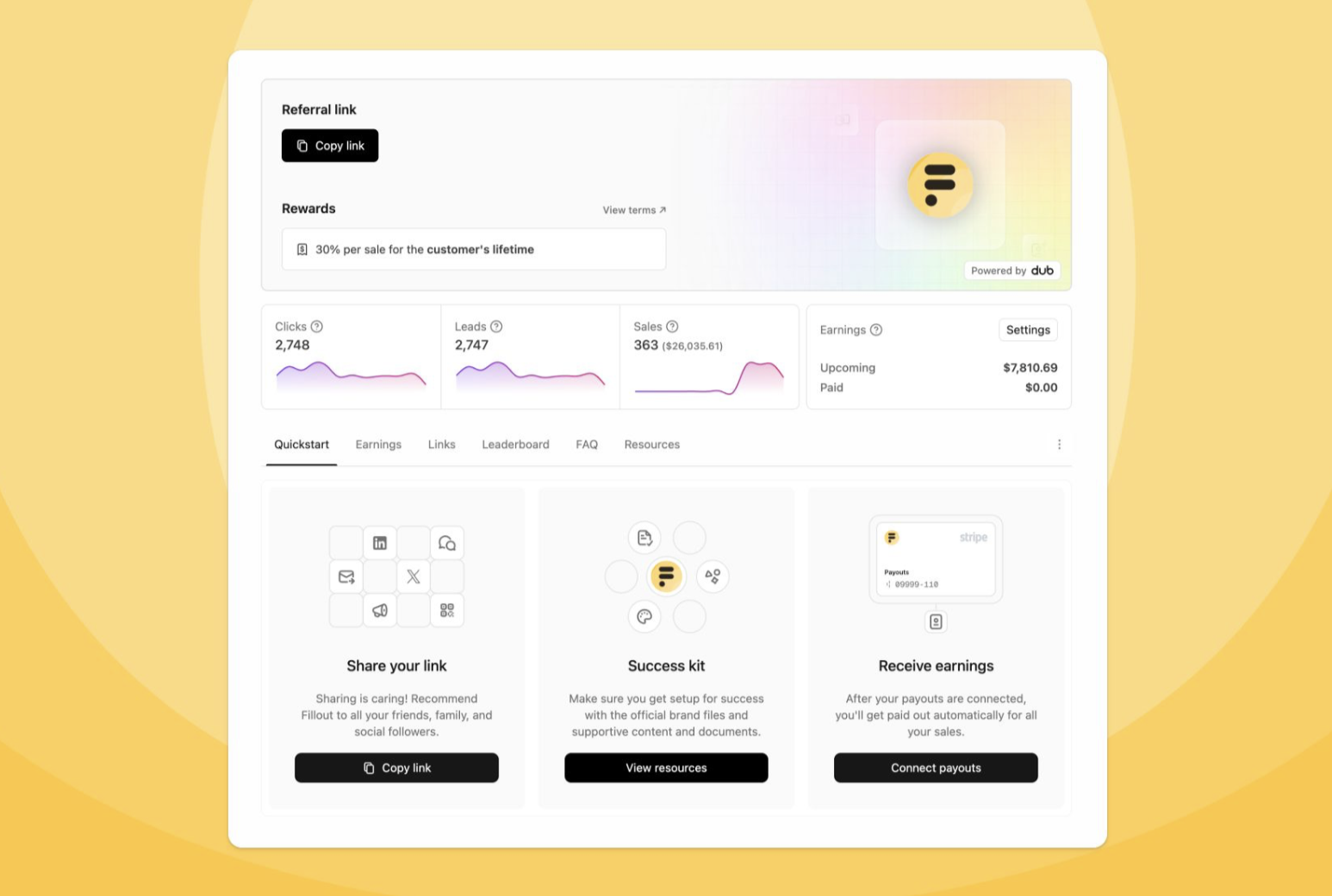 In your affiliate dashboard, you can:
- View your main affiliate link - your default URL for general use
- Create custom links - make multiple links for different campaigns
- View real-time analytics - track clicks, sign-ups, and earnings
FAQs
Q: How do I get paid?
Commissions are paid monthly via your preferred payment ACH method set in the affiliate dashboard.
Q: Is there a holding period for payments?
Yes, the current holding period is between 30 and 45 days. You can expect your payment to happen after the holding period.
Q: Is there a minimum payout amount?
Yes, the minimum amount required for payouts to be processed is $20 USD.
Q: Can I customize my link?
Yes, you can customize the handle/slug in your dashboard.
Q: What if someone clicks multiple affiliate links?
The first affiliate link clicked gets credit for the conversion. Once an account is associated with a specific affiliate link, it is not possible to change the affiliate associated with it.
Q: What if I forgot to use my affiliate link for a client signup?
Currently, we can only apply affiliate commissions retroactively for verified solution partners. Apply to become a solution partner here.
Q: Can I see which accounts I referred from my affiliate link?
For privacy reasons, the affiliate dashboard anonymizes the email addresses of the users you refer. You’ll see the list of referrals with randomly generated names (e.g., “Influential Rose Frog”).
