

How to collect data
Choose your form
Click apps at the bottom left and choose 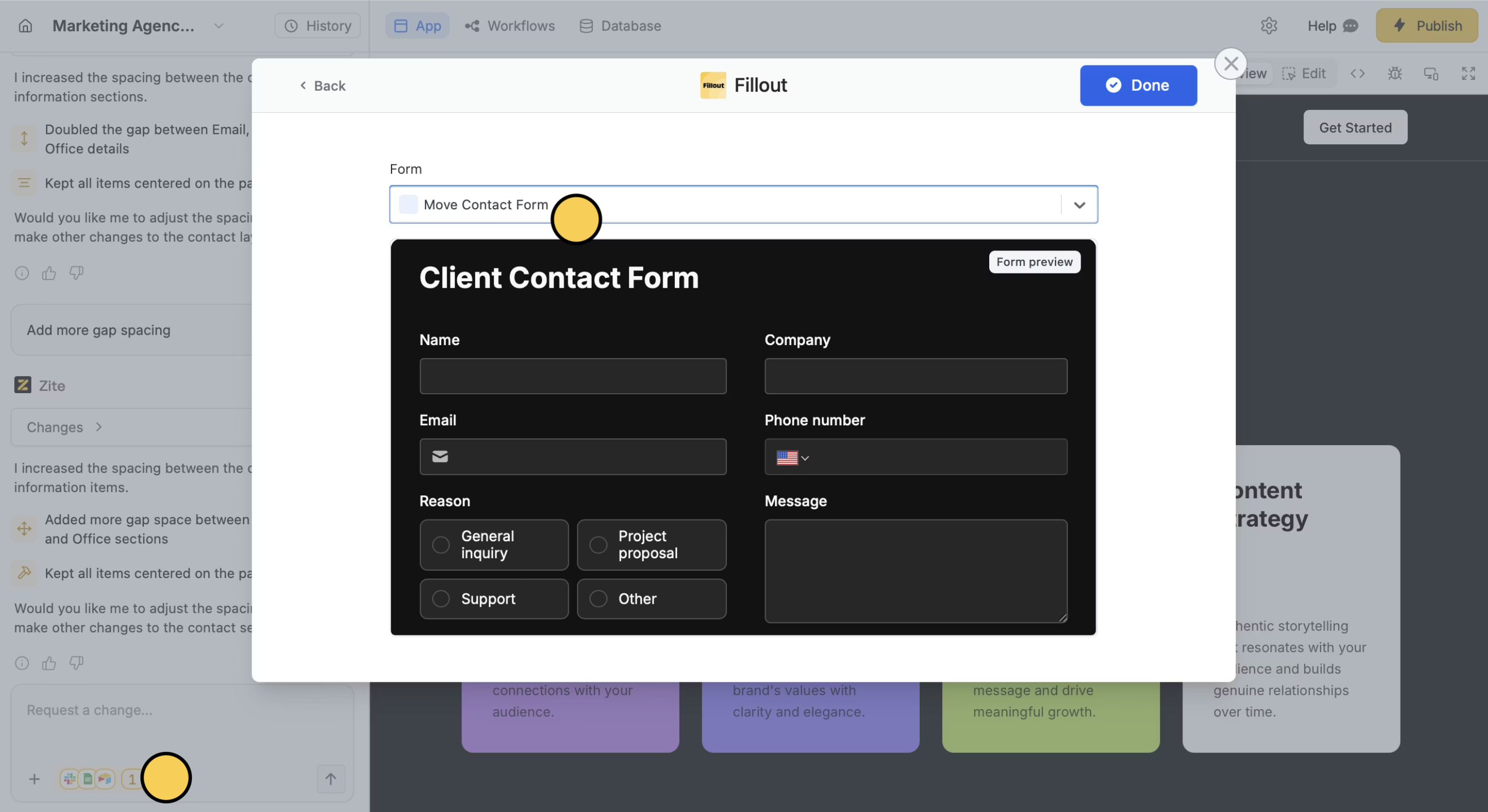
or Type a promptIn the chat box, request for your Zite app or for a specific element to be connected with Fillout. You can do this for new and existing apps.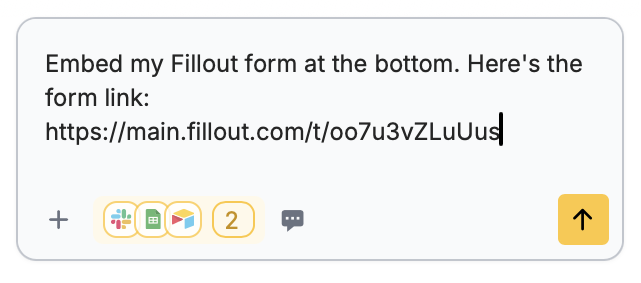
Fillout. Then, select the form you want to use in the dropdown menu.or Type a promptIn the chat box, request for your Zite app or for a specific element to be connected with Fillout. You can do this for new and existing apps.
Choose embed type
Zite automatically chooses a Default embed type depending on the look and intended function of your app. To change this, click 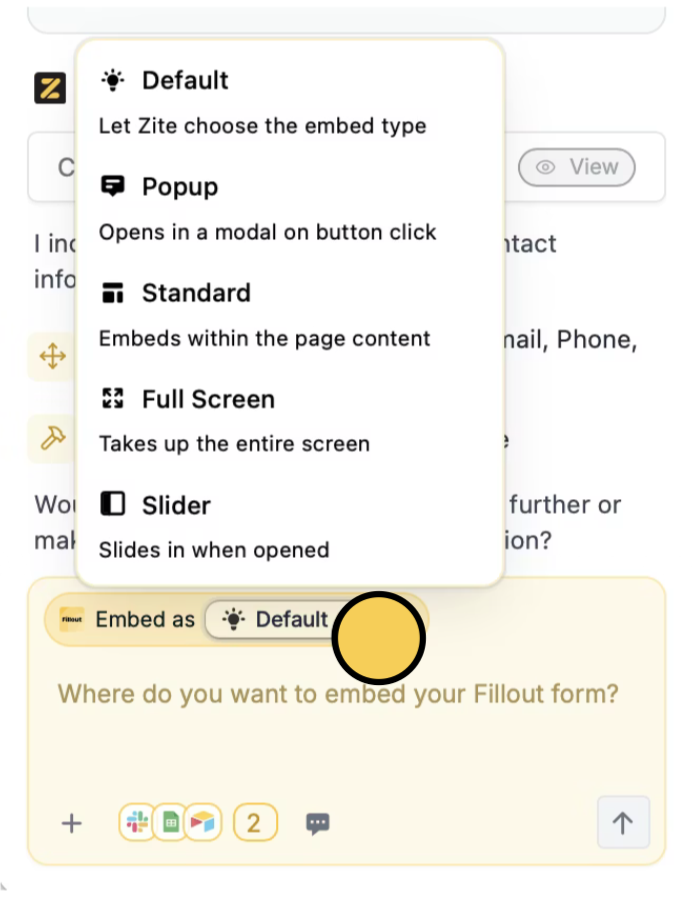
Default.Input embed location
In the chat box, indicate where you want your Fillout form to show up on your Zite app.
Deploy and share
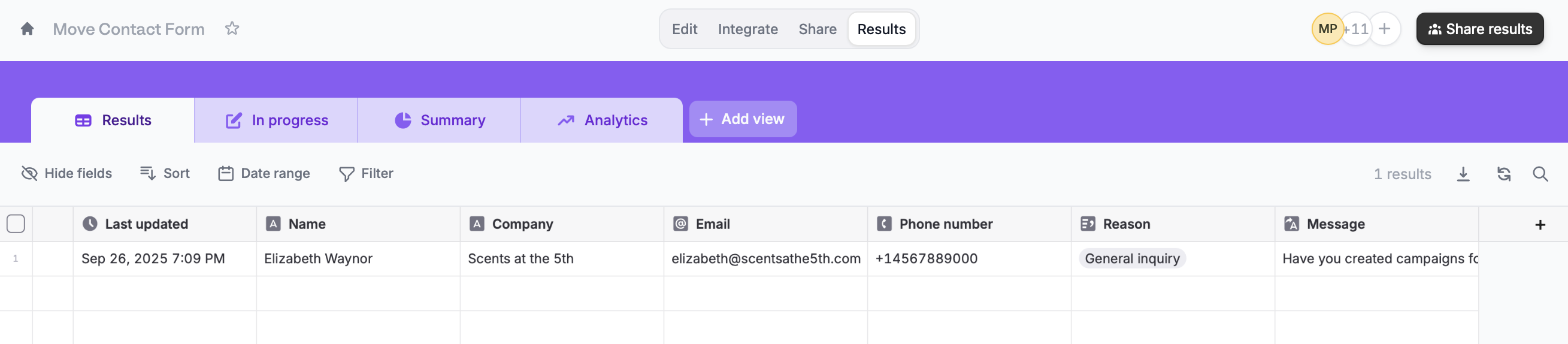
Complete the Fillout form in your app to ensure everything’s working properly.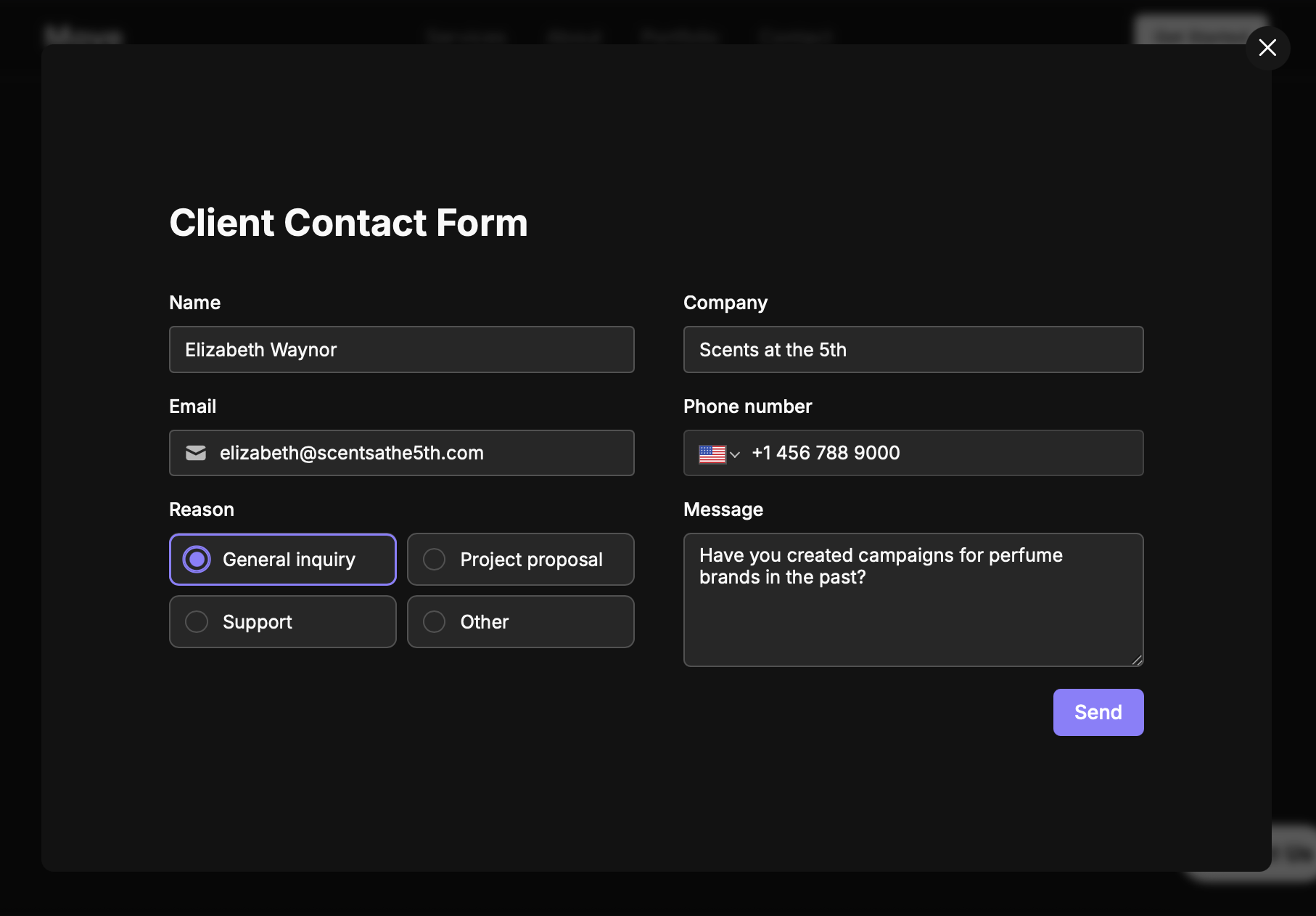
Publish in the upper right corner to share or embed your app.Modify the theme or style specific elements your app to personalize it or match it with your brand.Common use cases
By connecting Fillout, you can easily build apps for things like:- Contact Collection: Capture lead or customer information
- Calendar Bookings: Let users schedule appointments directly
- Feedback Submission: Quickly gather user thoughts and suggestions
- Ratings & Reviews: Prompt users for quick star ratings or testimonials
- Custom Quizzes: Deliver interactive assessments or forms with scoring
- Order Forms: Collect product or service orders with payment options
- Incident Reporting: Enable quick reporting of bugs, issues, or safety concerns