

Overview
Each request you send uses credits. The amount depends on the complexity of your message. Here’s how to use your credits more efficiently.Be clear and specific
When making requests, be precise with your instructions. If you want to change a specific feature, area, or page, indicate exactly which one. Avoid general requests.Sample prompt
Add a search bar to the top right of the dashboard. It should filter the table below in real-time and match the current design of the dashboard.
Use chat mode
Chatting uses fewer credits than building. To review recent changes, troubleshoot issues, or ask questions, click the chat icon in the bottom left. More info here.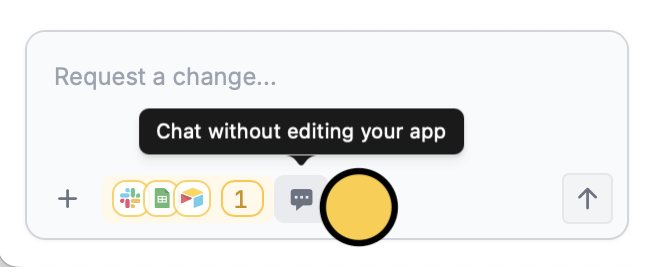
Use plan mode
For large or complex requests, use plan mode to scope out requirements before building. This avoids wasted credits on rework by clarifying what will be built upfront.Make manual edits
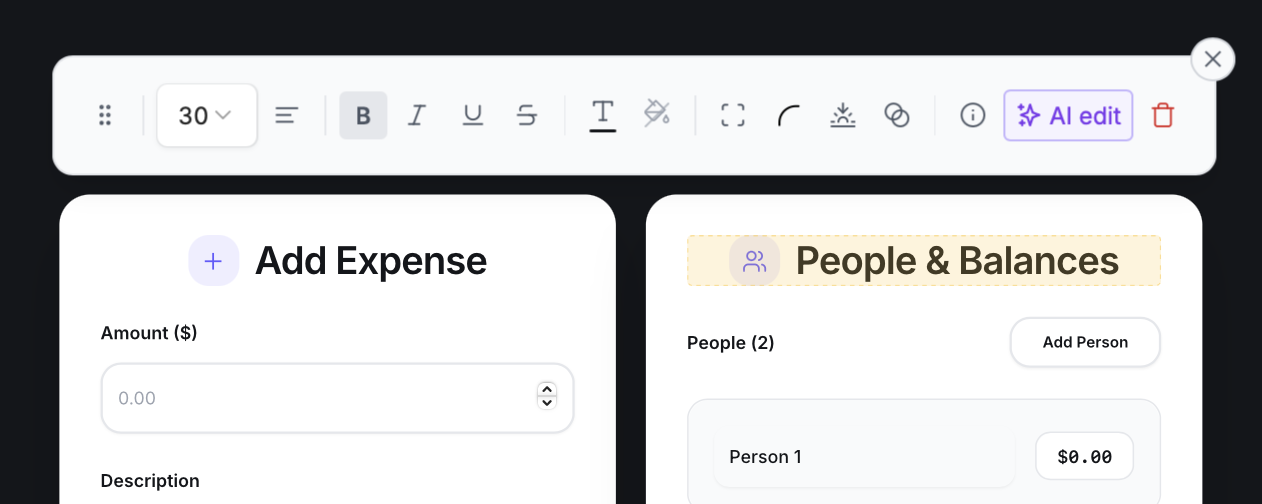
Small and minor changes can often be done without request prompts. These do not consume any credits. Here are common ones that can be tweaked with selective edits:- Rewrite text
- Change text size, weight, alignment, color, shadows, and opacity
- Change background color and opacity
- Edit a button or other element’s color, rounding, and padding
- Delete text or elements
- Apply a new theme from our library
- Change multiple colors at once
- Change font
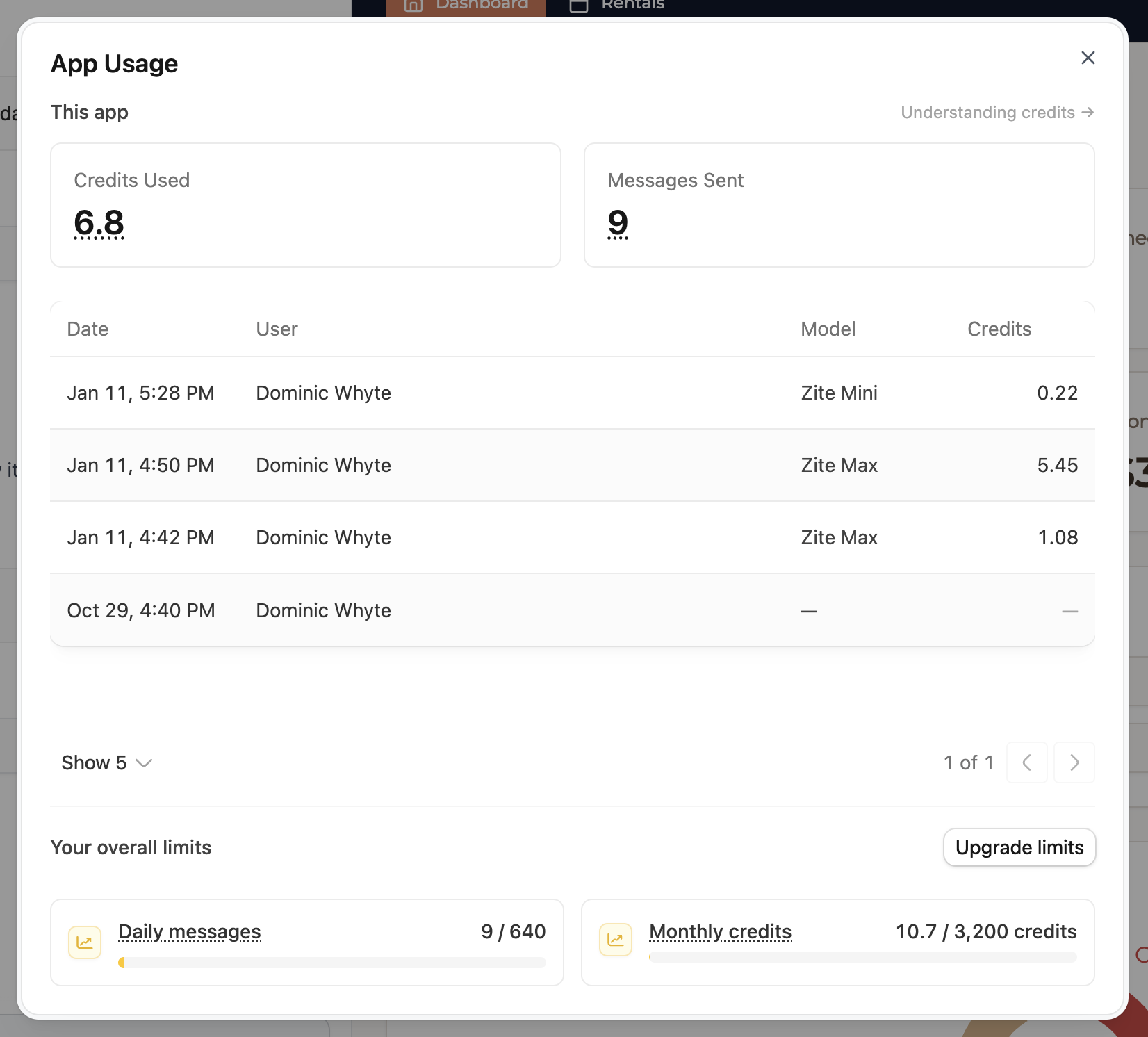
View your usage
Click on any message to see exactly how many credits were used, which model was used, and how long it worked.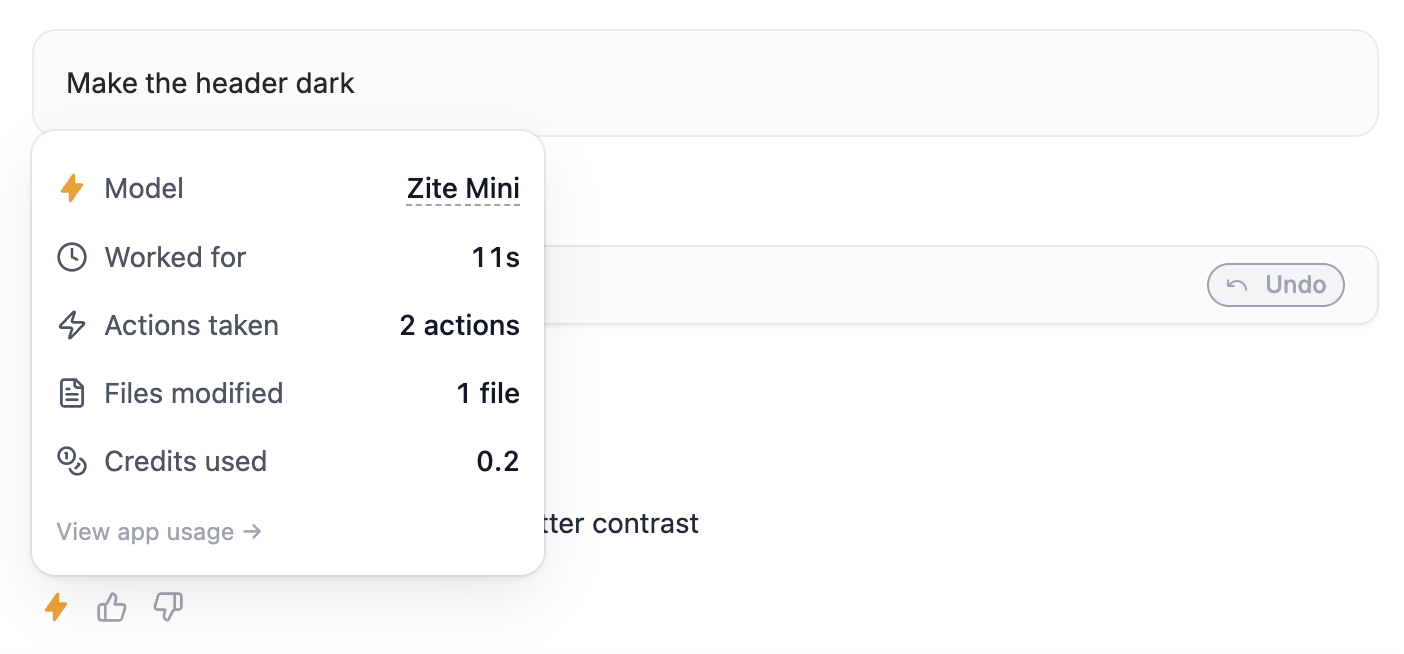
Related articles
Credits
Learn more about Zite usage and credit consumption.
Plan mode
Scope out what you want to build before making changes.
Selective edits
Edit the typography, color palette, and other elements.