

Change payment terms
To switch between monthly and annual billing, go to the Billing & usage page. ClickBrowse plans or Modify the subscription you want to update (Forms or Apps), then toggle Billed annually on or off.
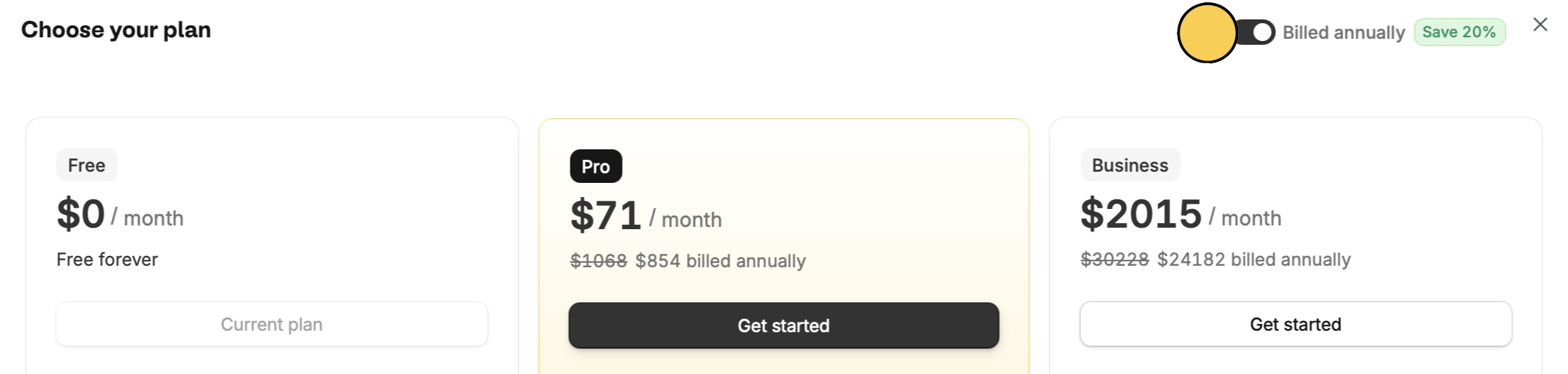
Edit set payment terms and billing date.
Browse plans or Modify the subscription you want to update (Forms or Apps), then toggle Billed annually on or off.