

Overview
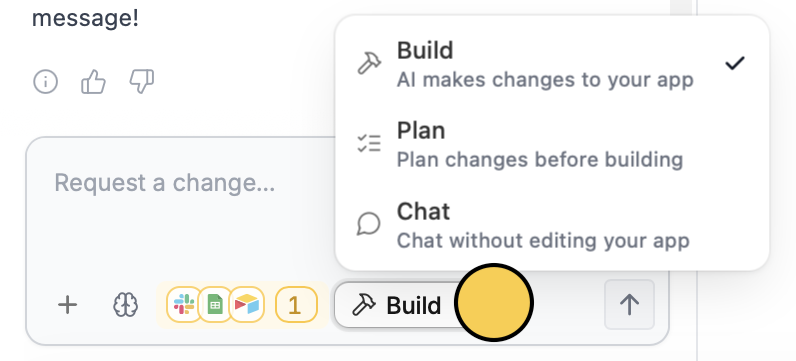
Chat mode is a read-only conversation with Zite. Zite can explore your app and explain how it works, but it will not make any changes. Chat mode uses Zite Max (the most capable model) for maximum reasoning. When to use Chat mode- Understand your app (“How does this page work?”)
- Ask questions about behavior, settings, or flows
- Get improvement ideas before committing to changes
- Explore options (“What are a few ways we could add approvals?”)
While Chat mode does consume AI credits, it generally uses fewer than Build mode because it focuses on analyzing files rather than generating large amounts of content.
How to use Chat mode
Related articles
Build mode
Ask Zite to make changes to your app directly.
Plan mode
Create a plan document before anything is built.