Registration form for our yoga retreat with room type and dietary needs
PDFImport
Create form →1Describe your form
Type what you need in plain words, paste the questions you already have, upload a PDF or import an existing form.

Describe what you need in plain words. Fillout's AI form builder creates it for you, and you can change anything by asking or by hand.
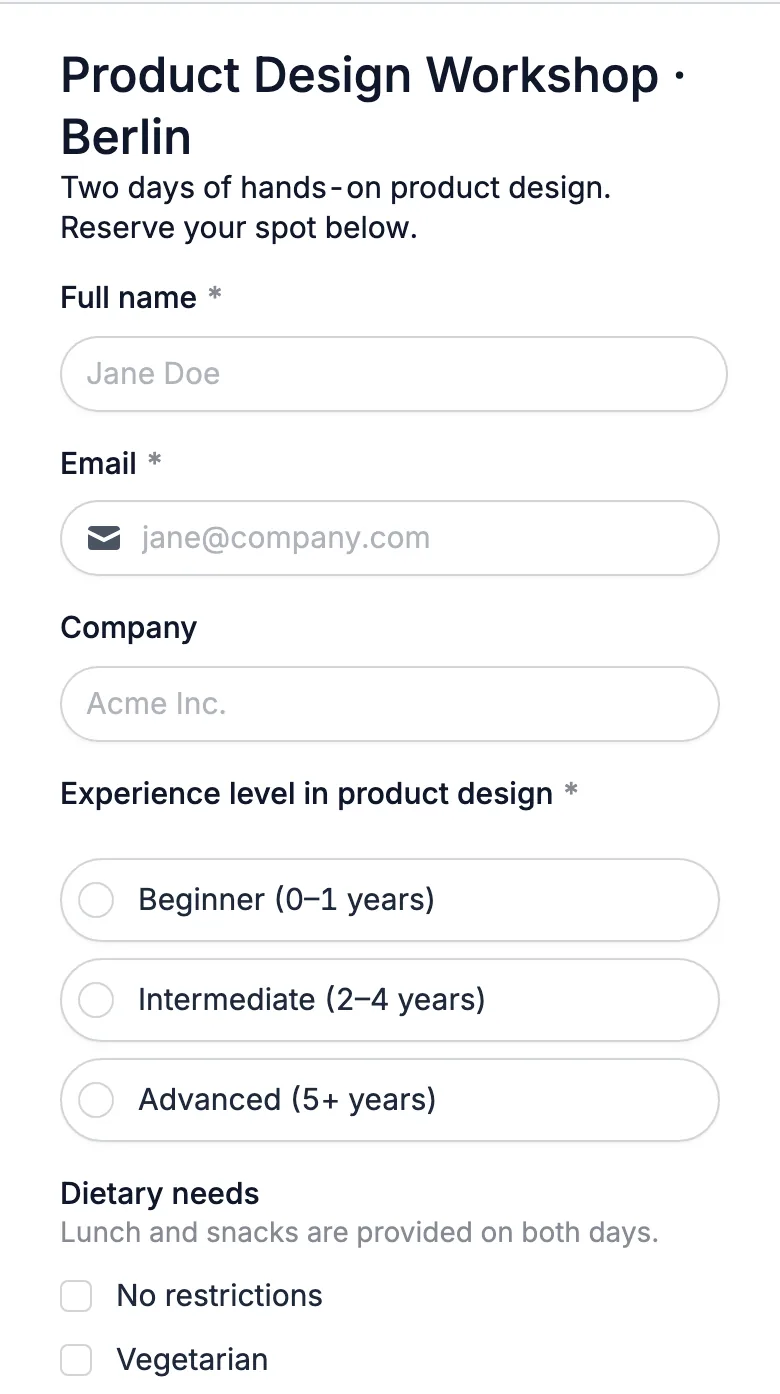
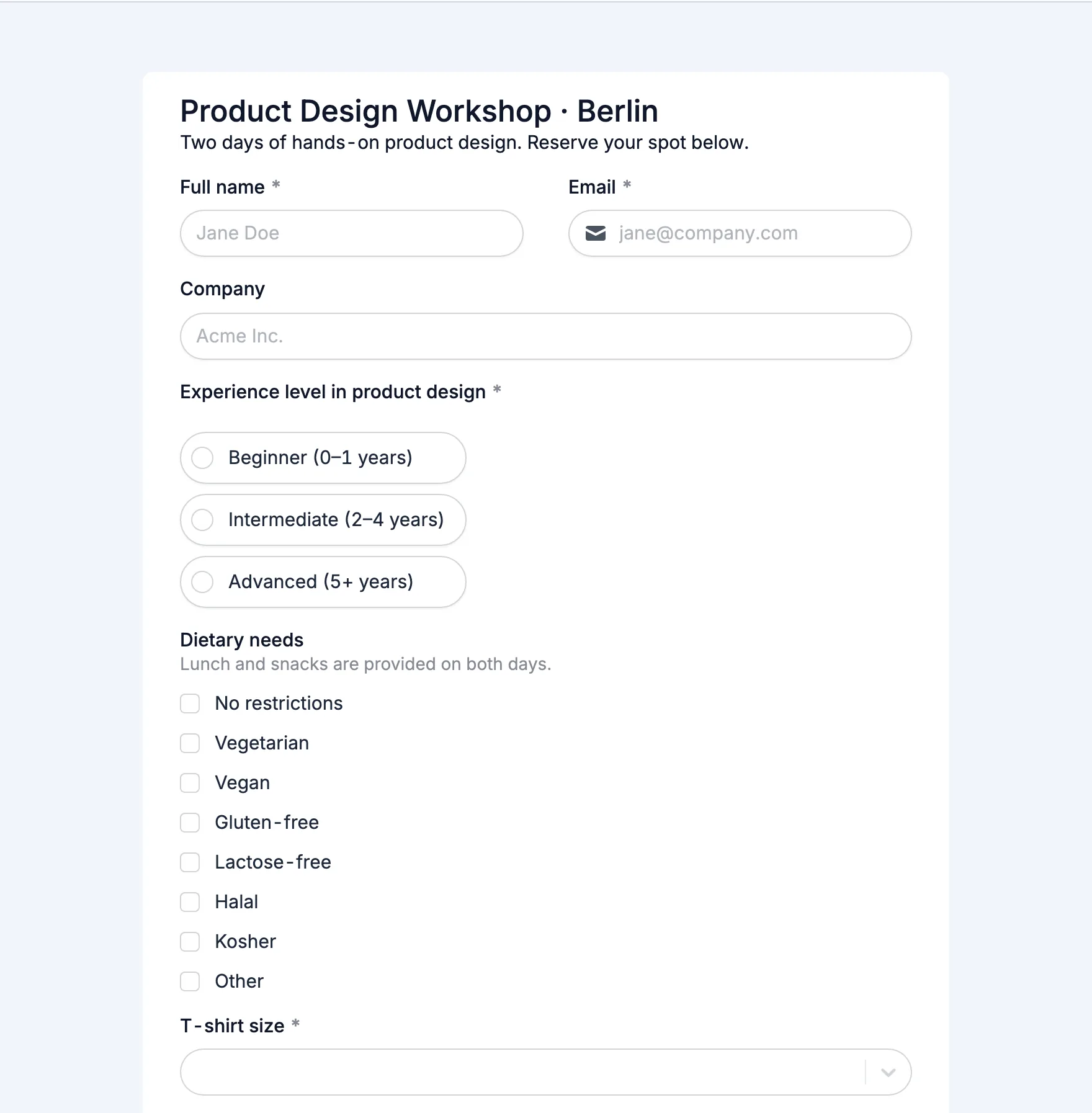
Registration form for our 2-day product design workshop in Berlin. Ask for name, email, company, experience level, dietary needs and t-shirt size. Give it a clean, modern blue look.
Trusted by 100,000+ organizations, from startups to Fortune 500s
Go from an idea to a form you can share, without digging through templates. Drag-and-drop is there whenever you want it.
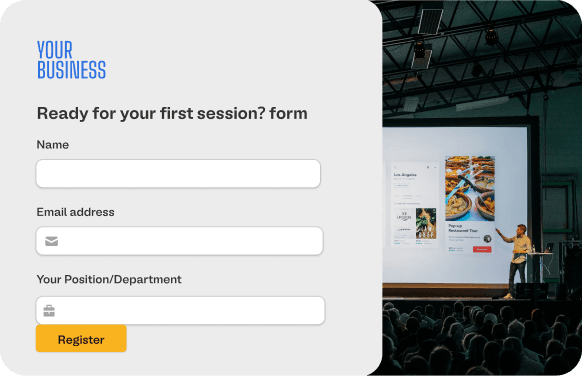
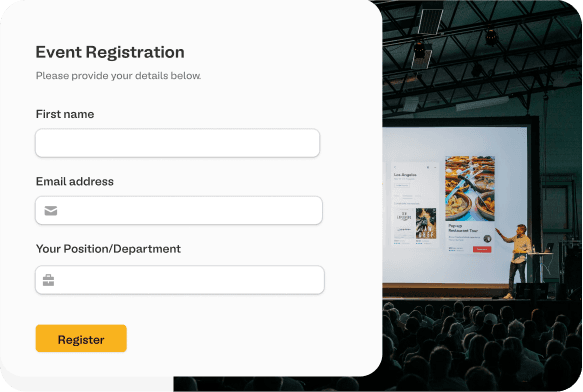
Registration form for our yoga retreat with room type and dietary needs
Type what you need in plain words, paste the questions you already have, upload a PDF or import an existing form.
Fillout's AI writes clear questions, picks the right field types, adds conditional logic and applies a theme.
Ask the AI for changes or edit any question yourself. Nothing goes live until you publish. Then share a link, embed it or send it by email.
AI writes the first draft and helps with everything after it. You stay in charge: every question, rule and color can be changed by hand, any time.
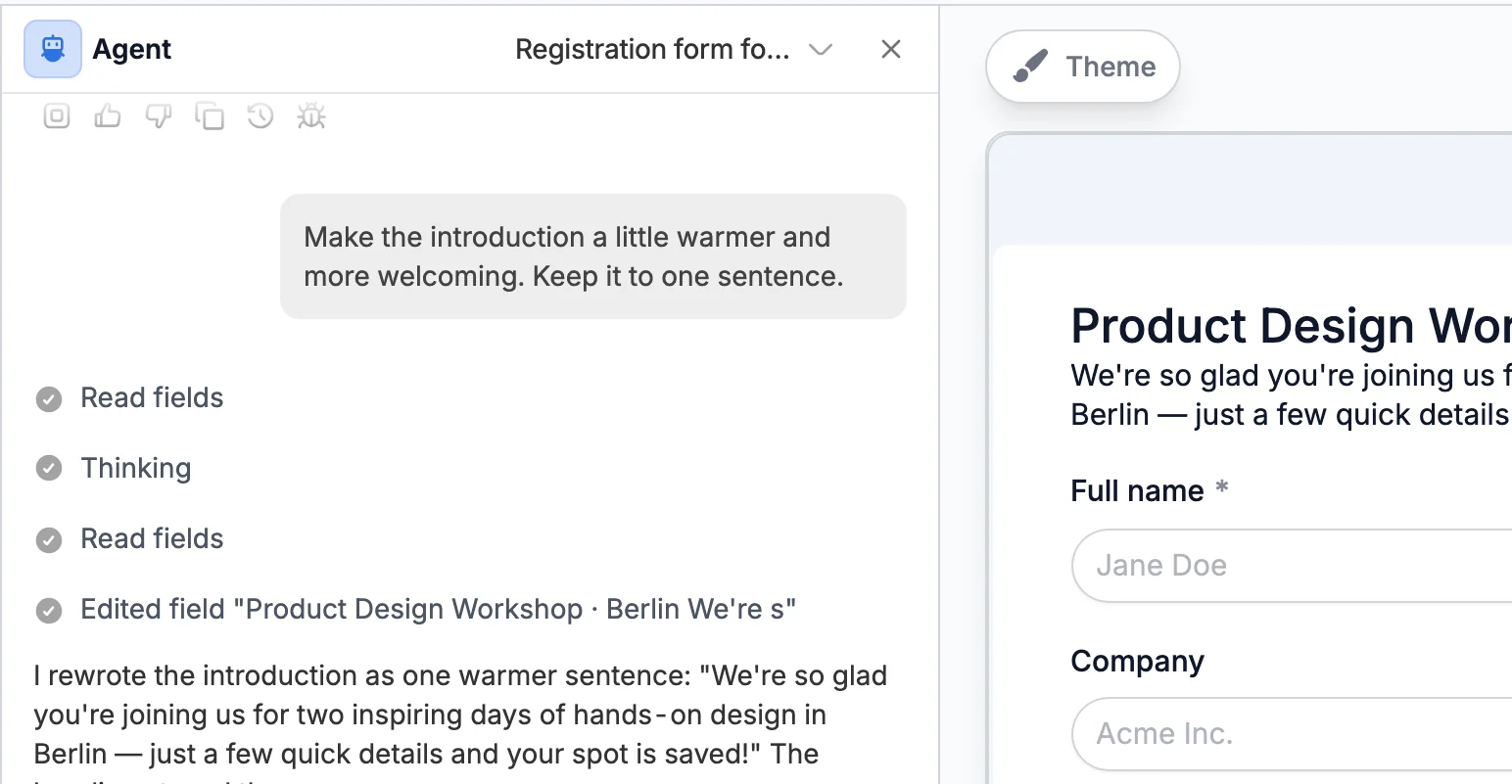
Type what you want changed and watch the form update. No menus, no hunting for settings.
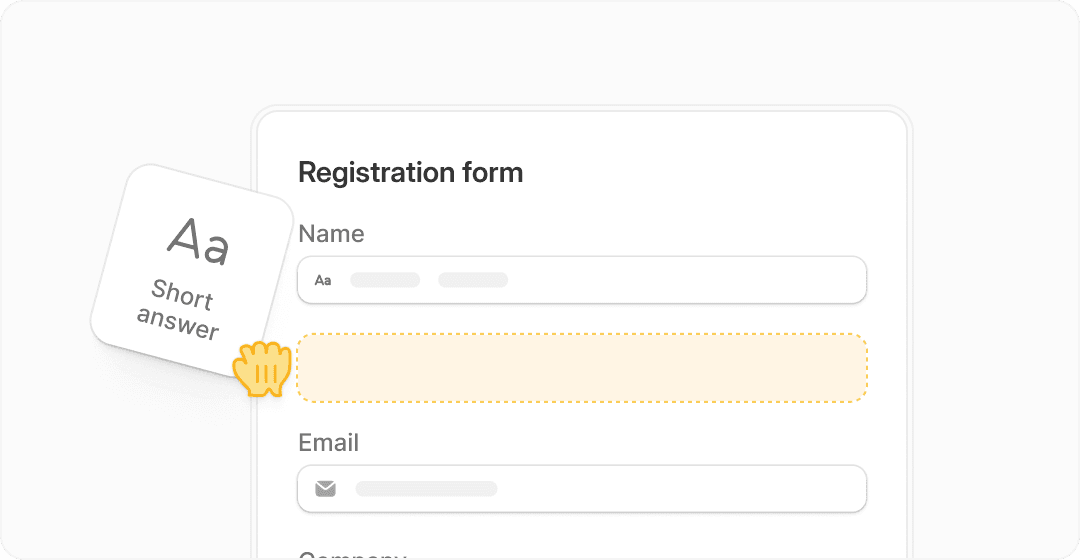
AI never locks you in. Drag questions around, rename them, add or remove fields in the full drag-and-drop editor. Mix both however you like.
Ask for conditional questions, page jumps, scoring or calculations. AI wires them up.
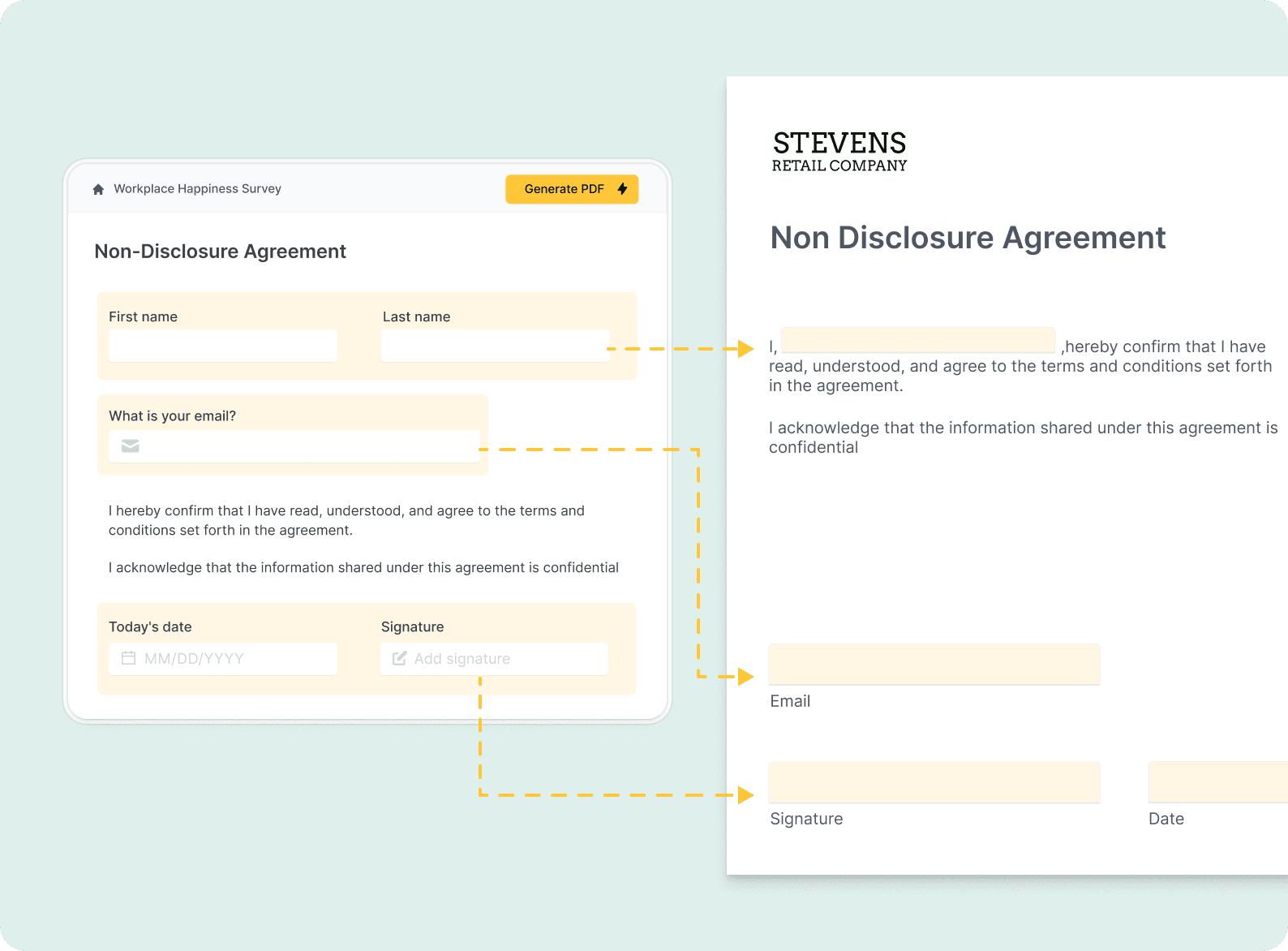
Upload a PDF, paste questions from a doc, or import from Google Forms and Typeform.
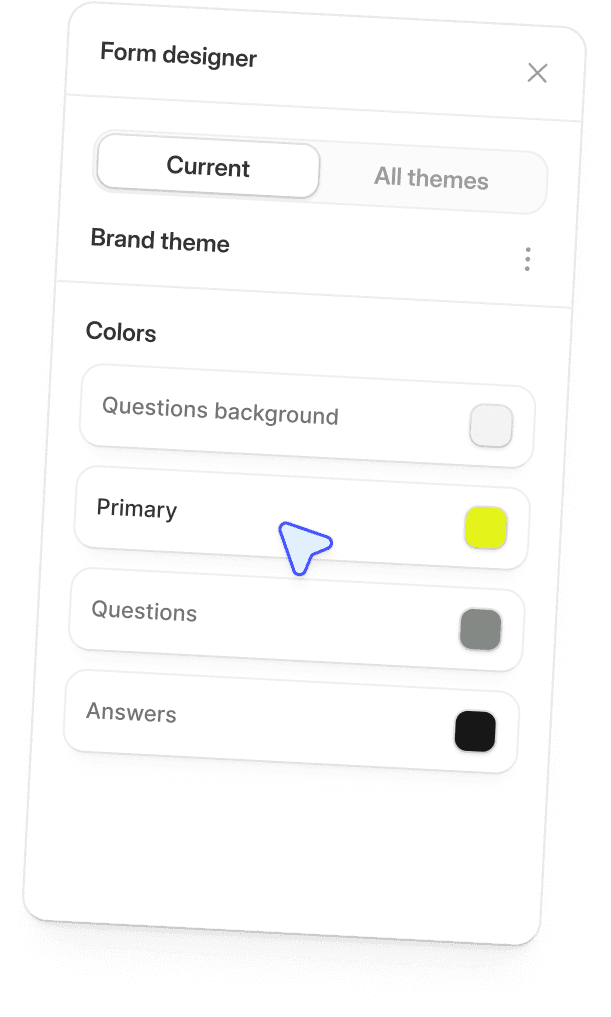
Ask for your brand colors and fonts, or pick from dozens of themes. AI applies them across the whole form.
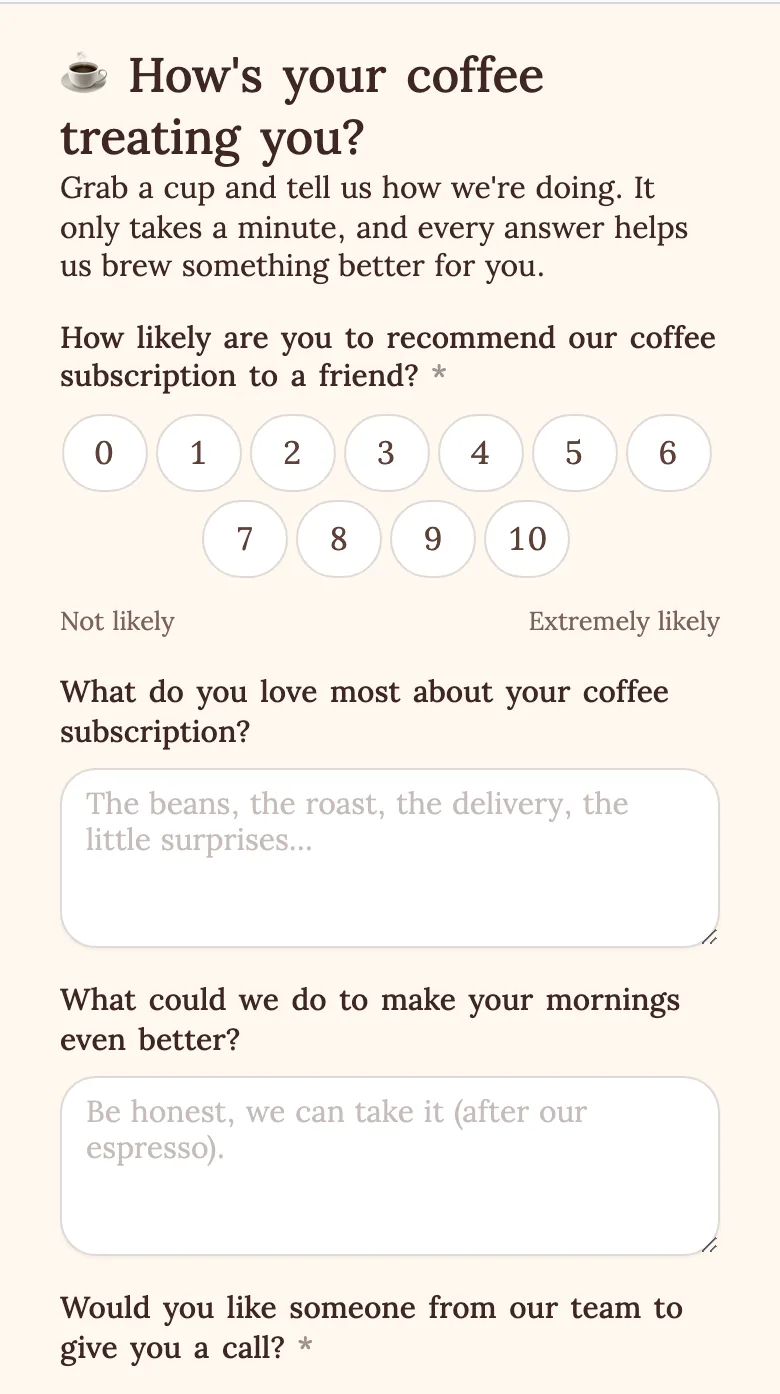
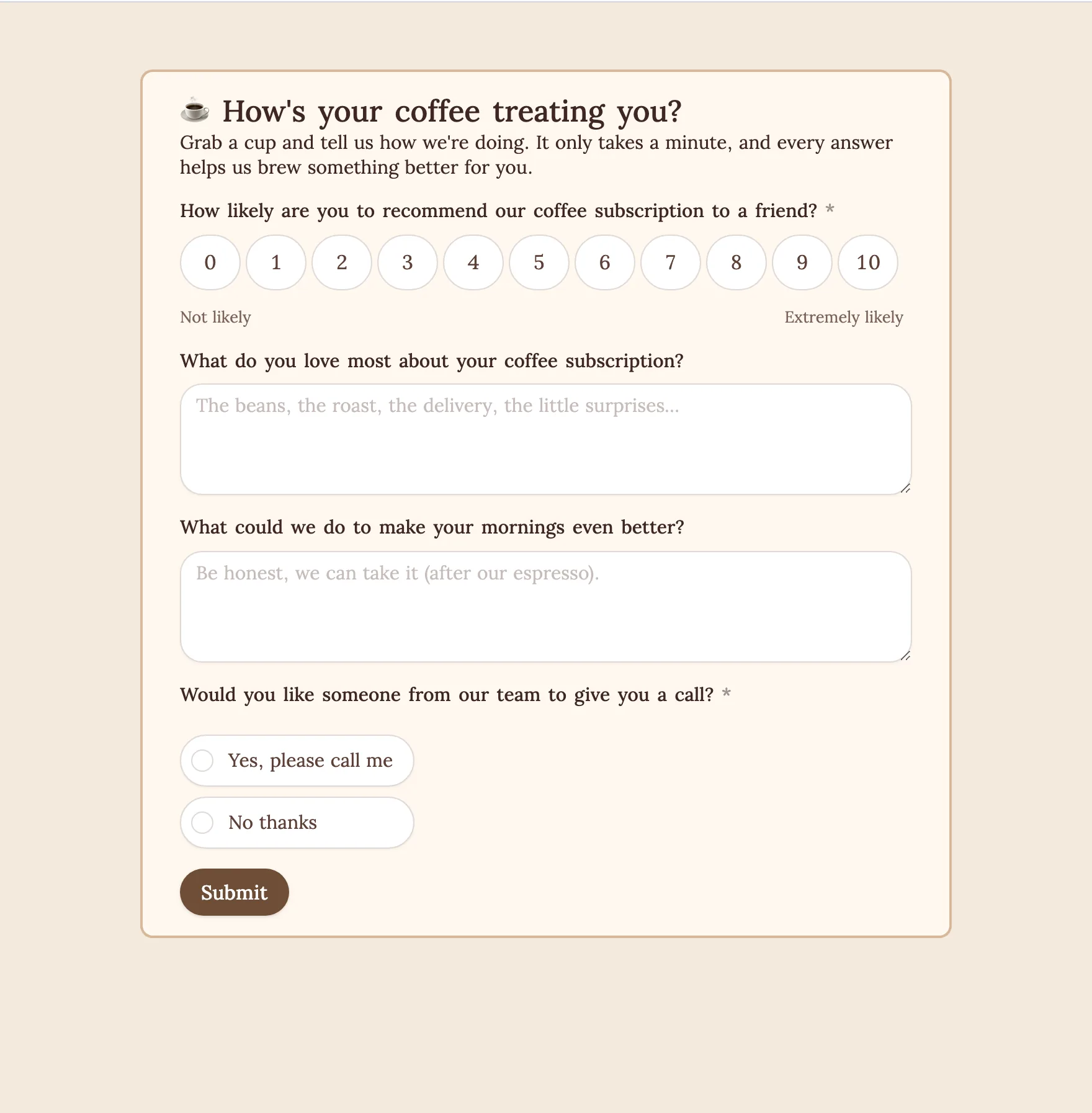
Describe a survey with NPS and ratings, or a quiz with scoring and answer keys. Same box, same speed.
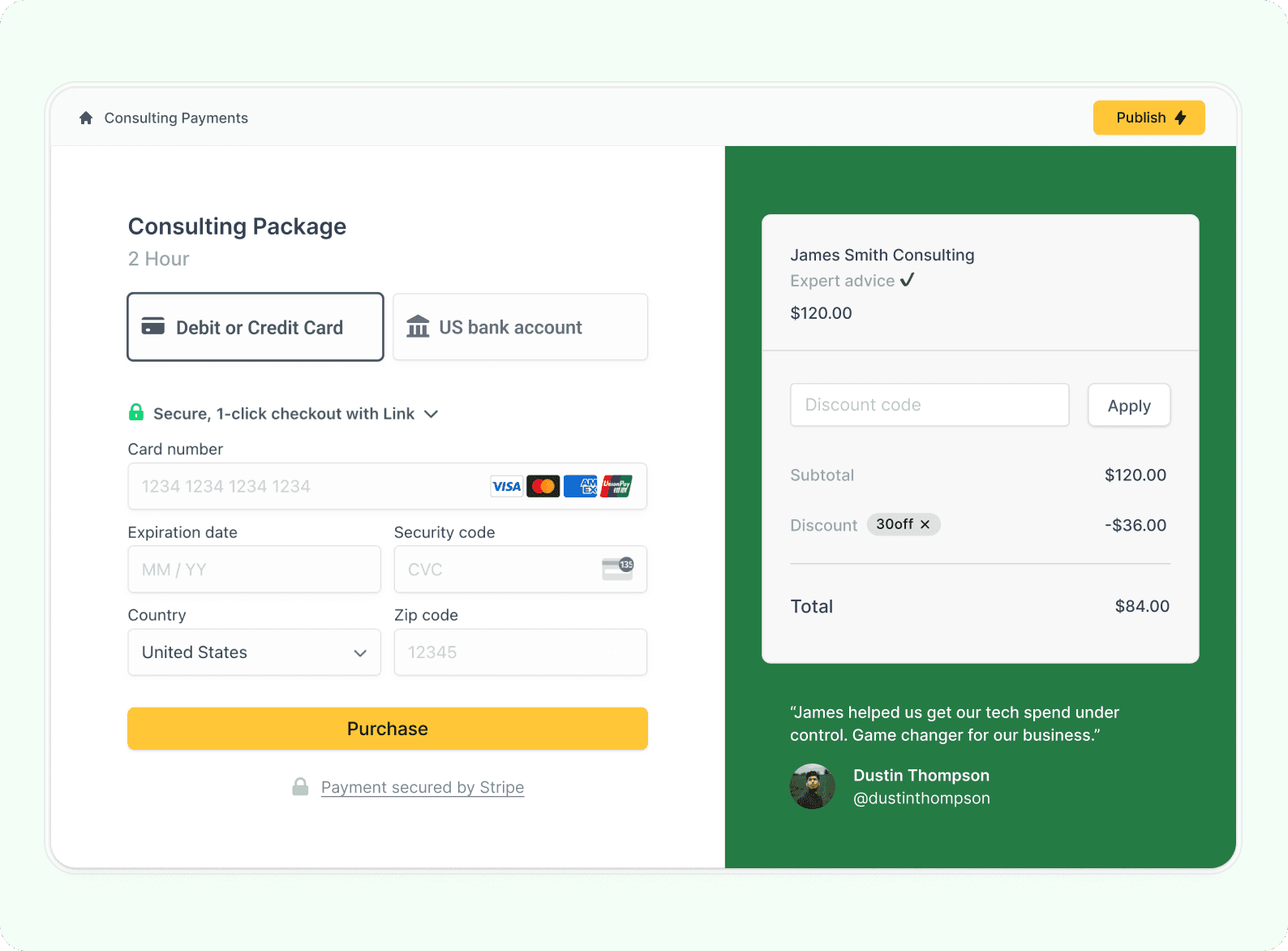
Send responses to Google Sheets, Airtable, Notion, Slack, HubSpot, Salesforce and 50+ other apps. Collect payments with Stripe.


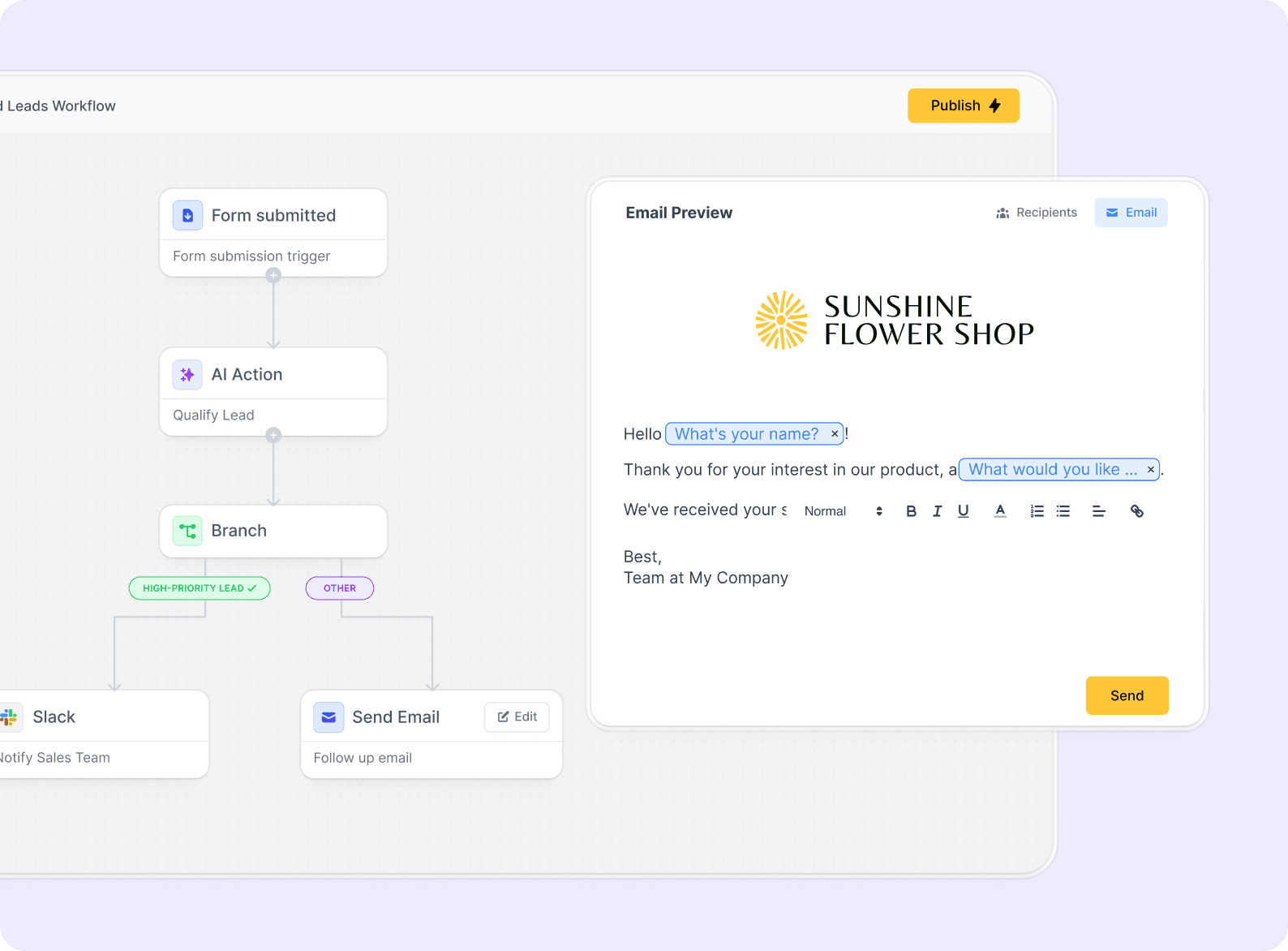
Summarize long answers, tag and score submissions and route them to the right person with AI steps in Fillout Workflows.
Forms, surveys, quizzes and applications. Pick an idea to start from, tweak it, and let Fillout AI do the rest.
Prefer to start from something ready-made? Browse form templates
Your AI-generated form runs on the same platform 100,000+ teams use for their most important forms.
"We've tried many form builders over the years.
Fillout is in a league of its own.
It's more robust, more flexible and saves our county time and money."


Ravi K. Udeshi
Election Manager, Fairfax County
"Fillout simplifies our data intake.
Every form matches our brand and we save time with custom workflows and logic.
It's the best form tool, hands down."


Michael Villenave
Head of Internal Communication and Events
"Fillout has been a game changer for the Bombas Giving Program.
Even our external partners comment on how seamless the experience is."


Melina Morris
Sr Giving Relationships Mgr, Bombas
Business reviews
5/5
Product Hunt
4.7/5
Everything you need to know about making forms with AI in Fillout.
Yes, you've come to the right place. Describe the form you need, paste your questions, upload a PDF or import an existing form. Fillout's AI form builder writes the questions, picks the right field types, adds logic and applies a theme for you.
Yes, you can start for free. Fillout's free plan includes unlimited forms and 1,000 responses per month, no credit card required. AI usage is subject to your plan's limits. Paid plans add more responses and advanced features like custom domains and team collaboration.
Yes, a free one. Describe your form, then sign up in one click with Google or Microsoft and Fillout's AI builds it straight into your workspace, so nothing gets lost and you can edit, publish and collect responses right away.
Yes, completely. AI only writes the first draft. Every form opens in the powerful Fillout form editor, where you can change any question, option, logic rule, email or design by hand with drag-and-drop, ask the AI agent to do it for you, or mix both. Nothing is published until you click Publish.
No. AI is optional after the first draft. Your form opens in the full Fillout editor, where you can drag questions around, rename them, change options and logic by hand, and switch between editing yourself and asking AI whenever you like.
Yes. Click the paperclip in the box above and choose "Upload a PDF". The AI turns your PDF into an online form with matching fields. There's also a dedicated PDF to form converter.
Yes. The step-by-step importer brings in forms from Google Forms, Typeform, Jotform, SurveyMonkey, Tally, Paperform or any form link. You can also paste questions copied from a document straight into the box above. For Google Forms there is also a dedicated Google Forms importer.
Yes. Describe a quiz or survey the same way, for example "a 10-question quiz about the solar system with scoring". We also have a dedicated AI Quiz Maker and AI Survey Maker.
Yes. Every Fillout form has a public link you can share with anyone. You can also embed it on your website, send it by email, or print a QR code.
Responses are stored in Fillout, where you can view, filter, chart and export them. You can also send them to Google Sheets, Airtable, Notion, Slack, HubSpot, Salesforce and 50+ other apps.
Fillout is SOC 2 Type II compliant and encrypts data with 256-bit AES encryption.