

How it works
Connecting your Zite app to Google Maps lets you build an app where location and maps work together to display places, and enable users to search and interact with locations in real time. By connecting Google Maps, you can:- Display interactive maps with pinned locations
- Add search bars that show exact locations
- Filter and sort places by distance or area
- Use Google Places autocomplete in your forms so respondents can verify addresses
- Show routes from a starting point to a destination, including directions and ETA
How to add Google Maps to your app
Connect to Google Maps
In the chat box, ask Zite to connect to Google Maps or click the 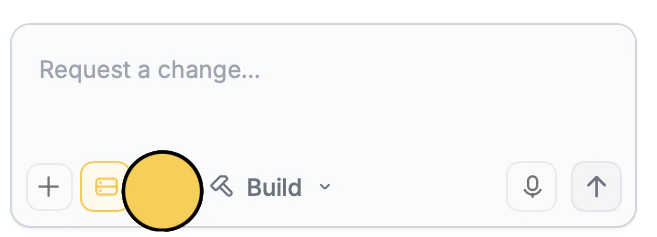
integrations icon .Paste your API Key
Copy your Google Maps API Key here. If you don’t have one yet, click 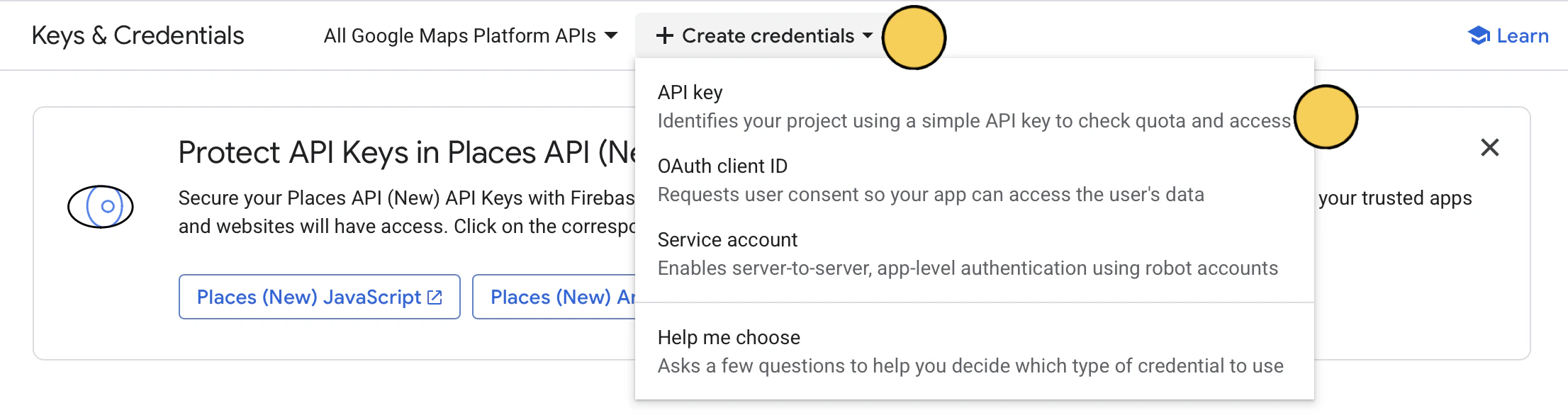
+ Create credentials on top followed by API Key.Enter your use case
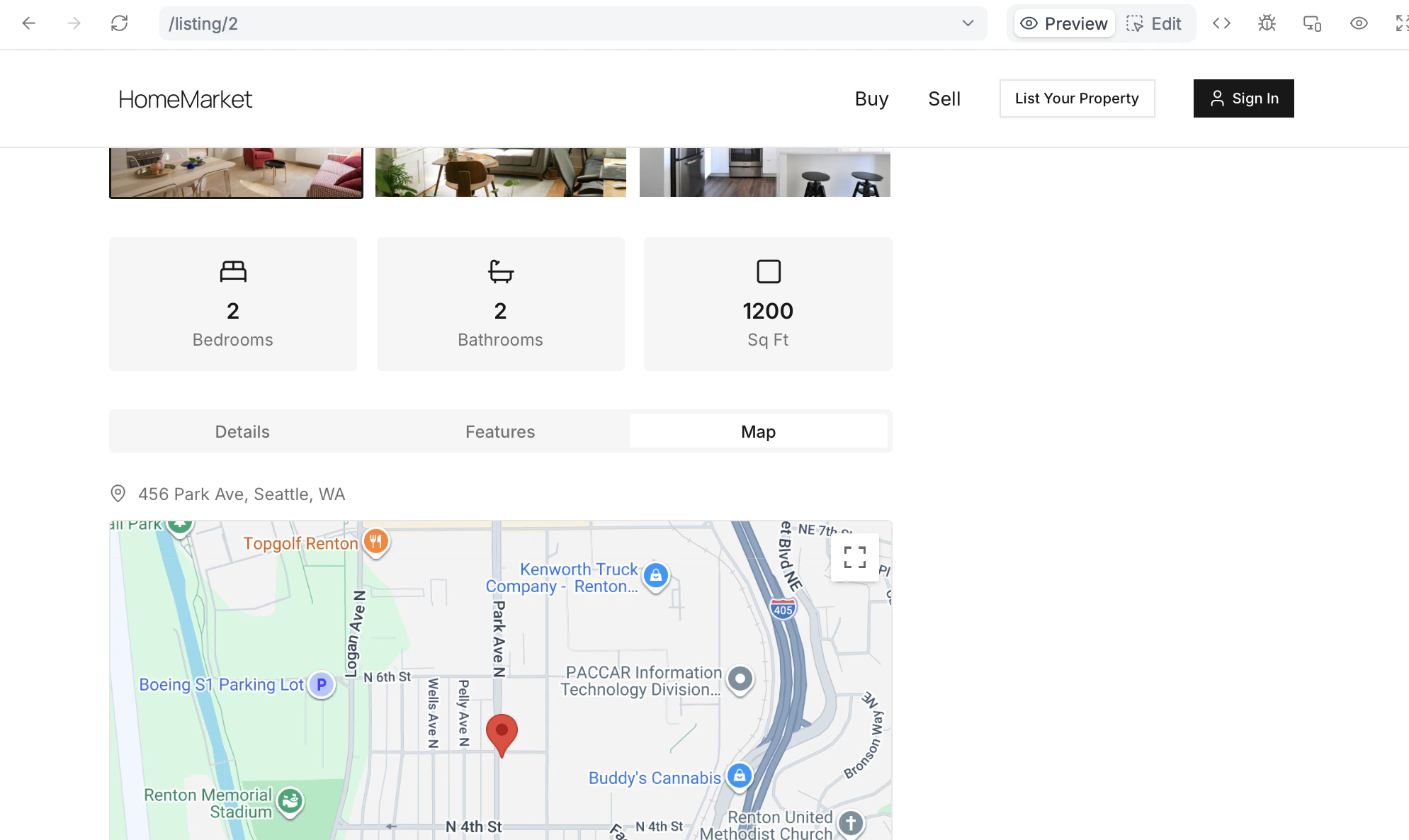
Describe how you’d like to use Google Maps in your app. For example, let’s add a location search bar and an interactive map in each of the listings.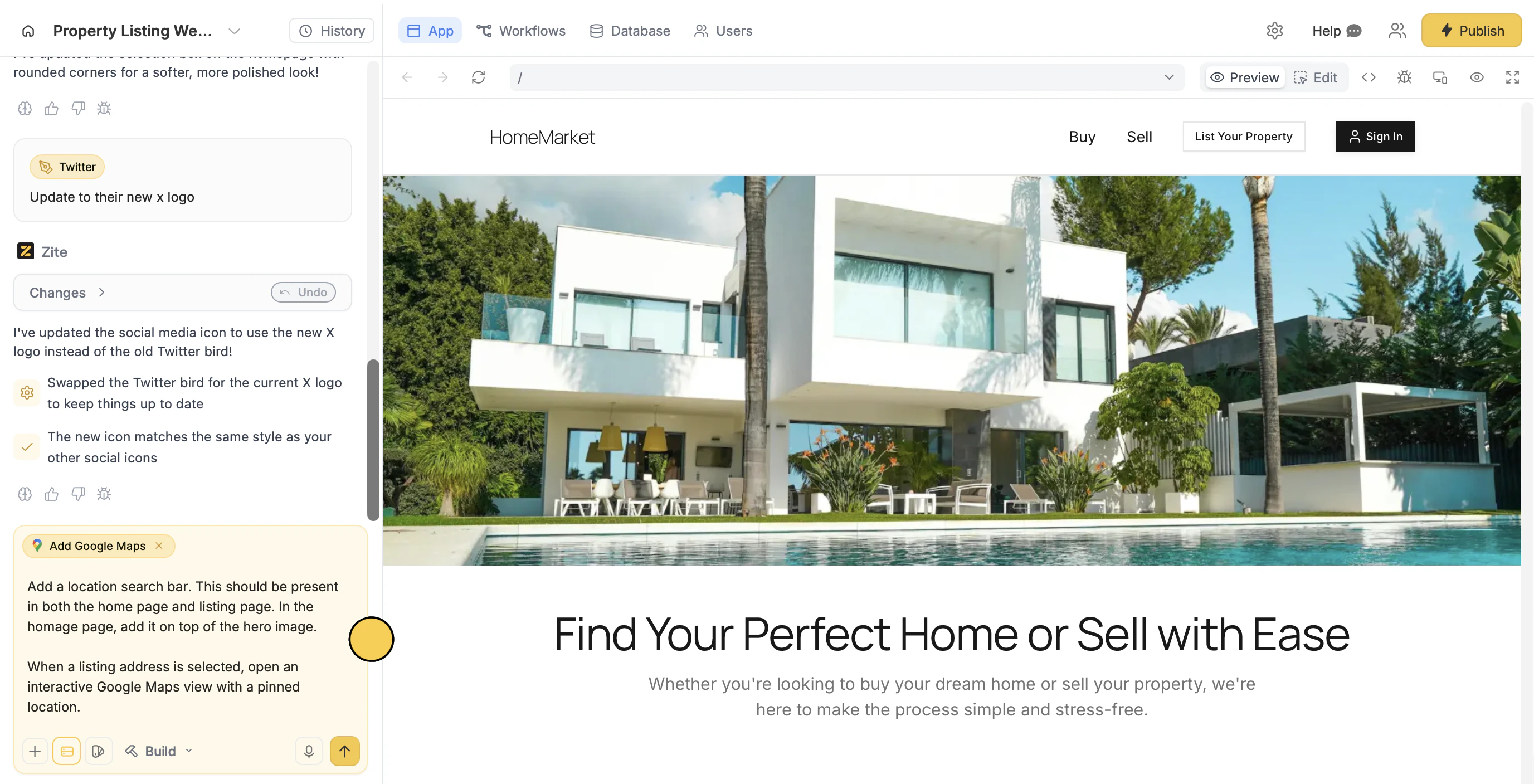
Deploy and share
That’s it! Users can now search, filter, and search locations in the Zite app.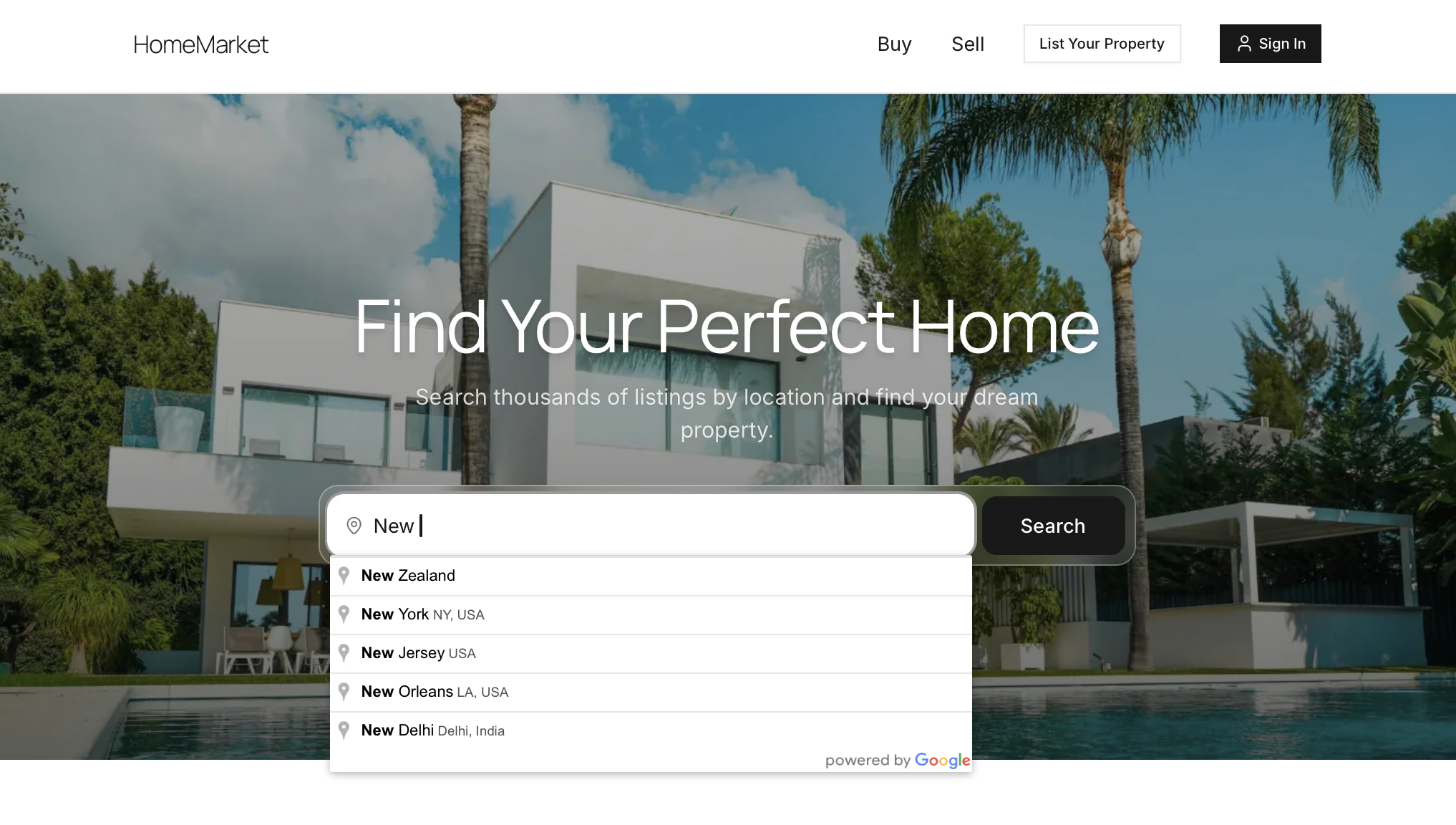
Publish in the upper right corner and share your Zite app.Use address autocomplete
If your Zite app has a form with an address field, you can enable autocomplete so users can easily find and validate the address they enter. Just enable the Places API in your Google Cloud Console, then follow the same steps above. However, if your form was built with Fillout and address autocomplete is already enabled for the address field, there’s no need to set up the Places API separately.Common use cases
With a Google Maps connection, you create apps like:- Property or Rental Directories: Let users browse listings and view exact locations on a map
- Delivery Trackers: Let customers track deliveries in real time
- Store Locators: Help users find nearby branches and get directions easily
- Event Maps: Show event venues and help attendees navigate locations
- Service Area Maps: Let users check availability based on their location
- Travel or Tour Guides: Highlight points of interest and suggested routes