

How it works
Enable your Zite app to track and manage projects with Linear. This enables it to create issues, update statuses, show kanban boards, all without users needing Linear access. By connecting Linear, you can:- Display projects in custom views like kanban boards
- Create and update issues from your app
- Add comments from the app
- Create approval workflows
- Trigger in-app notifications when changes are made
How to integrate Linear into your app
Connect to Linealr
In the chat box, request your app to be integrated with Linear or click the 
plug icon .Enter use case
Tell Zite how you want to use Linear in your app. For example, we’ll sync new and updated cards to our Linear board.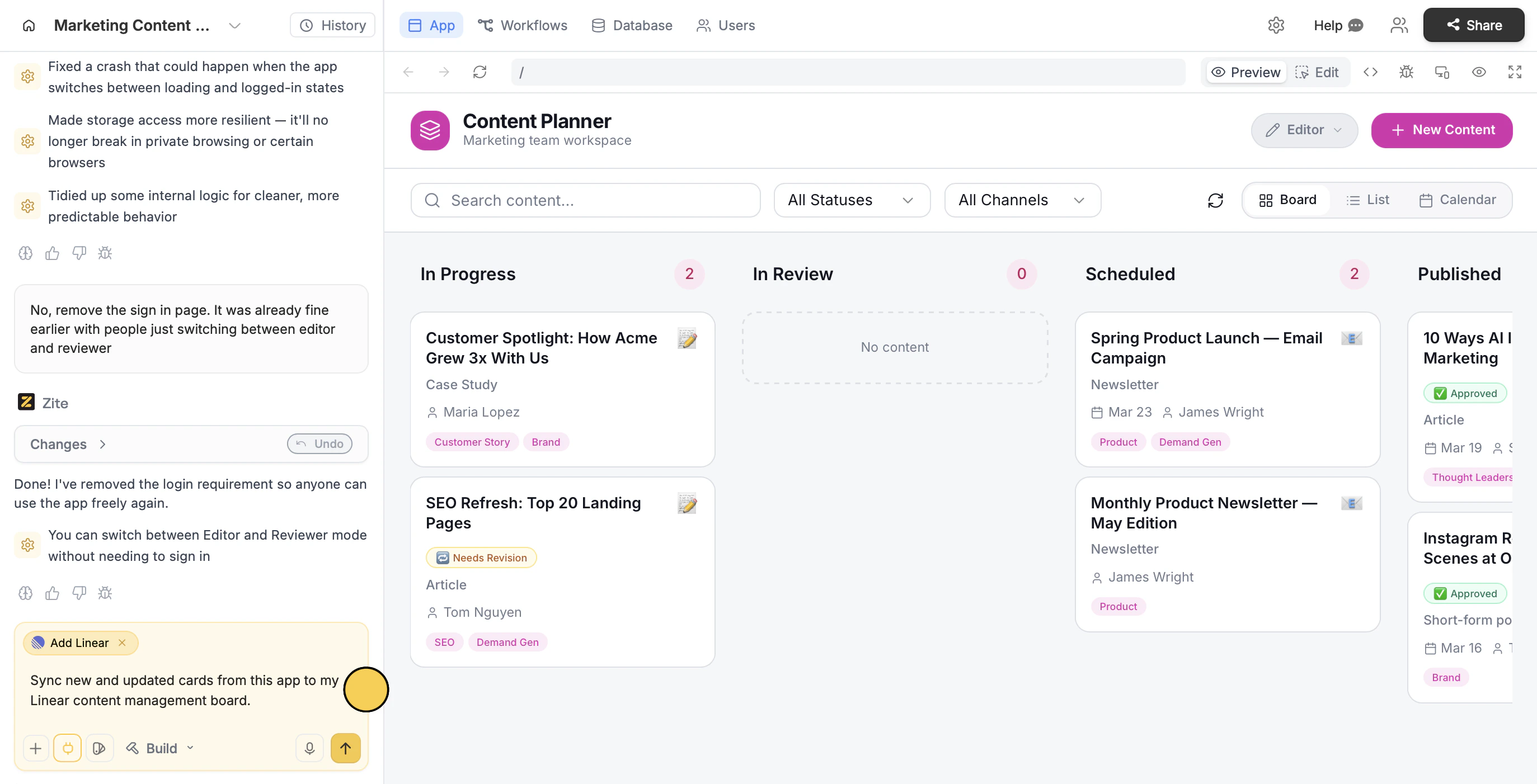
Deploy and share
Use the chat box or the respective buttons in your app to ensure everything’s working properly.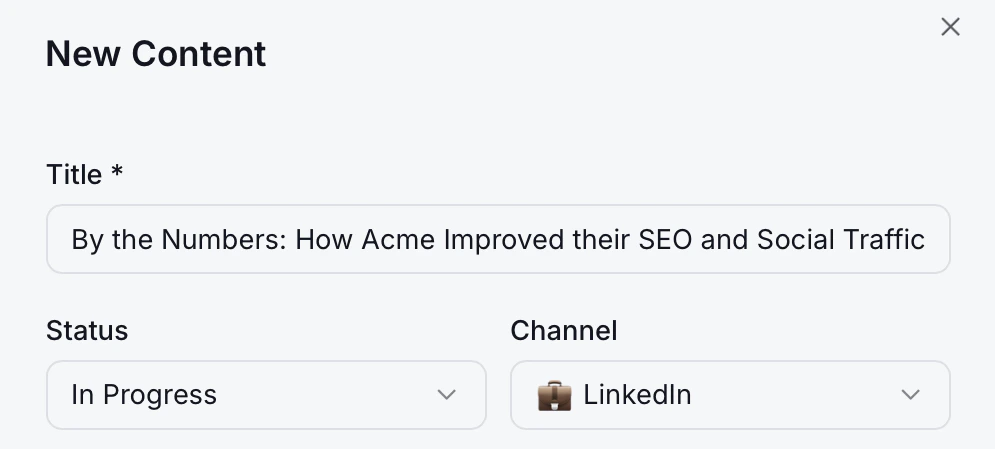
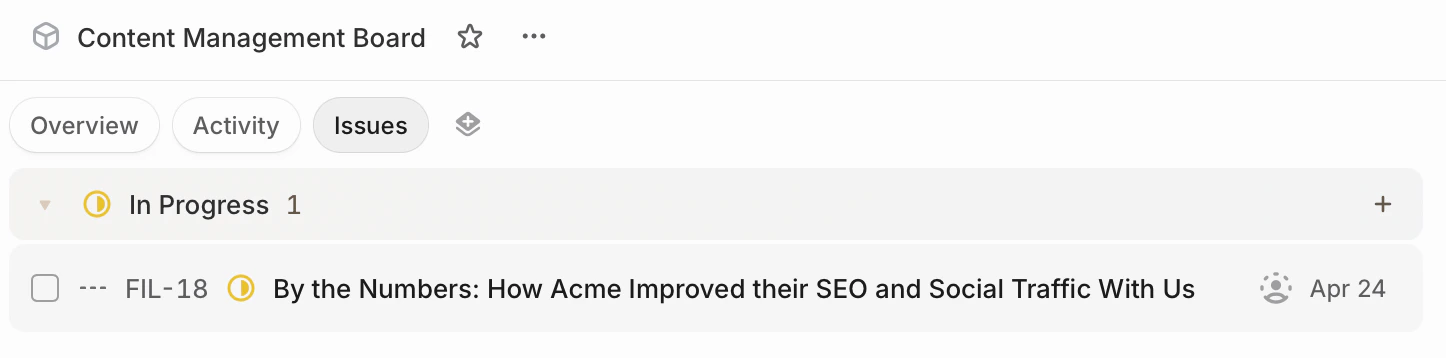
Publish in the upper right corner and share your app.Modify the theme or style specific elements your app to personalize it or match it with your brand.Common use cases
With a Linear connection, you can create apps like:- Project Managers: Let users view, organize, and manage Linear projects in your app
- Issue Tracking Tools: Let users create, update, and track issues directly from your app
- Sprint Dashboards: Let users track sprint progress, priorities, and issue status
- Workflow Automation: Trigger actions and notifications based on app events
- Collaboration Tools: Let users comment on issues and keep project discussions in sync