

Leave a comment
Open your form, and go to the Results page. Right-click a response you’d like to leave feedback or a question on followed by Add comment.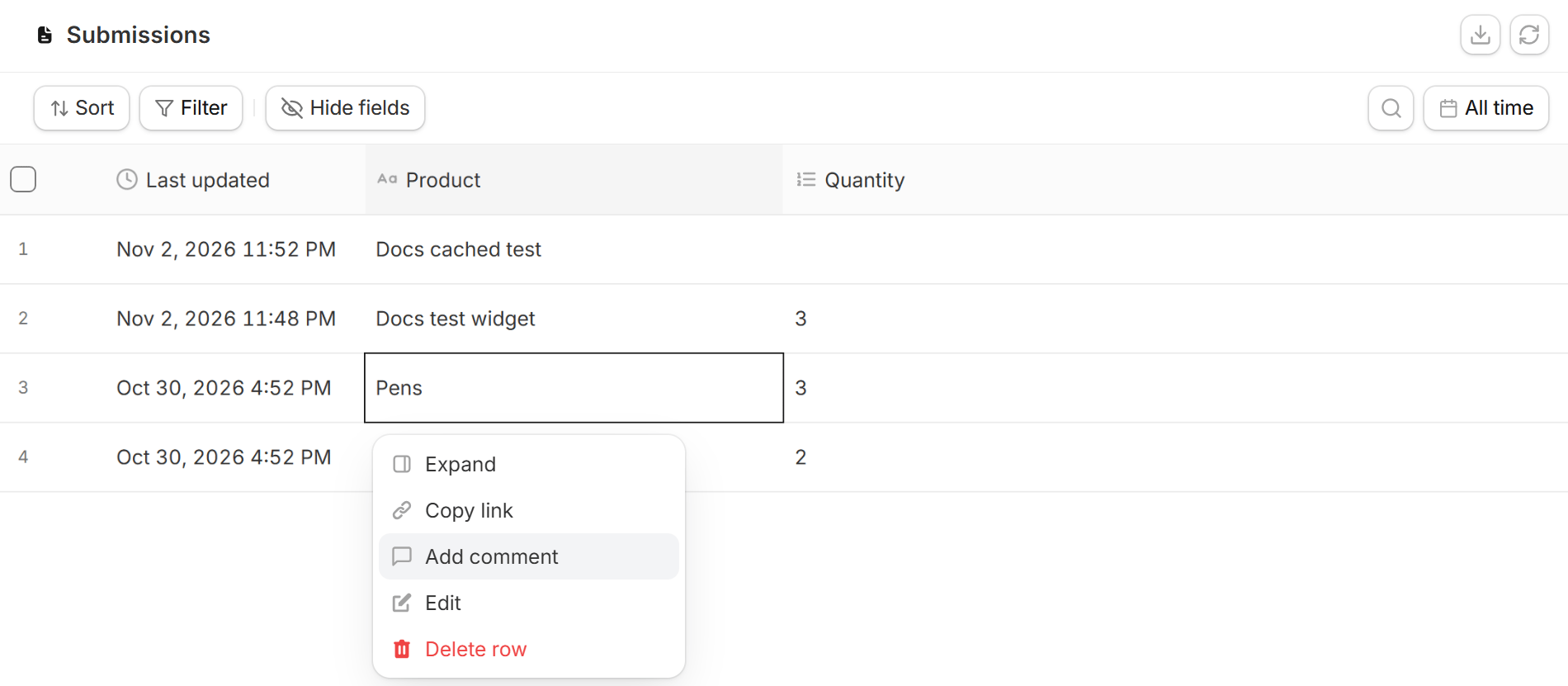
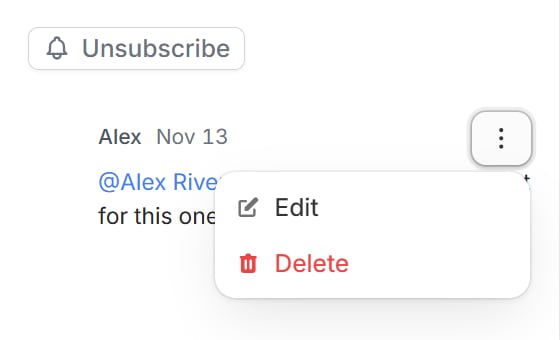
Mention a team member
In the comment box, tag a user by typing @, then select a team member in the dropdown.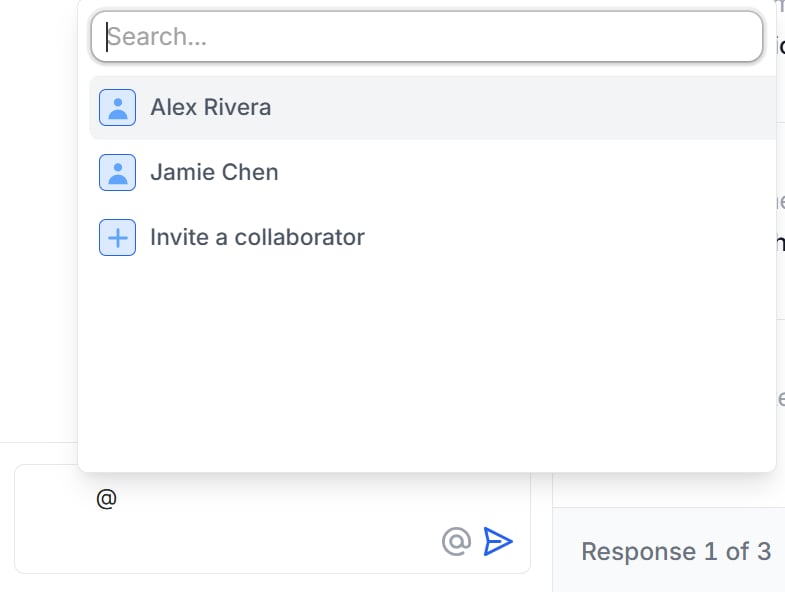
Unsubscribe to comments
In the panel next to the answers, click Unsubscribe.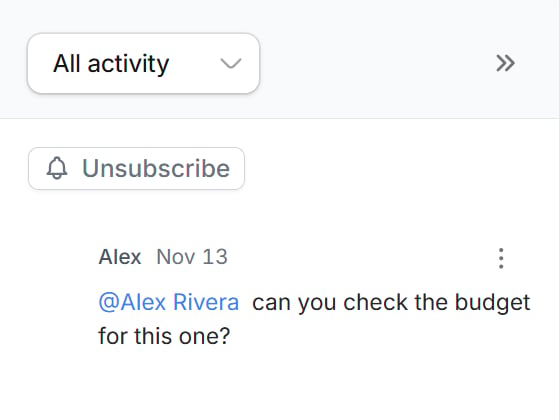
Related articles
Invite team members to your forms
View results, and edit surveys with free seats.
Workspaces
Organize forms in folders and control user access.