How it works
Built into the Fillout form editor, Form Agent is an AI-powered feature that lets you generate forms and manage existing ones. Simply describe what you need, and Form Agent will make the changes for you. You can also ask questions and get suggestions.What Form Agent can do
Here’s what the AI agent can help you with directly:- Create a form - build from scratch or turn your PDF into a form
- Add and edit fields - create new fields and edit their labels, options, and other settings
- Add and manage pages - create new pages, rename pages, duplicate, and delete
- Edit texts - edit titles/headings, subtitles/paragraphs, and button labels
- Set up logic - route respondents to different pages based on their answers or information
- Add and manage calculations - create new calculations, edit, and remove
- Insert dynamic values - show previous answers, personalize with their name, etc.
- Register and manage URL parameters - add or remove URL parameters for prefilling
- Edit theme - apply a theme or change the current theme’s colors, fonts, etc.
Setting up payments, adding calendars and progress bars, connecting to integrations, and managing form level settings aren’t supported by Form Agent yet.
How to use the Form Agent
Create a form (can be blank) or open an existing one. Navigate to the chat box on the left side and simply tell the agent what you need help with.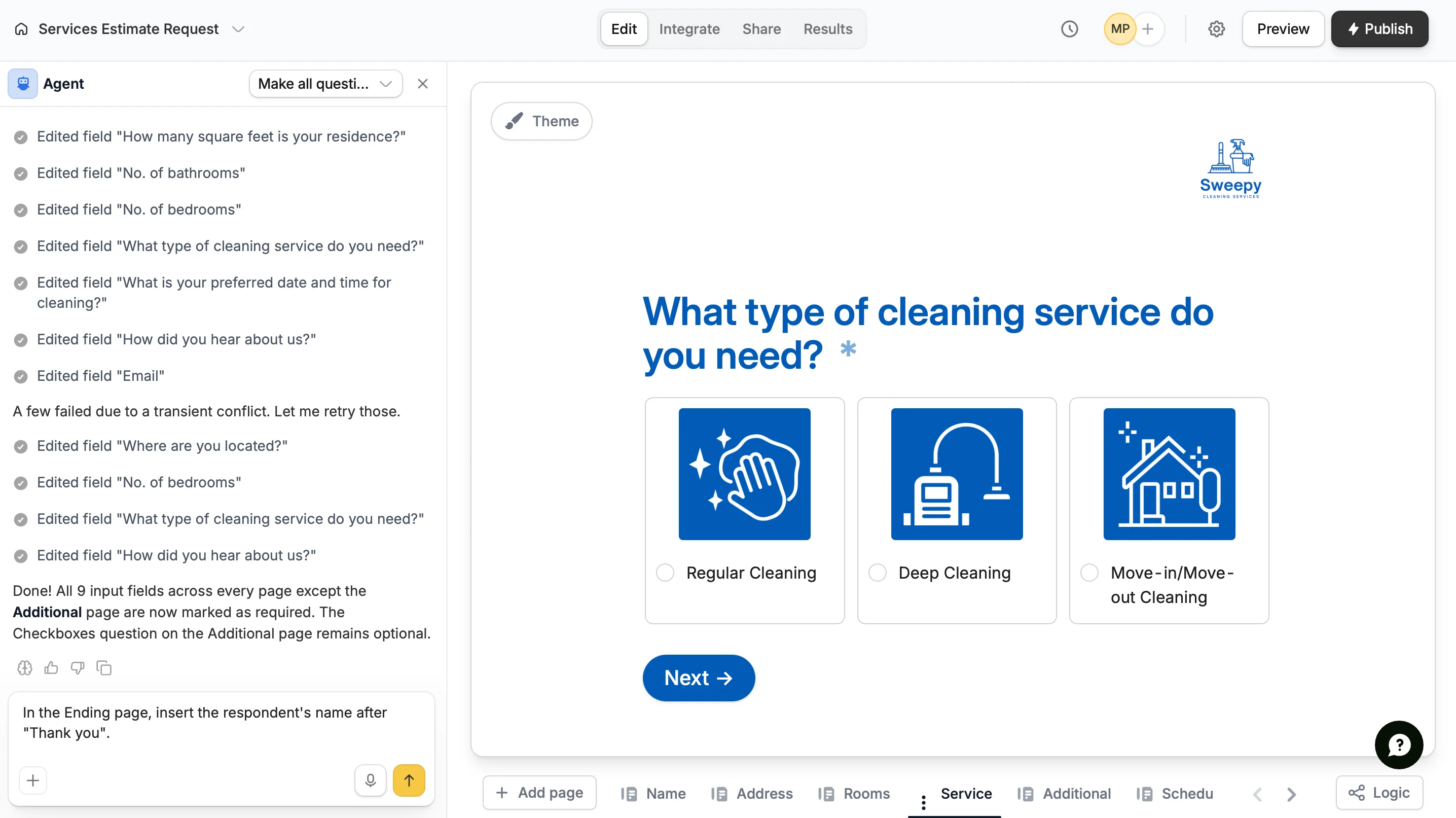
Credits and messages
Form Agent uses messages and credits. Messages are the prompts you send to Form Agent, while credits are used to generate the responses. Every message consumes credits. Fillout users receive a monthly allocation of free Zite credits that can be used for Form Agent. If you also use Zite, your credits are shared across both products. Using Form Agent will reduce the credits available for Zite, and vice versa. Once you’ve used all of your monthly credits, you won’t be able to send more messages until your credits reset on the 1st of each month or you choose to upgrade your Zite plan. If you are an admin, you can check your remaining credits on the Billing & usage page.View chat history
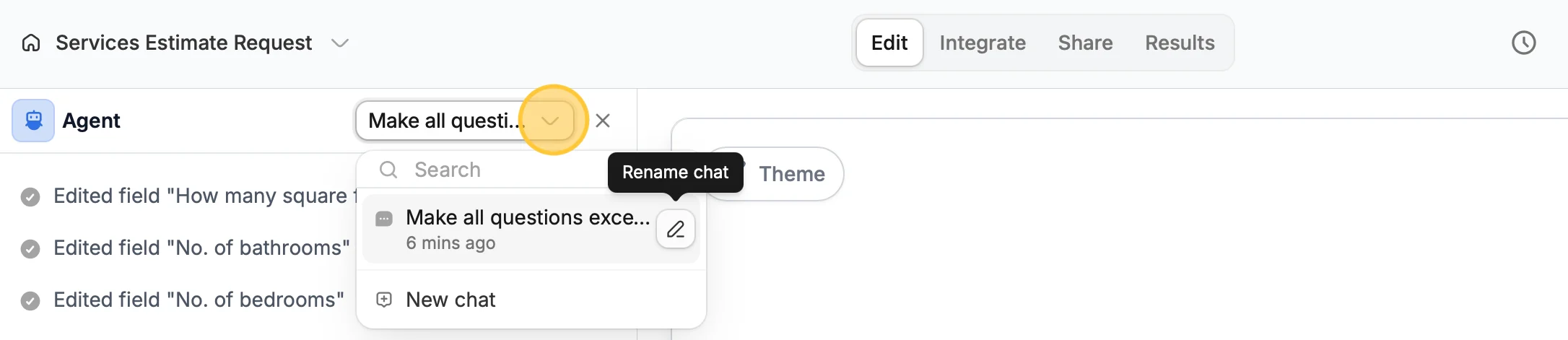
Click the dropdown on the top right of the Agent panel to view conversations with the Agent. From here you can create aNew chat or Rename chat by clicking the writing pen icon .