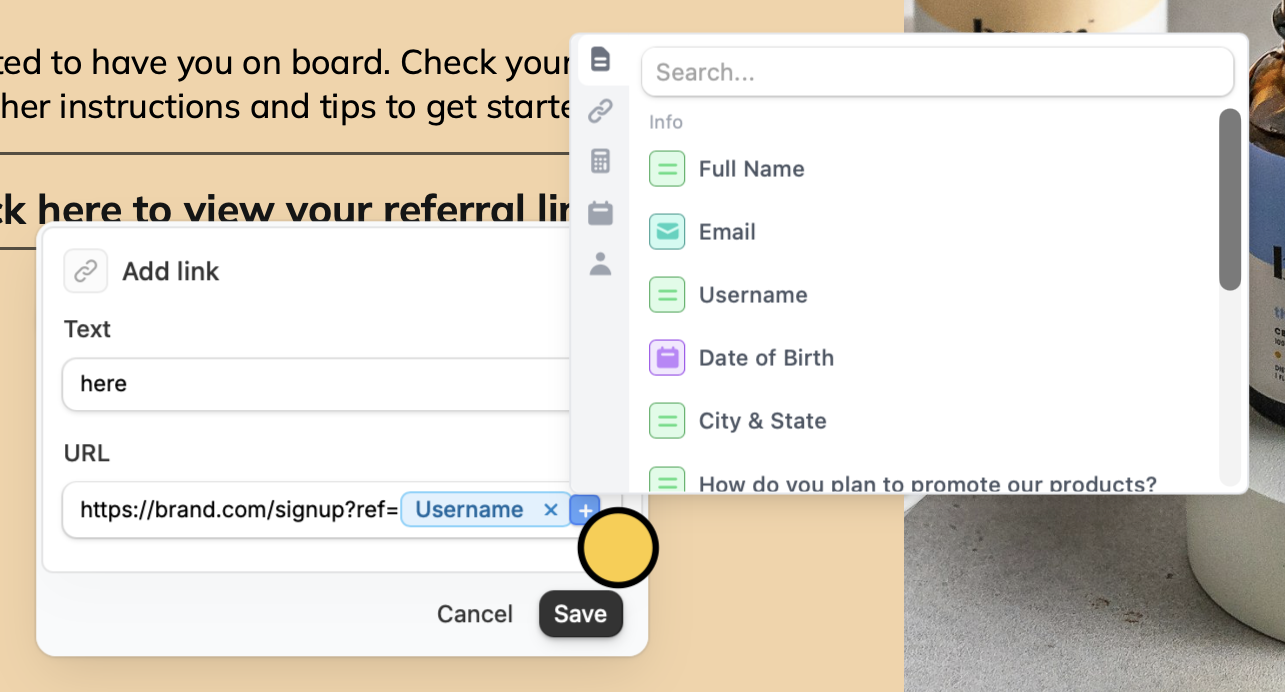
How to add a hyperlink
Simply highlight any text in your form and click thelink icon .
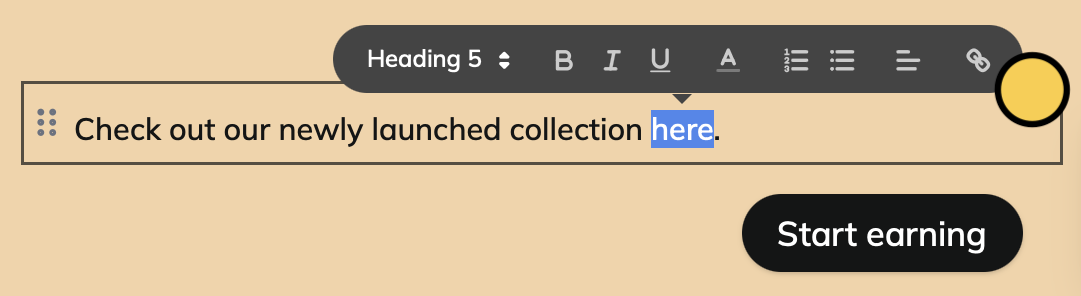
Save.
Add URL buttons
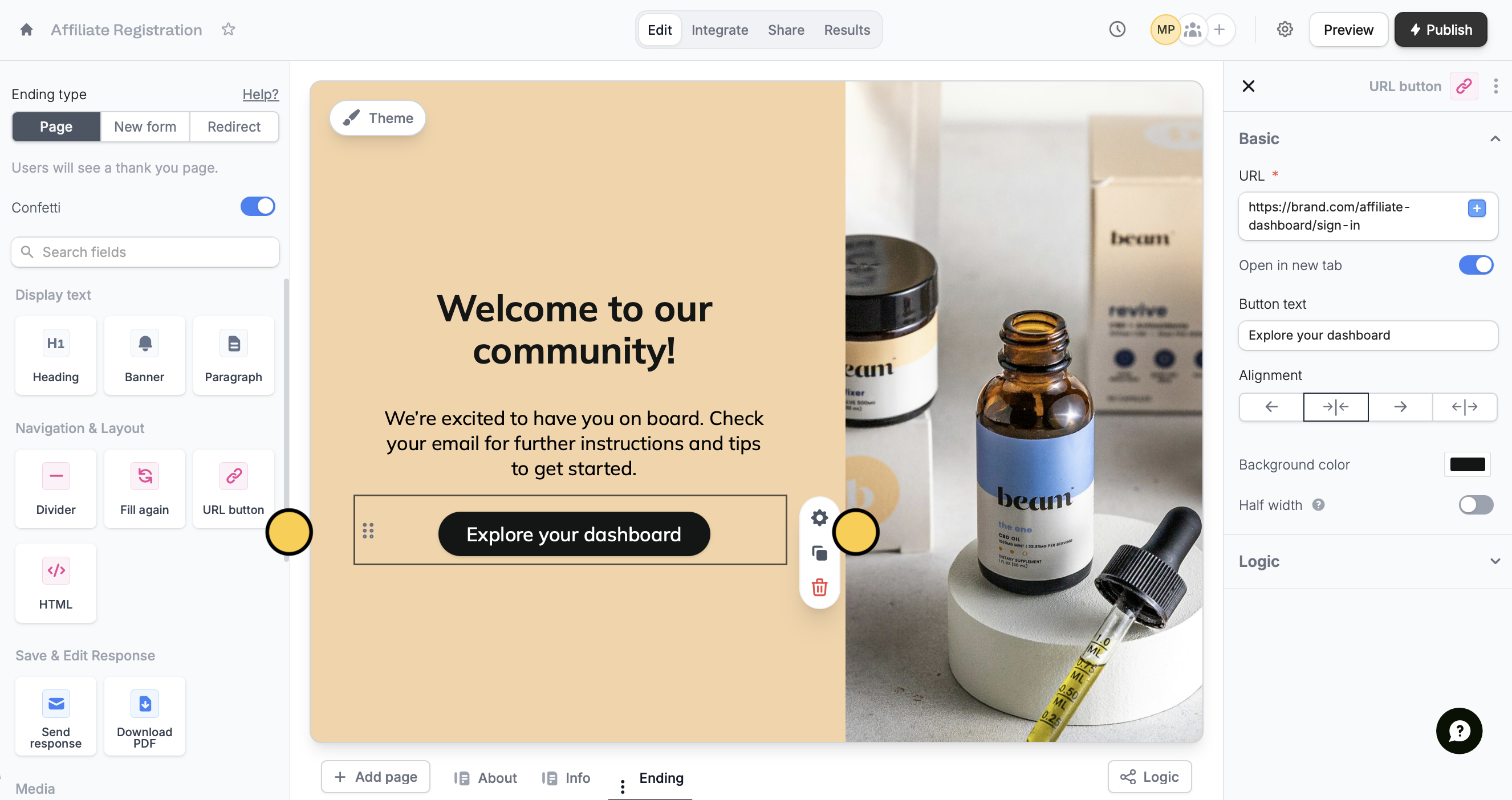
You can add a button to an ending page. Drag and drop theURL button from the left-hand panel to the form. Then, click its settings icon to add a URL in the right-hand panel.
Insert dynamic links
You can make your URLs dynamic. In the URL input field, simply type @ or click theplus icon to reference form inputs. Then, click Save.