

Documentation Index
Fetch the complete documentation index at: https://fillout.com/help/llms.txt
Use this file to discover all available pages before exploring further.
What is conditional logic?
Conditional logic allows you to make forms that adapt to a respondent’s answers. Fillout lets youSet conditional logic based on:
- - previous form inputs
- - URL parameters
- - calculations
- - custom dates
- - enriched emails with company information
- - quiz scores
How to specify a condition
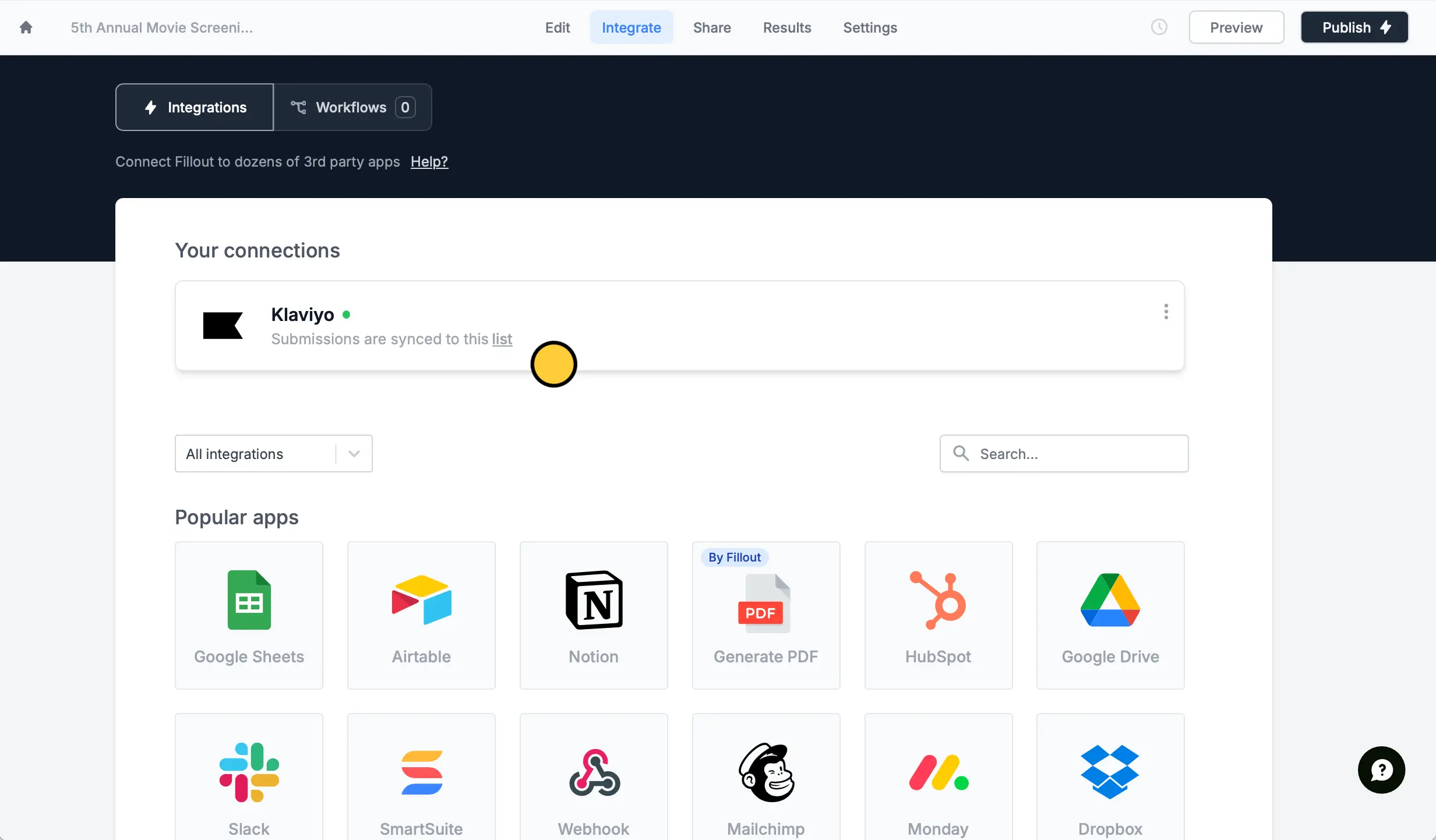
Set a condition
At the bottom, click .
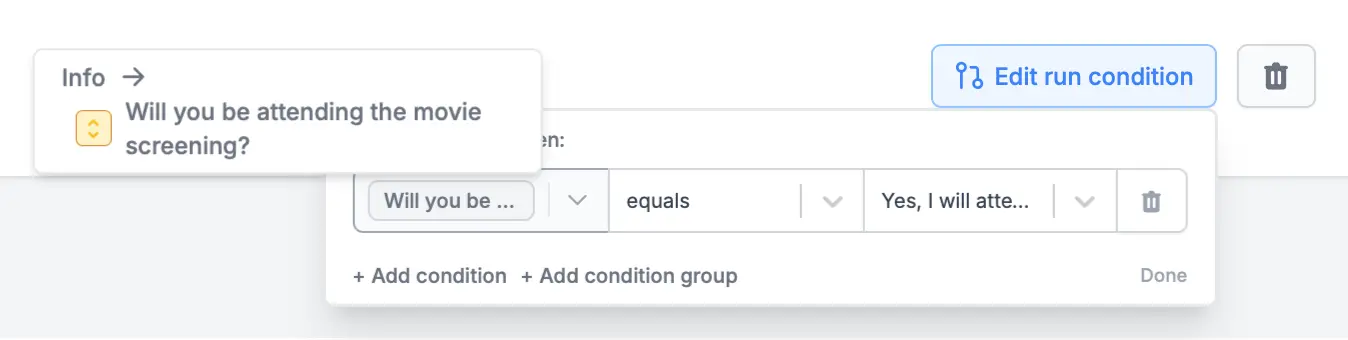
+ Add condition. Choose the field or question on the left followed by the relevant option on the right.Related articles
Hide fields
Hide or show fields based on answers, URL parameters or data.
Calculations
Calculate prices for order forms, compute quiz scores, and more.
Condition groups
Show or hide fields based on multiple conditions at once.