

Design your form
ClickTheme to open the form designer, where you can edit the colors, font, and layout of your current theme. To change this, go to All themes.
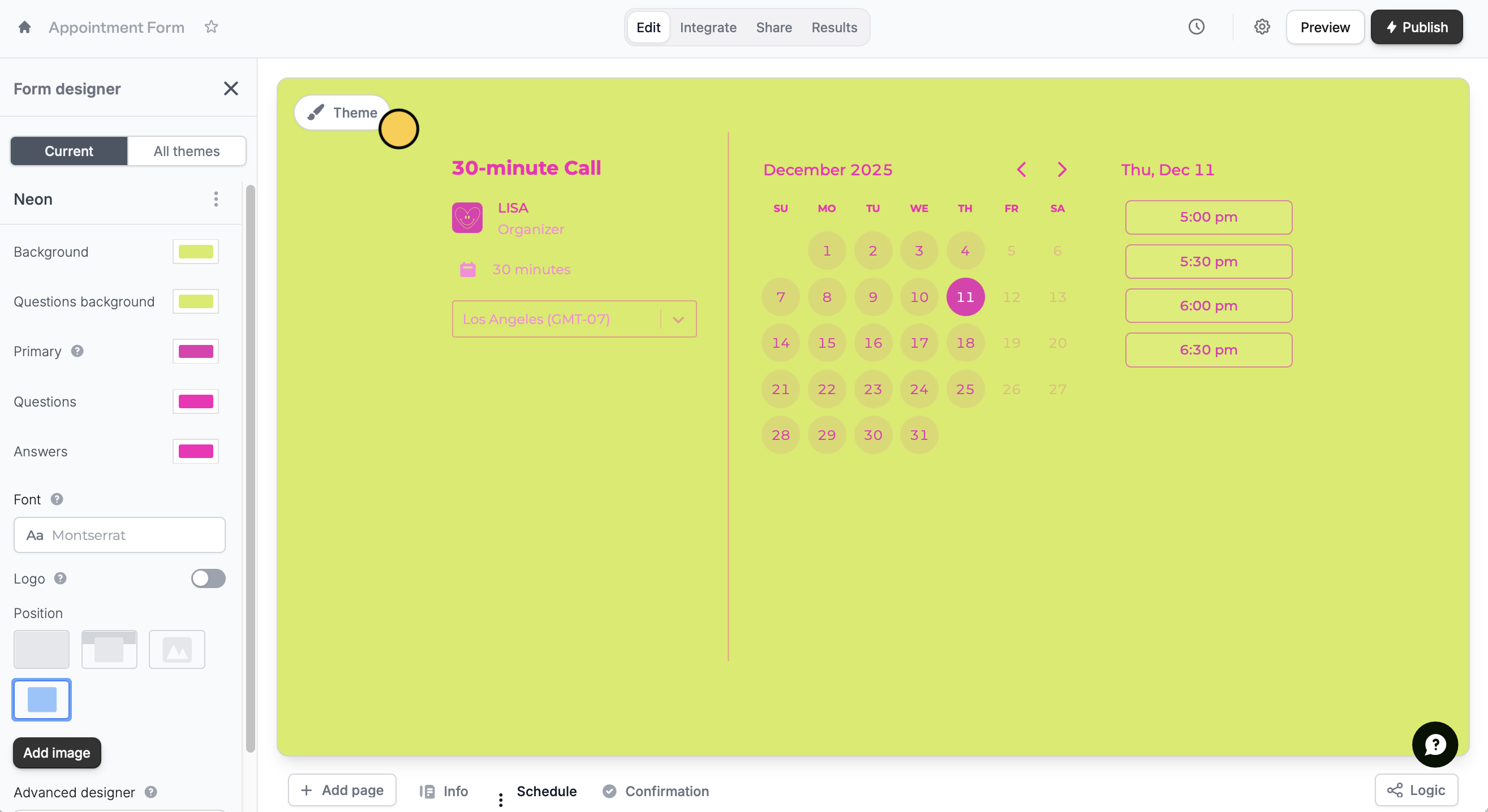
Advanced designer.
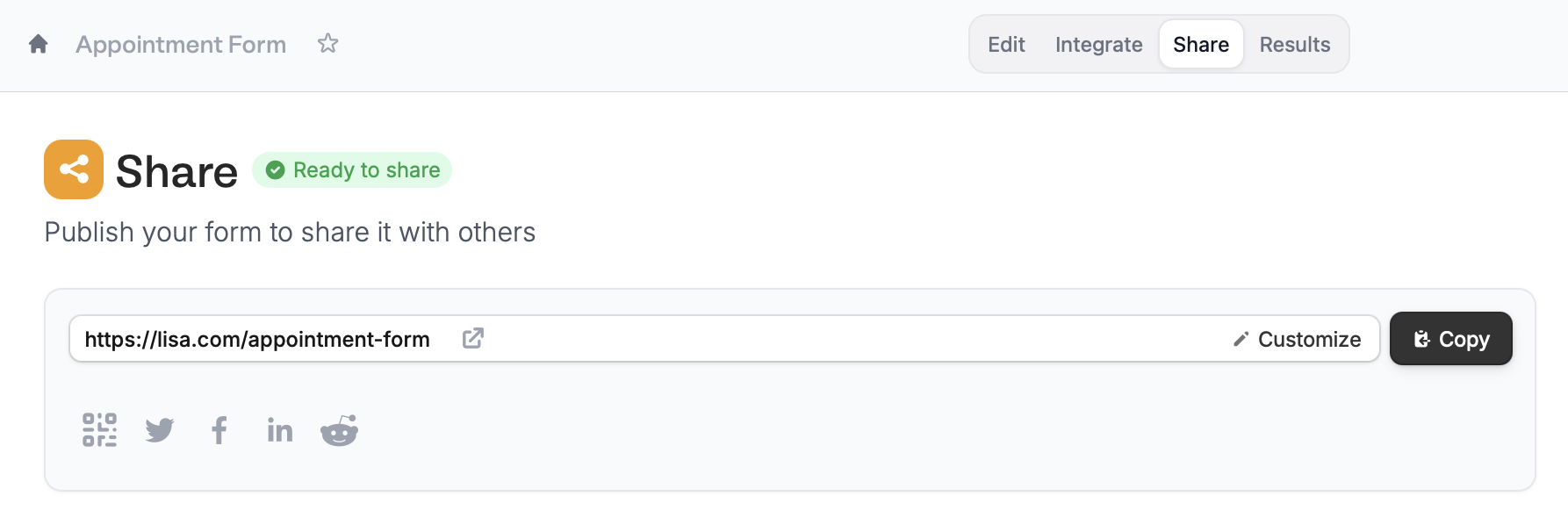
Edit form link
In theShare page of your form, you can easily customize your link ending or slug. More info here.
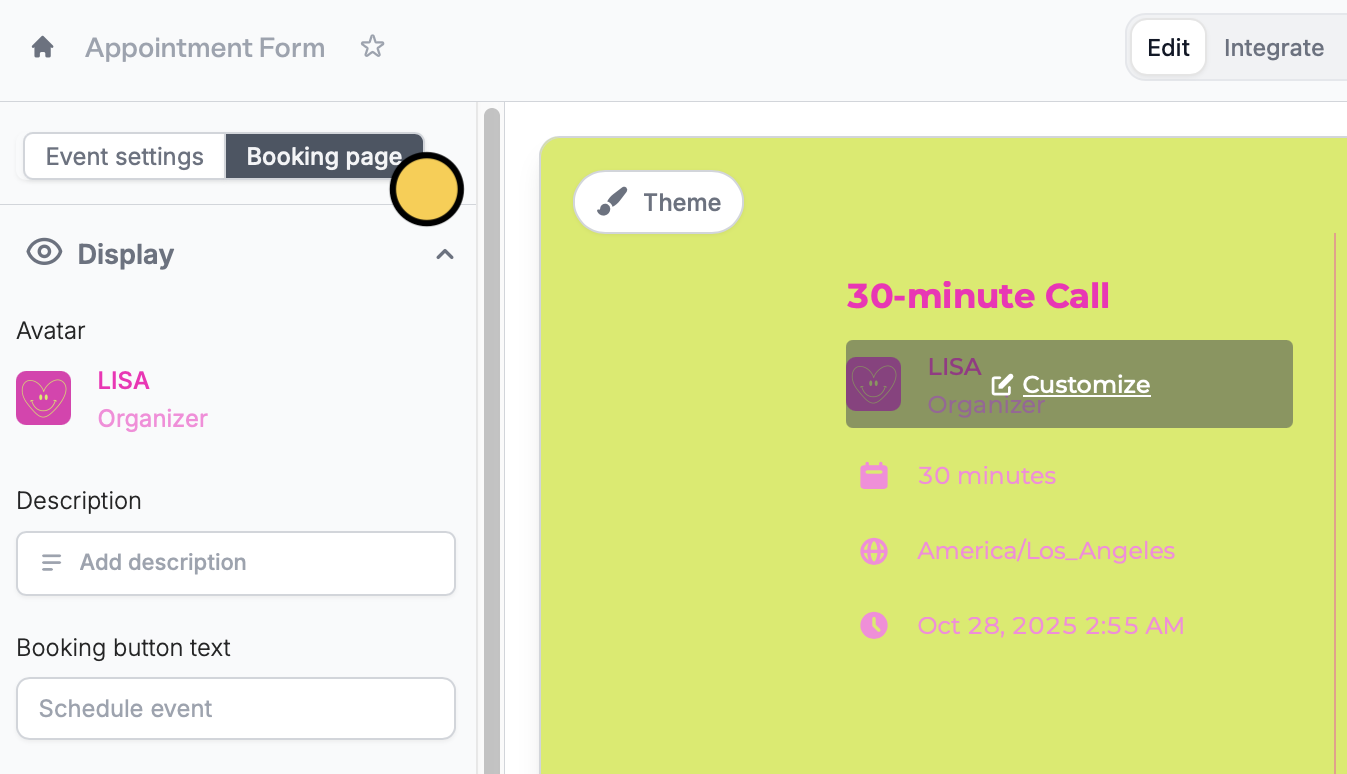
Change your avatar
Simply hover over the avatar in your form toCustomize it. Alternatively, you may do so by clicking Booking page on the left-hand panel.
Related articles
Themes
Select from hundreds of themes or create your own.
Advanced designer
Add a custom CSS, edit button style, change text padding, and more.
Custom form links
Customize your form’s link ending, domain, and preview image.