

What is Linear?
Linear lets you easily create and manage issues, sprints and product roadmaps. It streamlines your workflow with a fast, intuitive interface designed for modern teams.How it works
1
Link your Fillout form to Linear
On a Fillout form, head to the 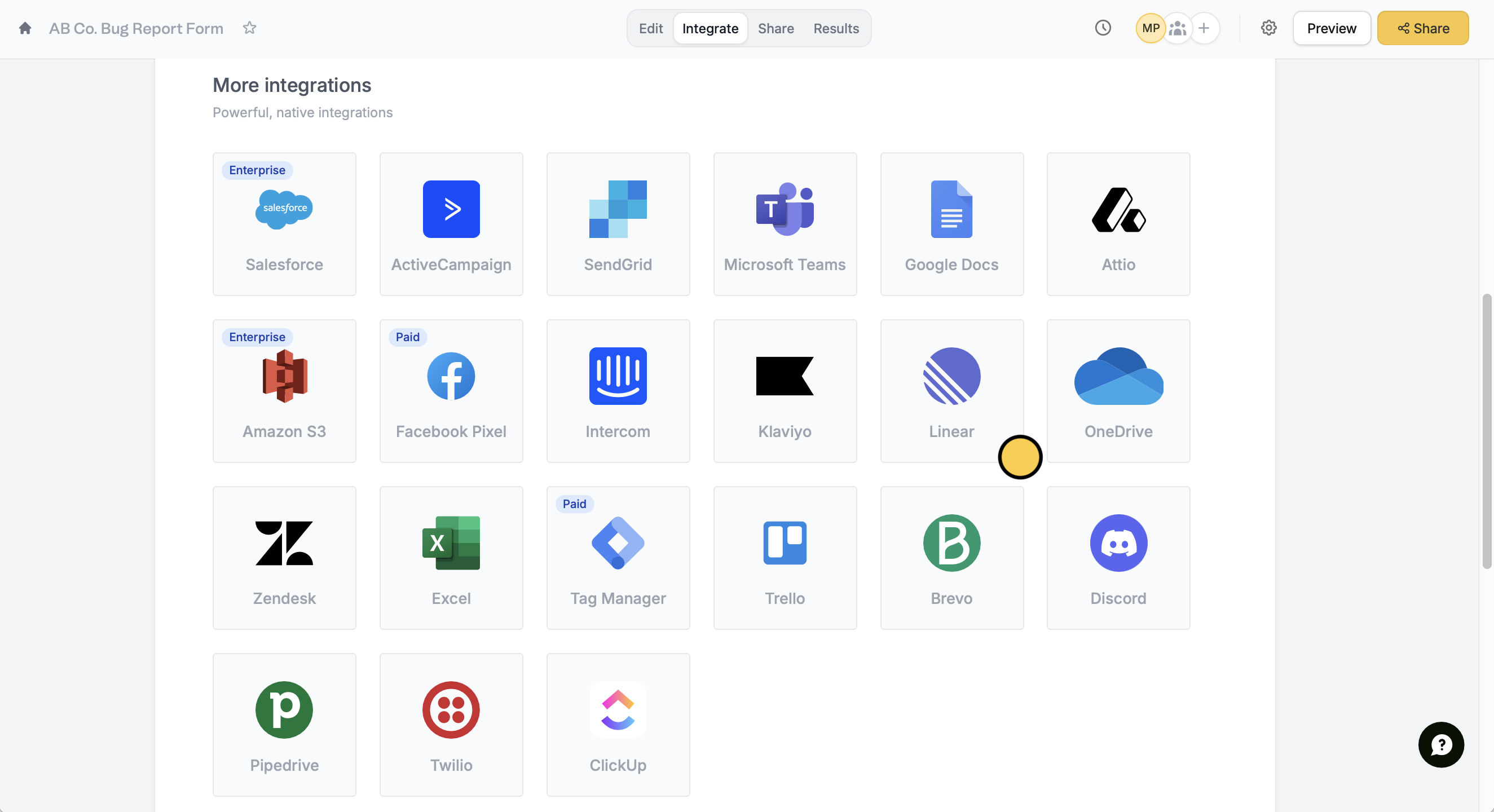
Integrate tab and look for Linear.2
Configure new issue settings
First, select a Team. Reference any fields in your form by clicking or typing @. You can also type a fixed text for the Issue title and Issue description, if needed.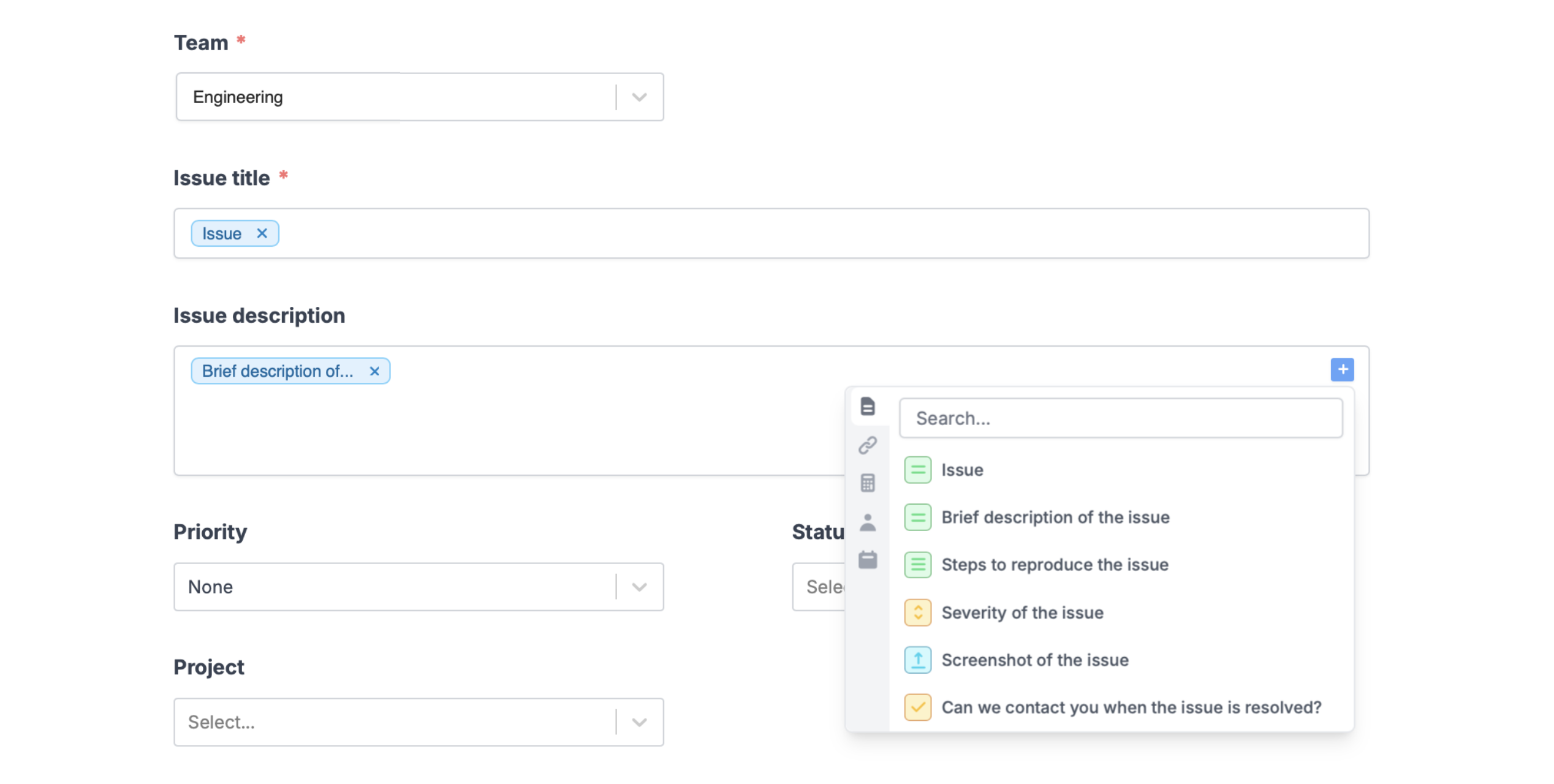
3
Publish and share
Once you’re ready, click
Finish setup on the upper right corner and Publish your form.Now, you’ll see a new issue created in your Linear workspace every time someone completes your form.Create issues based on conditions
You can choose to create certain types of issues only when a condition is met. For example, create issues in different projects depending on what respondents specify in the form. More details here.Other similar integrations
Turn requests into Zendesk tickets
Create new tickets from a form.
Turn requests into Intercom tickets
Create new tickets and leads from a form.
Add cards to your Trello board
Create new cards on Trello with a form.