

What is Pipedrive?
Pipedrive is a customer relationship management (CRM) platform designed to help businesses manage sales pipelines and customer interactions more effectively. It offers tools for tracking leads, automating tasks, and analyzing sales data to optimize sales processes and improve performance.How it works
1
Link your Fillout form to Pipedrive
Open your existing form or create a new one, then go to 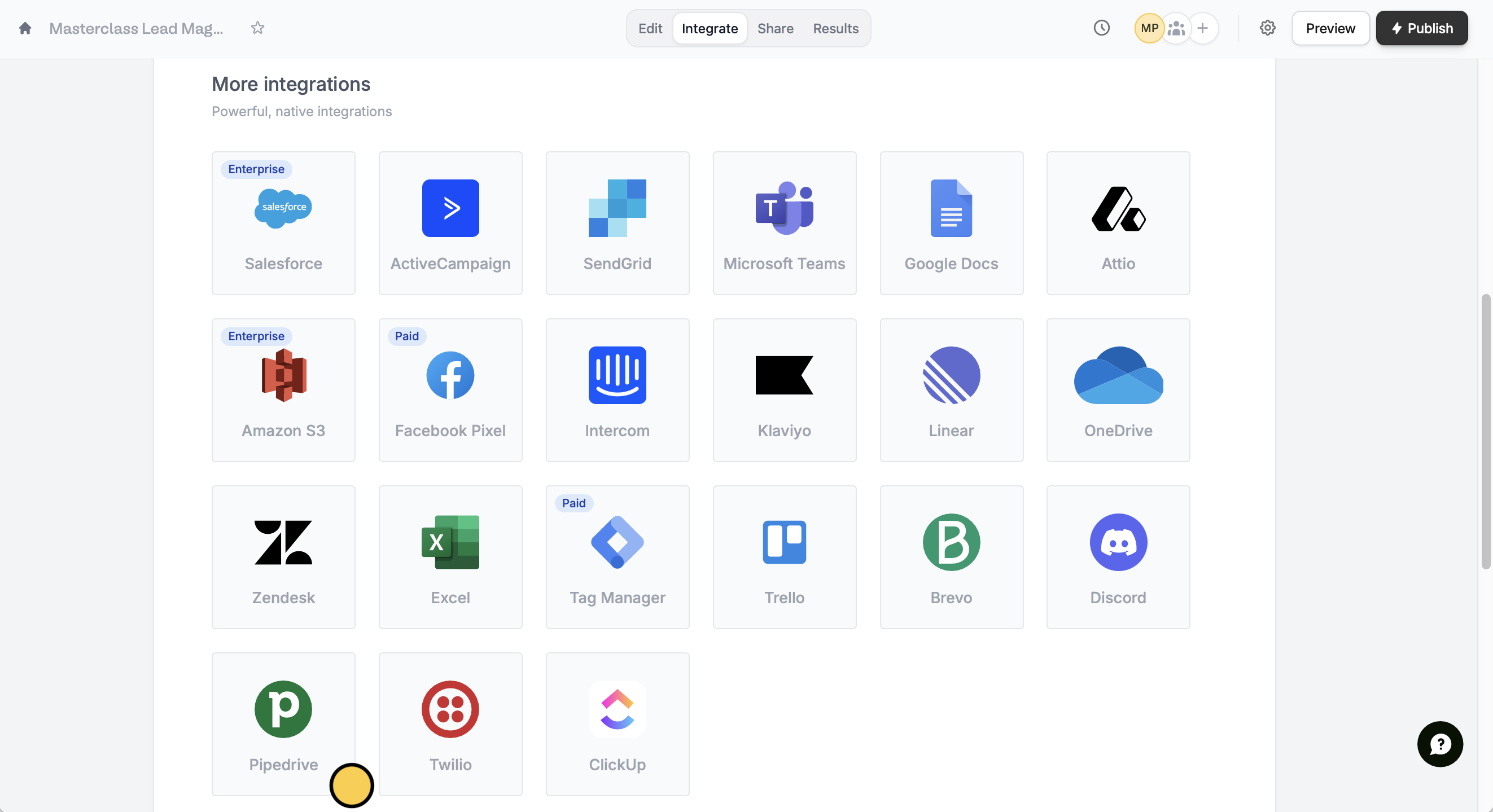
Integrate from the top menu. Look for Pipedrive.2
Map form fields
Choose the relevant options in the dropdown menus. Enter values or reference field answers like the name by clicking the 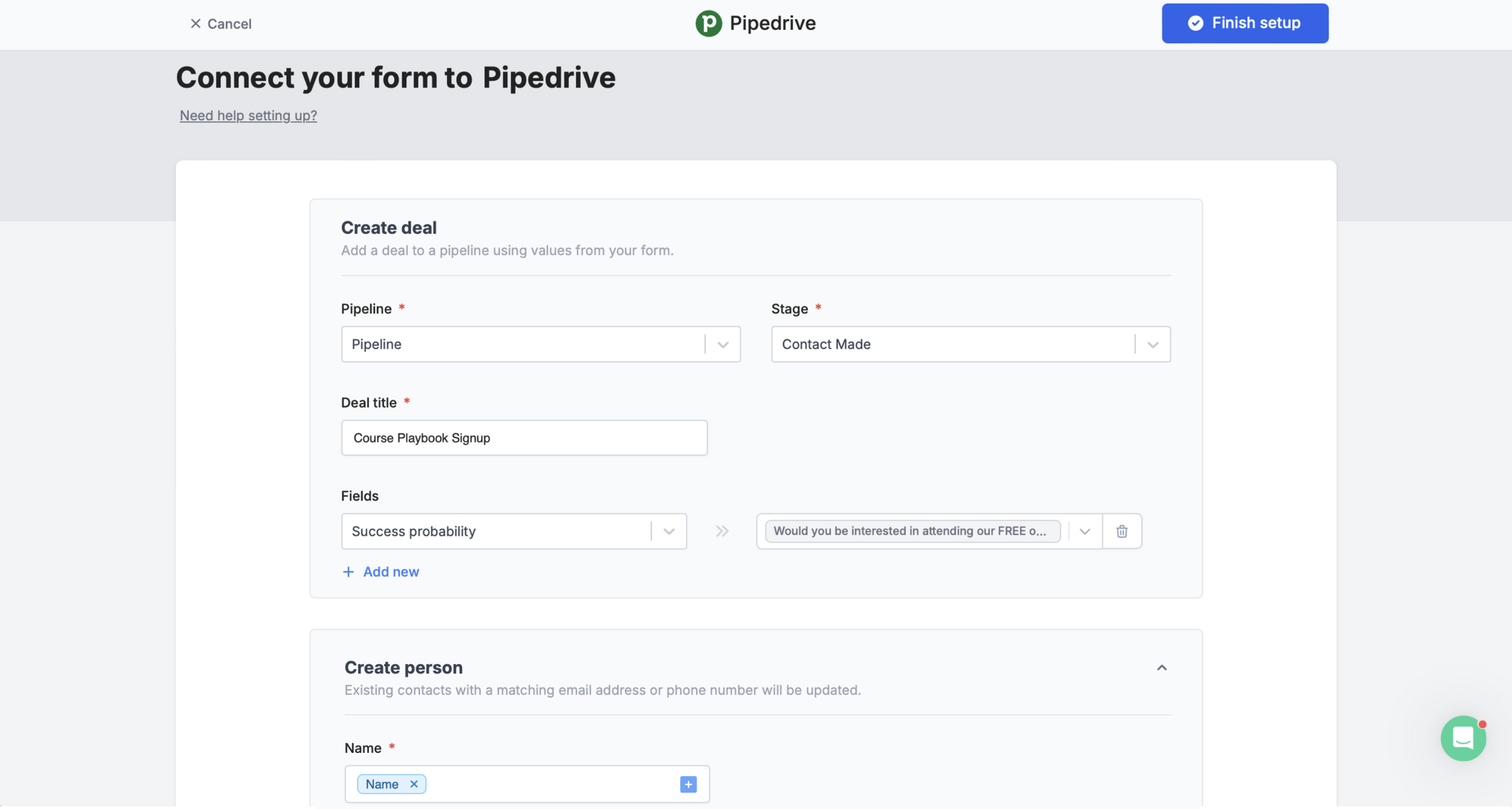
plus icon or typing @.Finish setup on the upper right corner after setting up the fields.3
Publish and share
Preview your form to test it. Once everything’s good, Publish your form and share its link or embed it on your website.That’s it! Now every time a form is completed, you’ll see its responses in the Deals page of your Pipedrive dashboard.Add a lead only when a certain condition is met
You can choose to sync form responses only under a specific condition. Check out this quick guide.Other similar integrations
Sync responses to Monday
Use a form to create leads and more.
Create a HubSpot form
Create or update contacts with a form.
Create a Salesforce form
Add or update records with a form.