Overview
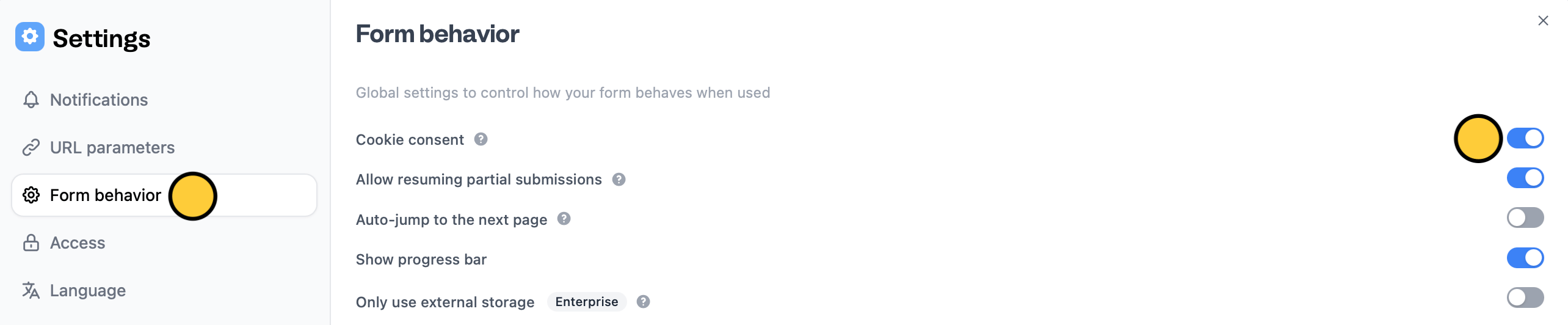
By default, Fillout uses cookies to keep respondents logged in and save their form progress if they exit the form. We recommend enabling this setting to meet minimum legal requirements.How to enable cookie consent
Open your form settings by clicking the settings icon on the upper right area.