

Overview
Some choice questions can have more than one answer. For example, you might ask respondents to:- Share their preferences
- Select opinions they agree with
- Choose multiple skills or areas of expertise
- Pick all the products or services they use or have used
- Indicate dietary restrictions or allergies
- Select topics they’re interested in
- Mark all applicable symptoms or conditions
- Select preferred schedules or time slots
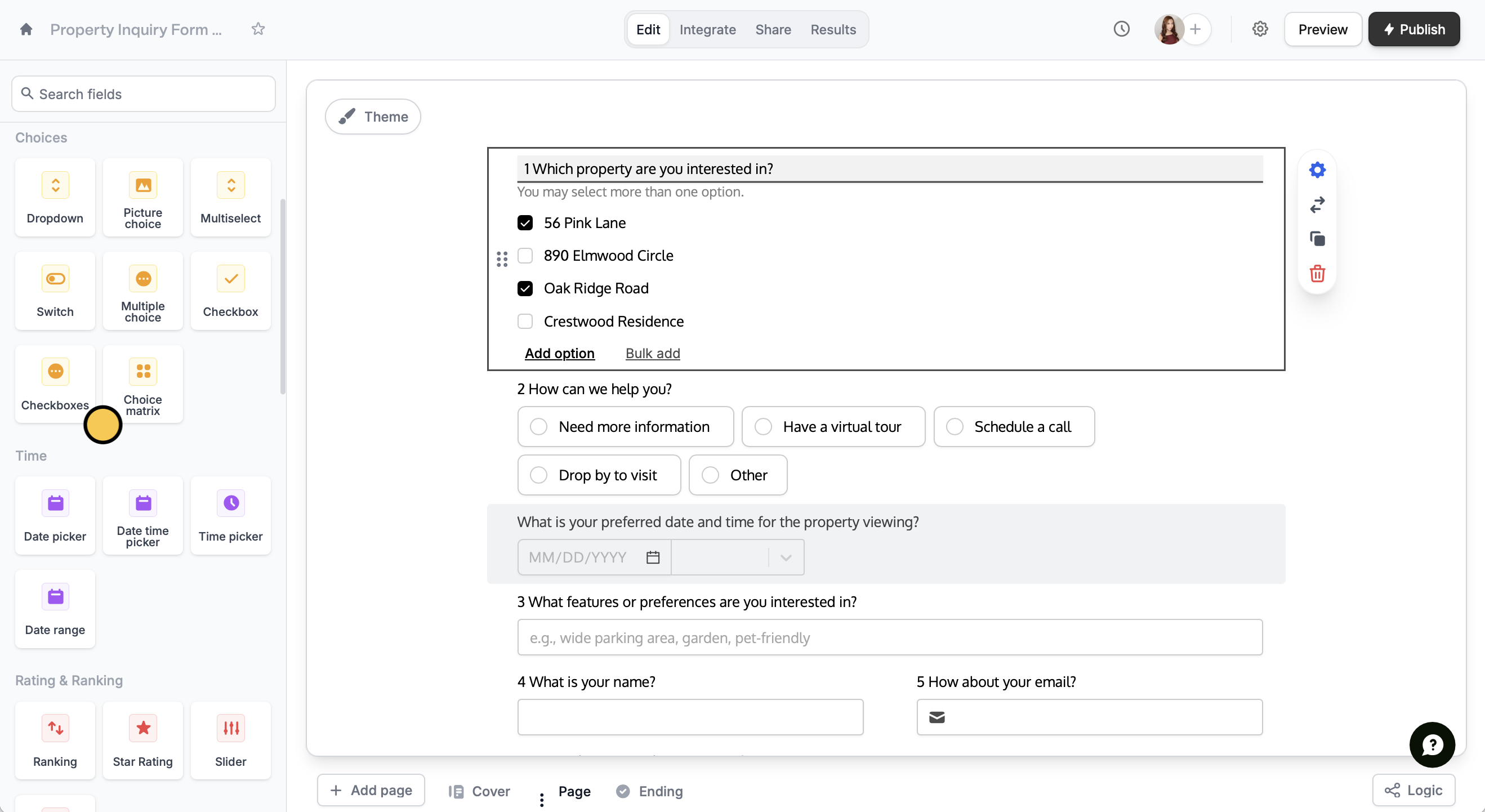
Add checkboxes
Simply clickCheckboxes from the left-hand panel. Note that this is different from the checkbox field, which does not come with options.
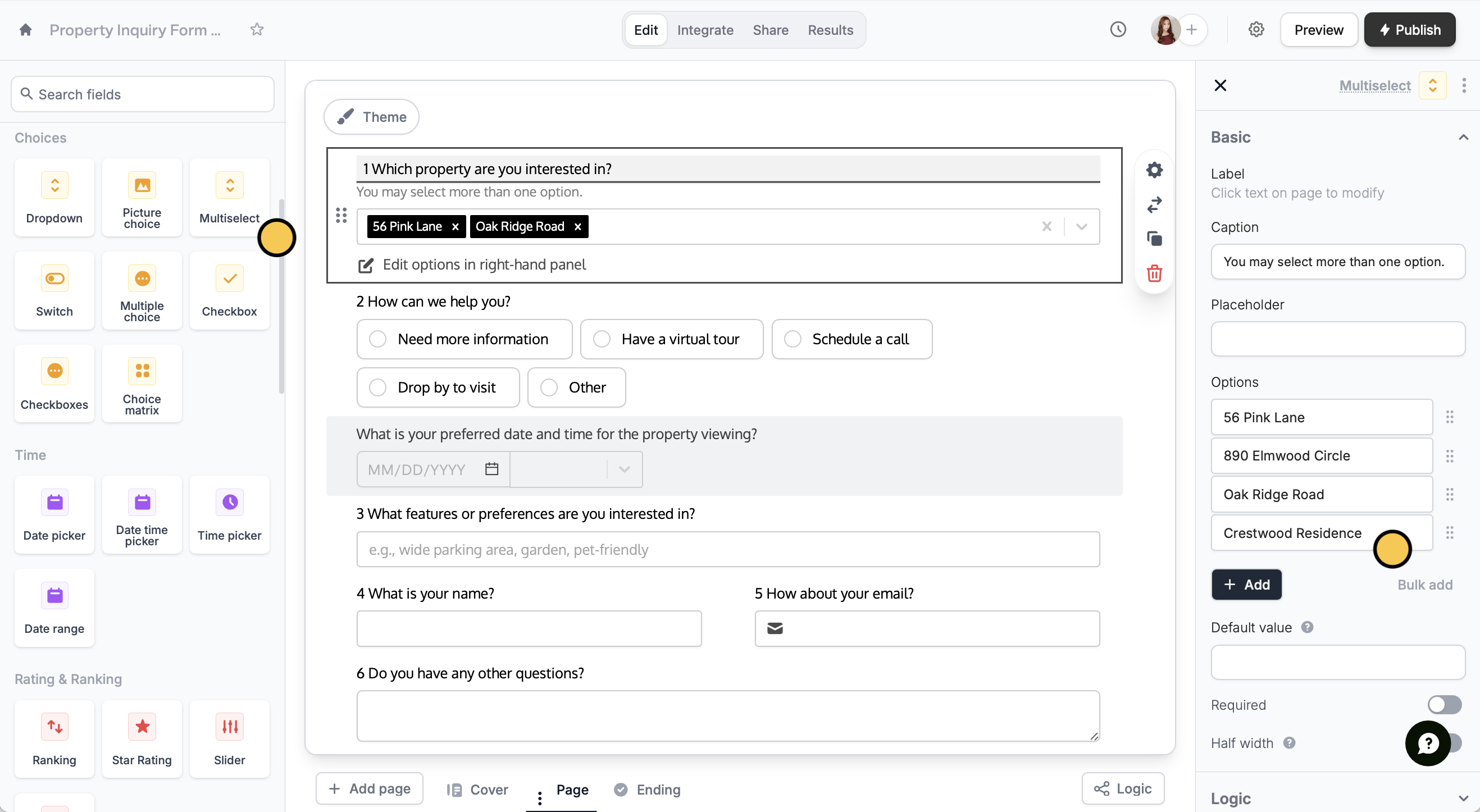
Use a multiselect field
ChooseMultiselect in the left-hand panel. Then, add your Options in the right-hand panel.
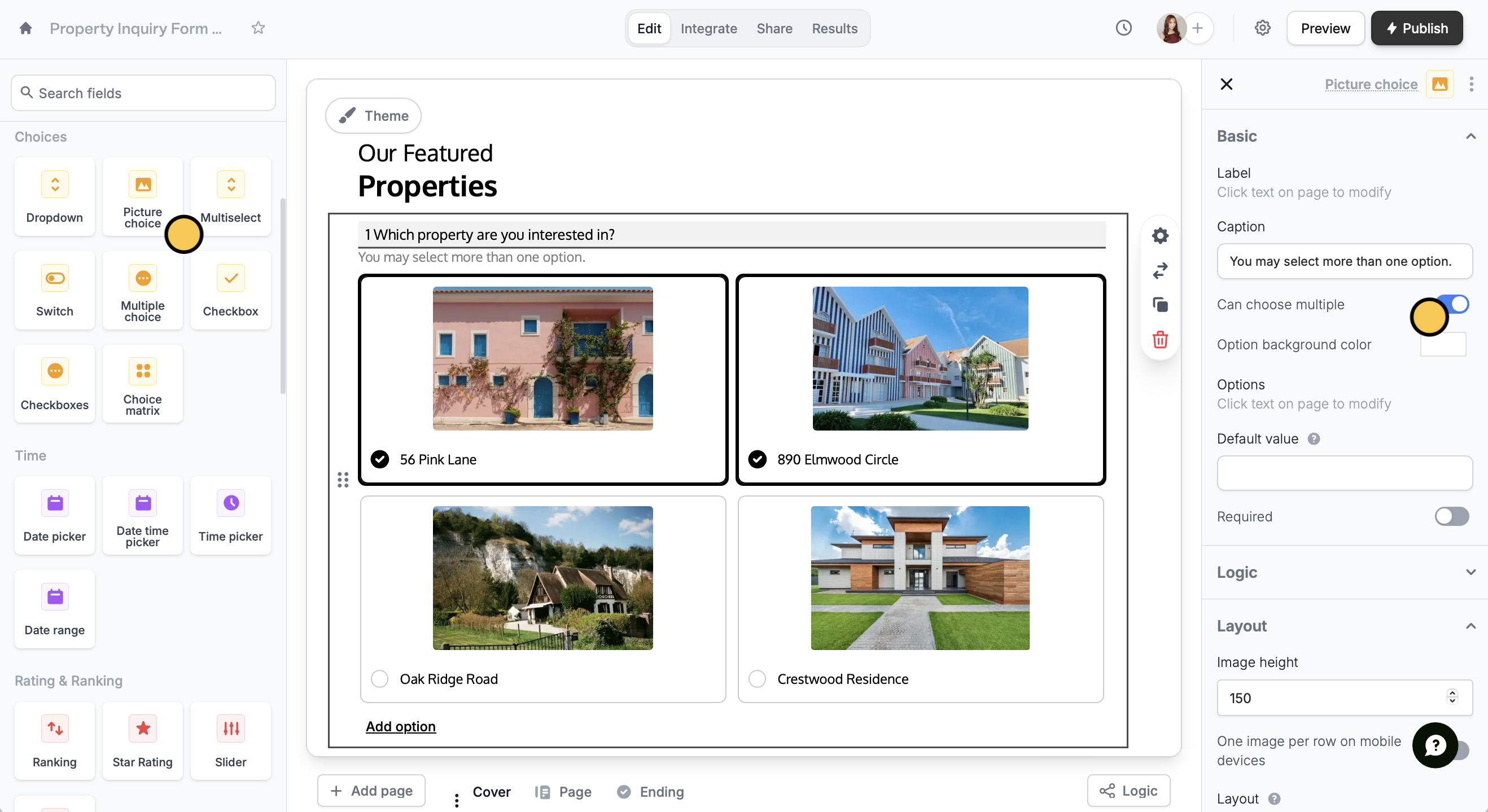
Enable selecting multiple images
ForPicture choice fields, you can let respondents select more than one choice by toggling Can choose multiple in the right-hand panel.
Request answers for open-ended questions
For questions without fixed choices, like guest names or multiple projects, you can duplicate input fields and use logic to collect answers. Check out our guide here.Related articles
Multiple answers
Let respondents submit multiple entries for one question.
Choice matrix
Collect a grid or table of selections from respondents.
Subforms
Collect repeated data with compact nested forms.