

What is Zite Database?
Zite Database is a no-code database that combines the flexibility of a database with the familiarity of a spreadsheet. It lets you store, organize, and manage data from your forms and other tools without writing code. By connecting Fillout to Zite Database, you can:- Organize submissions across multiple tables
- Combine responses from multiple forms into one centralized database
- Create different views of your data without changing the original records
- Pre-fill forms with existing database records to save time and improve data accuracy
- Let respondents select from database records similar to a dynamic dropdown
- Automatically calculate totals, scores, and other values using database formulas
- Use your database as a lightweight CRM, project tracker, client portal, and more
What syncing supports
When your Fillout form is connected to a Zite Database, you can:- Create new records from form submissions
- Update existing records with form data
- Pre-fetch existing data into forms
- Use login forms to sync data
Link your form to a Zite database
Connect Zite Database
Open your form and click the 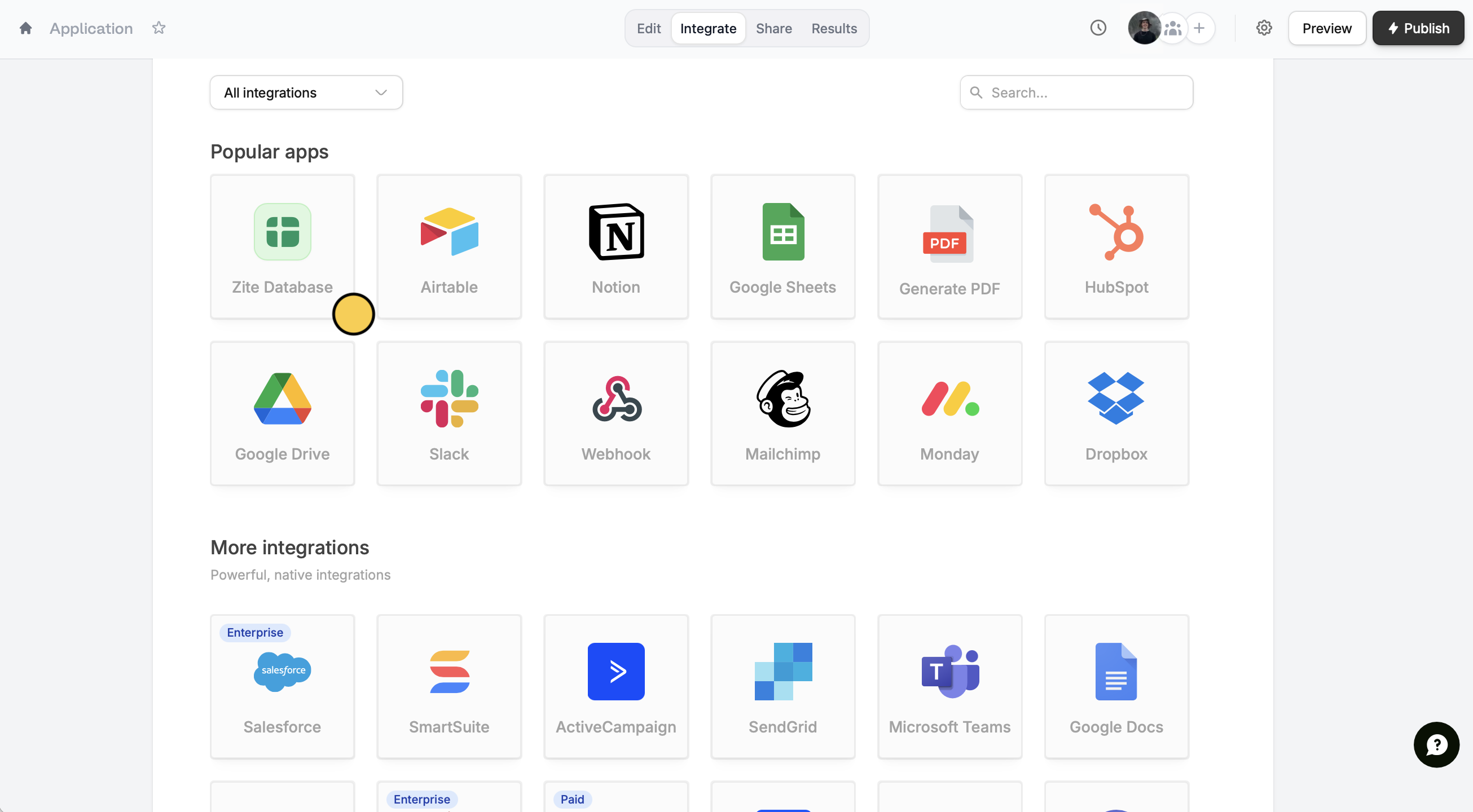
Integrate tab at the top. Select Zite Database from the list of integrations.Choose database option
Pick New database to create a fresh database for this form, or use an Existing database.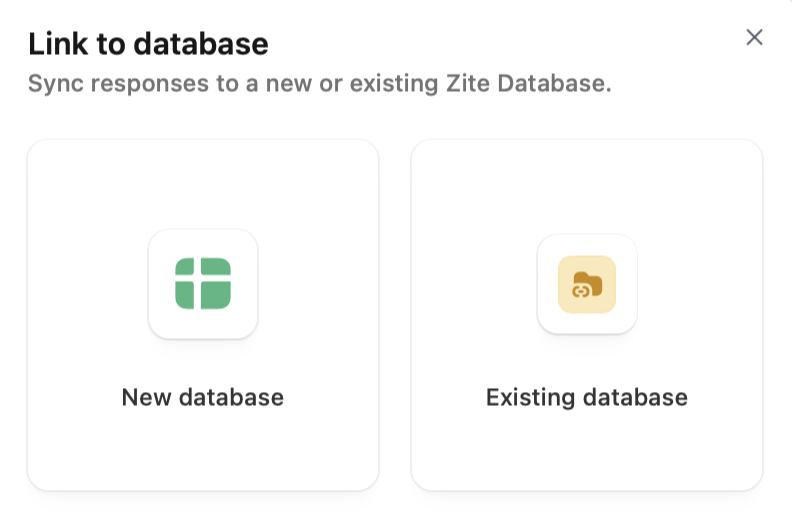
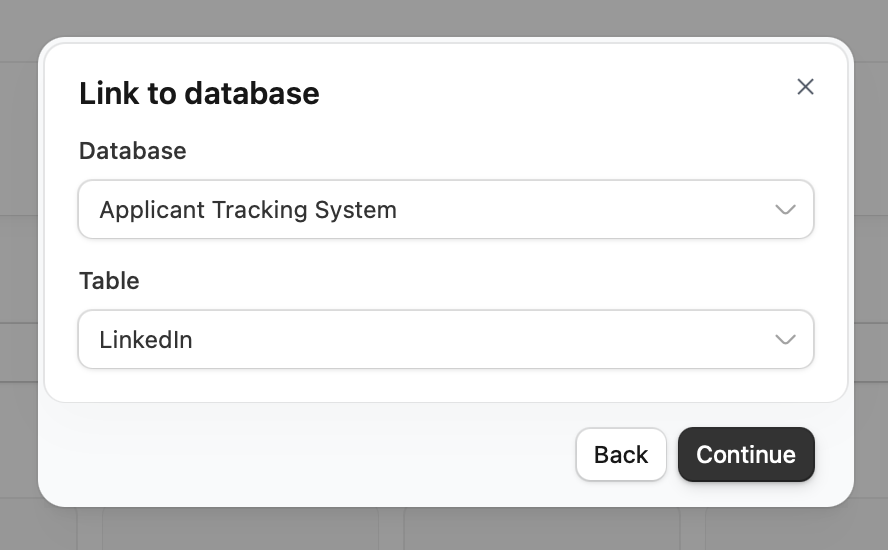
View your data
Your form is now linked to a database! You can view responses in two places:
- From your form: Click the Results tab at the top where you can update or edit responses.
-
From the database: Navigate to your database and click the
Formstab to see all linked forms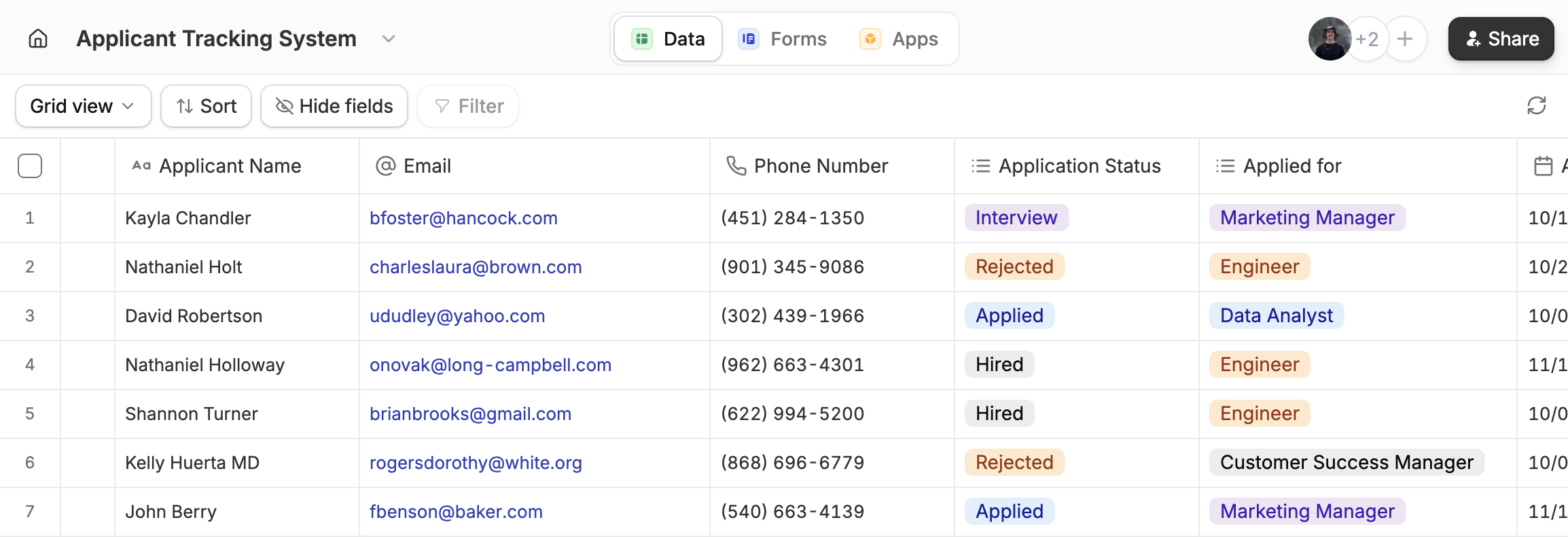
Create a form with your database
If you already have an existing Zite database, you can convert it into a form in a few minutes.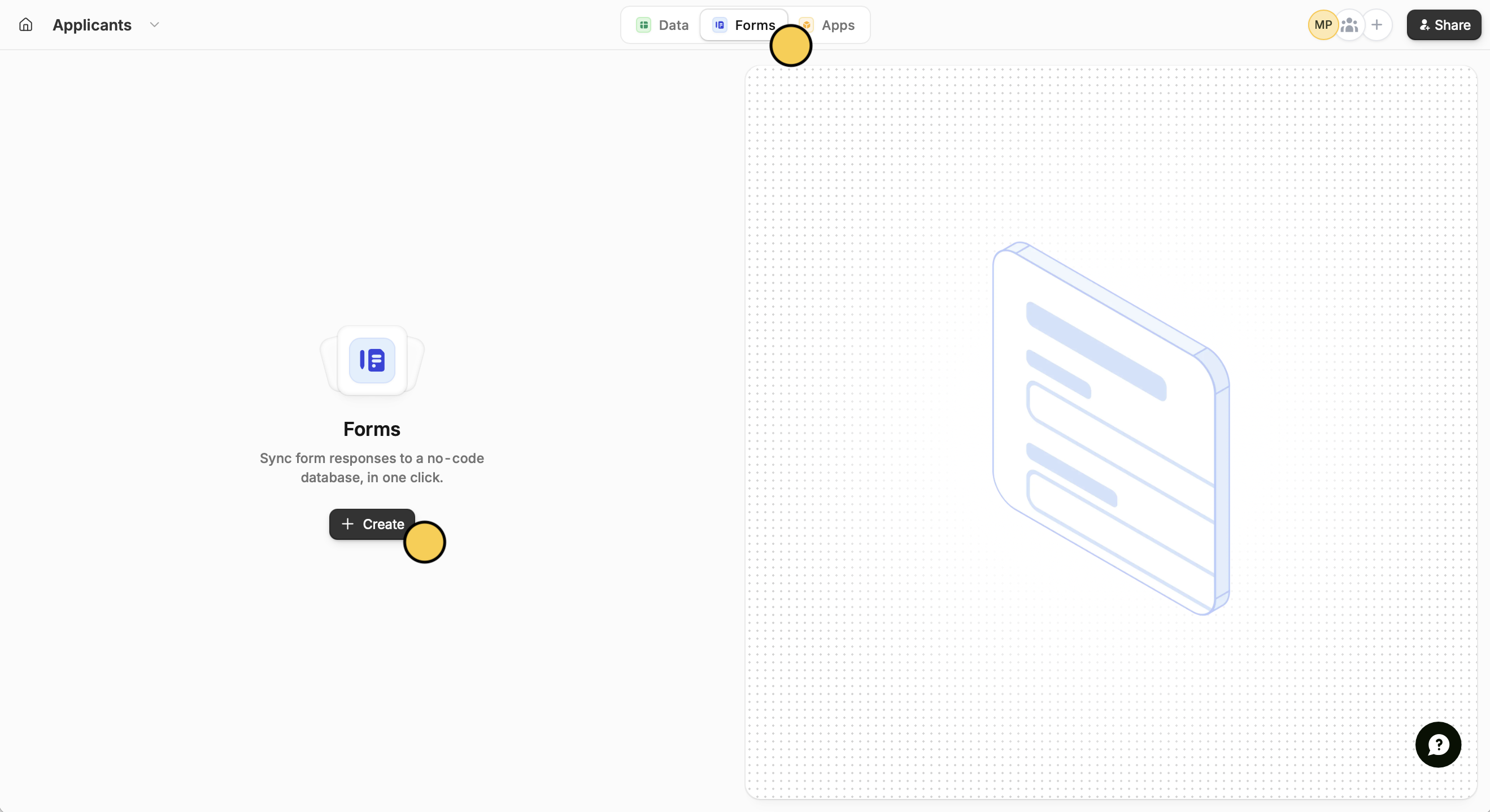
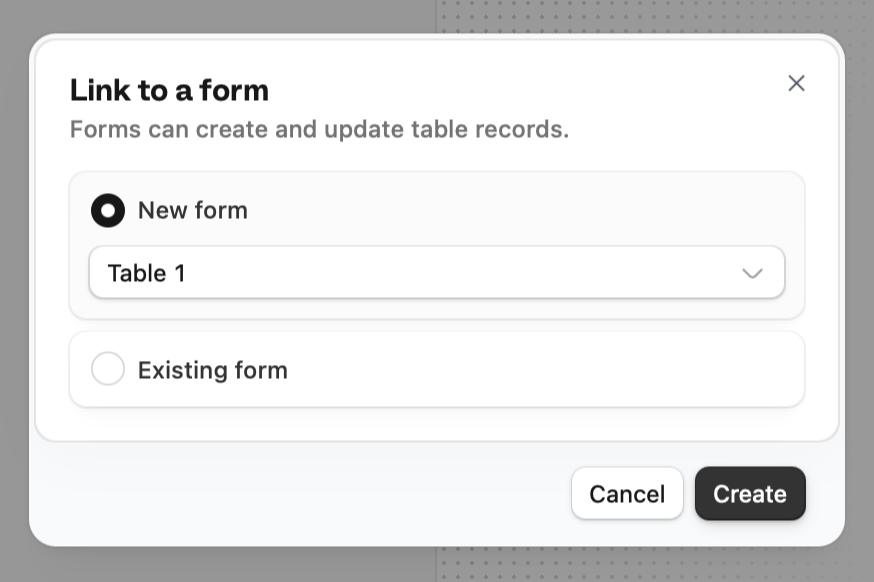
View form
Open form.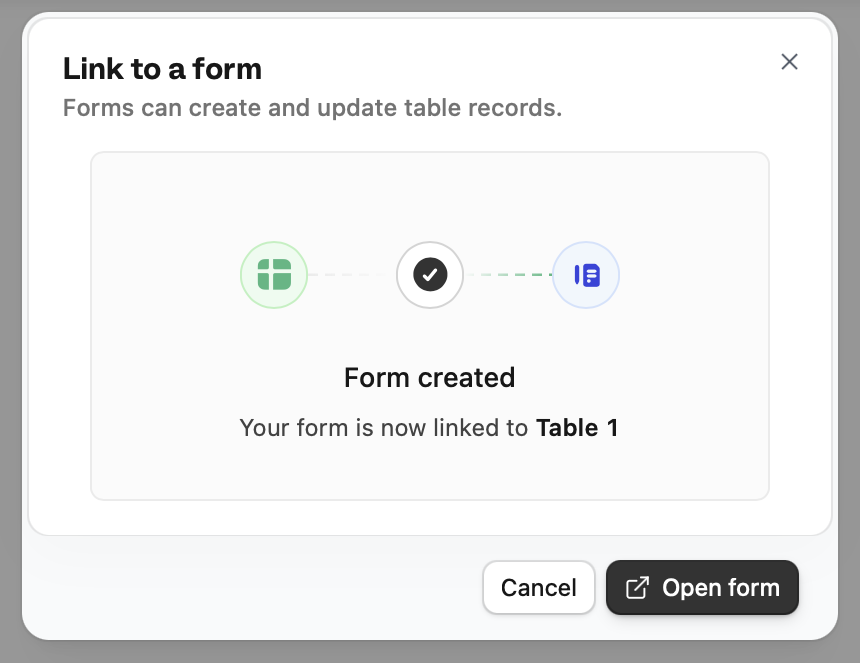
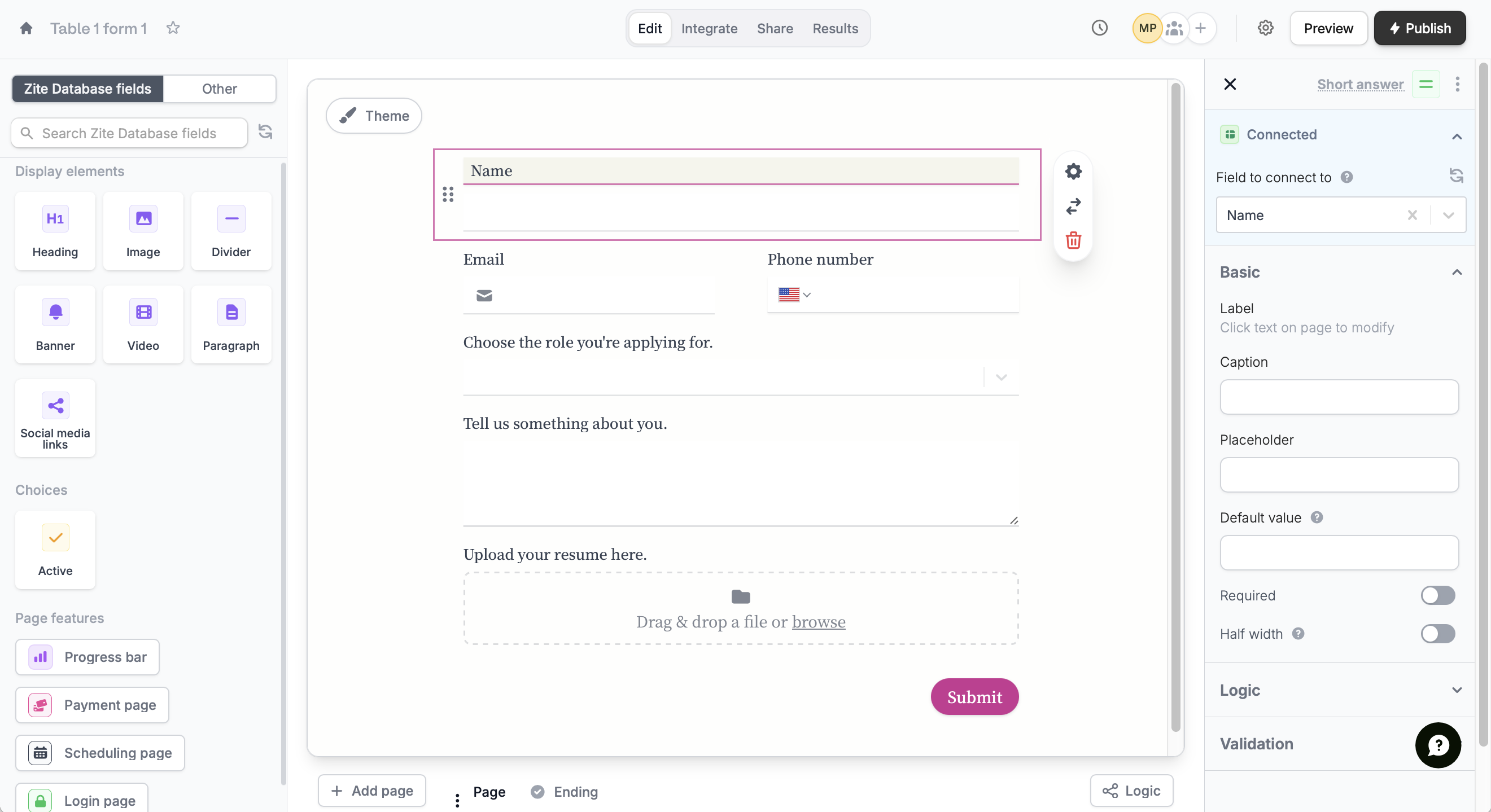
Integrate page where you can connect to your Zite database.Add new fields
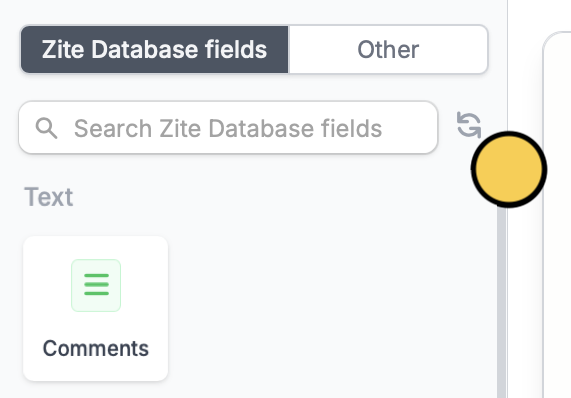
From your form, click a Fillout field, and enter a label for the column that will appear in your Zite database.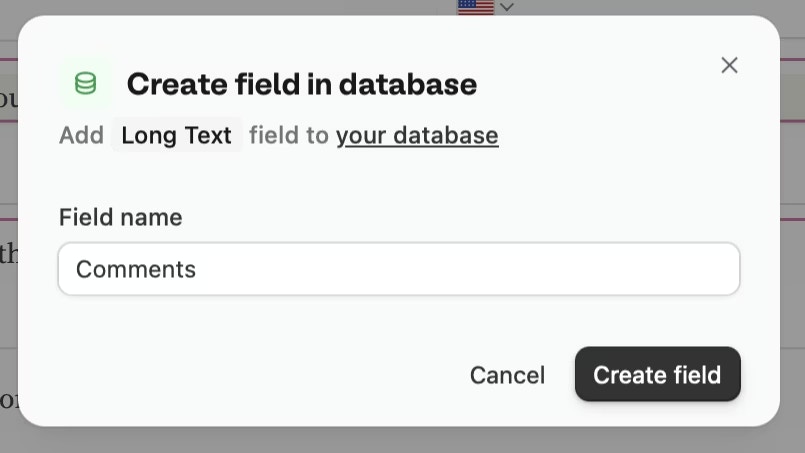

What happens next
Once linked, every form submission creates a new record in your database. You can:- View and edit responses directly in the database
- Add internal fields that aren’t collected through your form
- Enrich database records with custom fields, internal notes, and statuses
- Build apps on top of your form data
- Use the REST API to access your responses programmatically
Form responses sync instantly to your database. Any changes you make in the database won’t affect the original form submission.
Common use cases
By connecting Fillout with Zite Database, you can easily build workflows for things like:- CRM Systems: Manage leads, contacts, and customer interactions in one place
- Project Management: Track tasks, progress, and deadlines across teams
- Event Registration: Collect, organize, and update attendee information in a database
- Inventory Tracking: Monitor stock levels, updates, and product movements in real time
- Client Portals: Let users view and update their own records securely through forms
- Feedback Collection: Centralize responses and analyze them using views and formulas