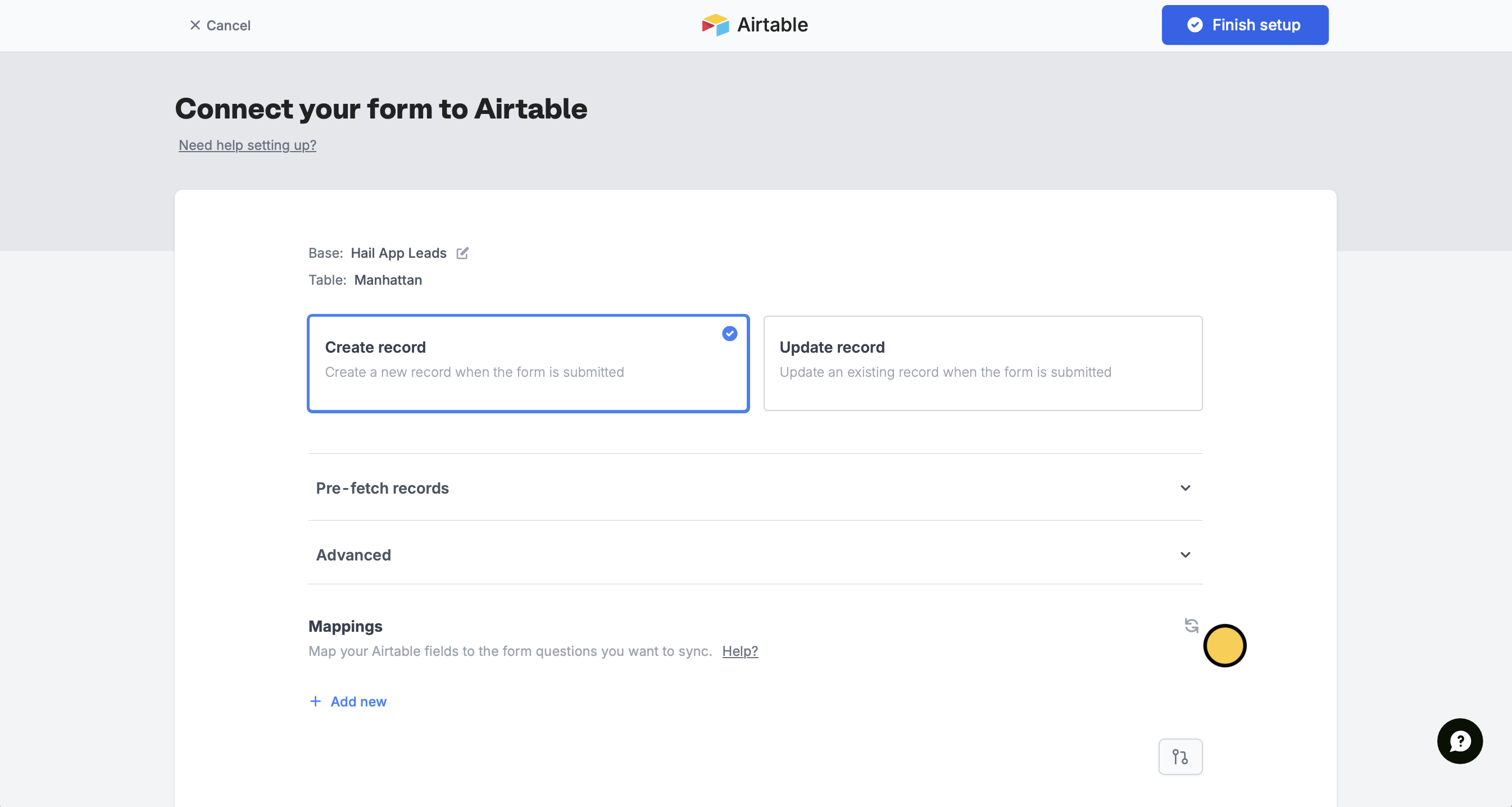
When you make changes to your database, like adding a new field or changing a field type, you can pull the change instantly to your Fillout form.Documentation Index
Fetch the complete documentation index at: https://fillout.com/help/llms.txt
Use this file to discover all available pages before exploring further.
Update fields after changing your database schema (in Airtable, Notion, etc.)
Make new updates instantly reflect in Fillout when you edit your database in Airtable, Notion, and more.